

An internal linking audit checks every link between your site’s pages — which pages link to what, with which anchors, and what’s broken. Most sites never run one, so authority pools in a few pages while good articles sit invisible. This internal linking audit guide covers the full process: crawl, inlink counts, broken links — and if it surfaces manipulative links, our toxic backlinks guide shows how to clean them up. links, anchor review, crawl depth, and fixes.
On this page
A full internal linking audit takes an afternoon and pays for itself. Run one quarterly on any active blog, and run a mini version after every redesign, migration, or big content push. If you want a fast health check between audits, the free SEO audit tool surfaces broken internal links and thin link profiles in minutes.
What an Internal Linking Audit Checks
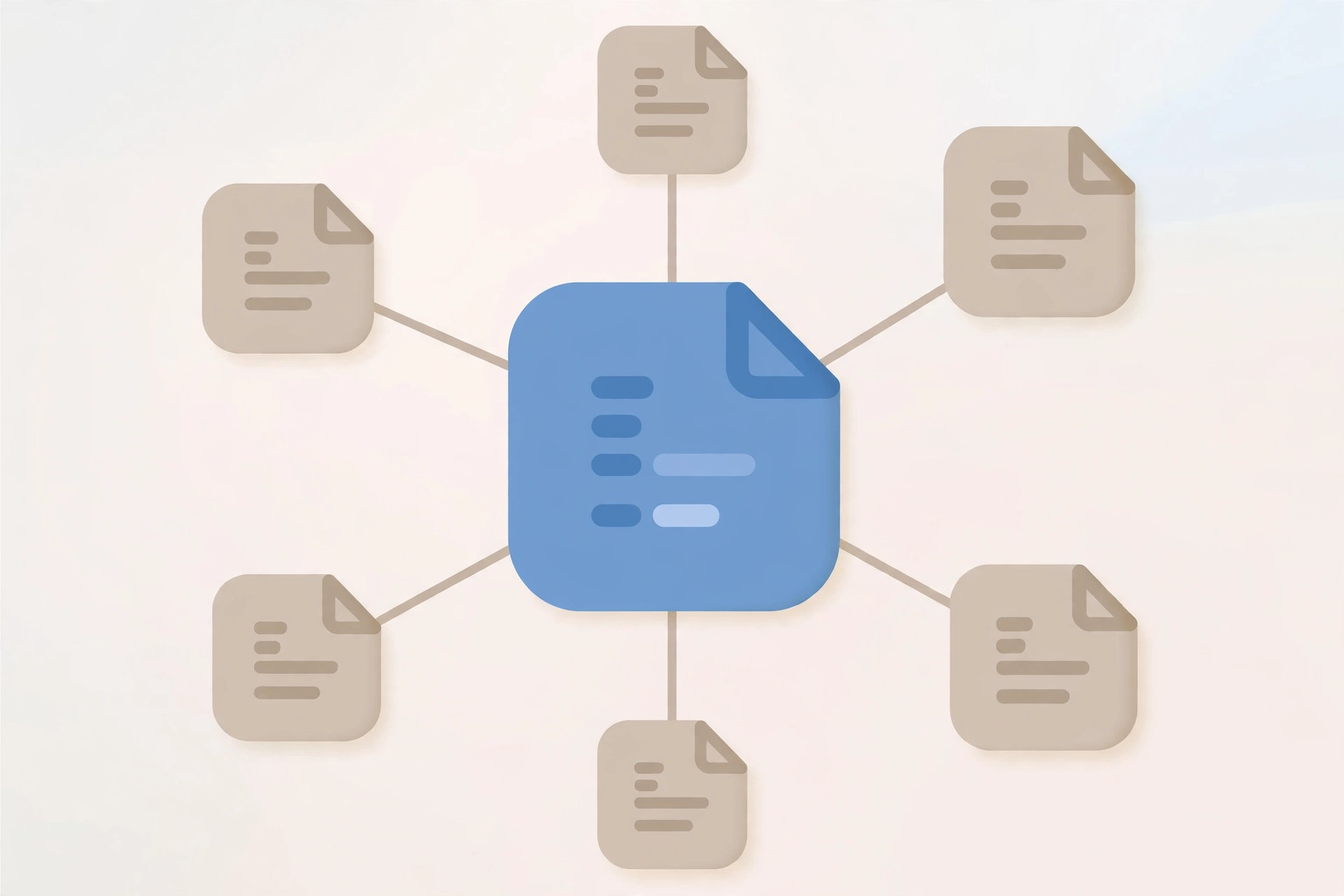
An audit is not a link-counting exercise — it is a diagnostic. You are answering six questions about your site’s internal link graph, and each one maps to a concrete fix.
Crawl coverage: can the crawler reach every page? The first pass of any internal linking audit
Compare what your crawler discovers against the pages that should exist (sitemap, analytics landing pages). Gaps mean pages exist that nothing links to, or that the crawler cannot reach.
Inlink distribution: which pages get links and which get none?
Sort every page by internal inlink count. The bottom of the list is your fix queue: pages with zero or one inlink are orphans or near-orphans. The top of the list tells you where authority is pooling — and whether it is pooling in the right places.
Link health: broken links and redirect chains
Every 404 from an internal link wastes crawl budget and kills a real visitor’s session. Every redirect chain (link → redirect → redirect → page) leaks a little value and slows the crawl. Both are easy to find mechanically and easy to fix.
Anchor text: descriptive or over-optimized? An internal linking audit always includes an anchor-text review
Anchor text tells Google what the linked page is about. You want descriptive, varied anchors — and you want to catch the failure modes: walls of identical exact-match anchors (an over-optimization pattern) and lazy “click here” anchors that pass no signal.
Crawl depth: how many clicks from the homepage?
Pages buried 5+ clicks from the homepage are effectively hidden from users and crawlers. Your money pages and pillar guides should sit no more than 3 clicks deep.
Orphan check: pages with zero inlinks — the finding that makes an internal linking audit pay for itself
The most important single finding of any audit. Orphan pages get crawled rarely, receive no distributed authority, and almost never rank. Every indexable page needs at least 2–3 internal inlinks.
How to Run an Internal Linking Audit
Follow these six steps in order. Each step’s output feeds the next, and by the end you will have a complete fix list ranked by impact.
Crawl your site and map the link graph
Run a full crawl with a tool like Screaming Frog’s SEO Spider. Let it finish — a partial crawl produces misleading inlink counts, because pages discovered late will show artificially low inlink numbers. Export three things: the full URL list with inlink counts, the list of internal 404s and redirects, and crawl depth for every page. For small sites (under 500 pages), this takes minutes. For large sites, schedule the crawl overnight and work from the exports.
Count inlinks per page and flag the extremes
Sort the export by inlink count. Flag the bottom: pages with 0–1 inlinks are your priority fixes. Flag the top: pages with hundreds of links usually got them from sitewide elements like sidebars or footers — fine if the page is important (contact, pricing), but a random old post appearing in every sidebar is diluting your link graph and should come out of the sitewide element. For everything in between, note pages with fewer inlinks than their importance warrants. Wondering what a healthy per-page count looks like? There is no magic number — see our breakdown of how many internal links a page should have for realistic benchmarks by page type.
Hunt down broken and redirected internal links
Filter the crawl for internal links returning 404 and for internal links hitting 301/302 redirects. Fix 404s by pointing the link at the correct live page (or removing it if the target is genuinely gone). Replace redirect chains with direct links to the final URL. This step alone often moves the needle fastest, because broken internal links are pure waste — no judgment calls, no tradeoffs, just repair work.
Review anchor text for over-optimization
Export all internal link anchors and scan for two patterns. First, identical exact-match anchors repeated dozens of times — a textbook over-optimization signal; rewrite them with partial-match, branded, and natural-phrase variations. Second, generic anchors (“click here”, “read more”) on important links — rewrite them to describe the target page. As a rule of thumb, keep exact-match anchors under roughly 30% of a page’s internal links and vary the rest. Moz’s internal linking guide covers anchor-text mechanics in more depth.
Measure crawl depth from the homepage. Depth is the structural layer of an internal linking audit that most site owners never check
Count clicks from the homepage to each important page. Your money pages, pillar guides, and tool pages should sit no more than 3 clicks deep. Anything deeper is effectively hidden from both users and crawlers. If a key page is 5 clicks down, add direct links from the homepage or a top-level category page. Depth problems are almost always structural — no amount of body-link tinkering fixes a page buried five levels deep.
Compare the crawl against your sitemap
The reliable orphan-detection method is a two-list comparison: the crawler’s discovered URLs versus your XML sitemap (or your analytics landing-page report). Any URL in the sitemap but missing from the crawl is an orphan. Ahrefs’ internal linking guide describes this crawl-and-compare workflow with screenshots. Give each orphan 2–3 contextual body links from genuinely related pages — not a sitemap-style link dump, but real sentences where the orphan is the natural next read.
Tools That Speed Up the Audit
You can run an audit with free tools alone, but the right tool turns hours into minutes. Pick based on your site size and how often you audit.
| Tool | Best for | Cost |
|---|---|---|
| Screaming Frog SEO Spider | Full crawl data: inlink counts, depth, broken links, anchors, redirect chains | Free up to 500 URLs; paid for larger sites |
| Google Search Console — Links report | Ground truth on which pages Google actually crawls and which external pages link in | Free |
| Ahrefs / Semrush site audit | Scheduled audits, historical trends, issue prioritization dashboards | Paid |
| MSF SEO Audit tool | Quick health check between full audits — broken links, thin link profiles, structural issues | Free |
One line of context: Screaming Frog is the workhorse — its inlink-count and depth exports are the raw material of every audit. Use GSC’s Links report to sanity-check what Google sees versus what your crawler sees; mismatches reveal JavaScript-rendering or blocking issues. Paid suites earn their price on sites that need scheduled, repeatable audits rather than one-off checks.
Your Internal Linking Audit Checklist
Save this. Work through it every quarter and your internal link graph stays healthy by default rather than by accident.
| Checkpoint | Pass criteria | Fix if failed |
|---|---|---|
| Inlink coverage | Every indexable page has 2–3+ internal inlinks | Add contextual links from related pages |
| Zero-inlink pages | No orphans in sitemap-vs-crawl comparison | 2–3 contextual body links per orphan |
| Broken internal links | Zero internal 404s | Point to correct live URL or remove |
| Redirect chains | All internal links point at final URLs | Replace with direct links |
| Crawl depth | Key pages within 3 clicks of homepage | Add links from homepage / top category |
| Anchor variety | Descriptive anchors; exact-match under ~30% | Rewrite generic and over-optimized anchors |
| Sitewide dilution | No unimportant page linked from every sidebar/footer | Remove from sitewide elements |
| Deep-page support | Guides, tools, money pages get contextual links | Link from content, not just navigation |
Best for: any site that publishes regularly — if you add content monthly, this checklist is the minimum hygiene that keeps the link graph healthy.
How Often to Run an Internal Linking Audit
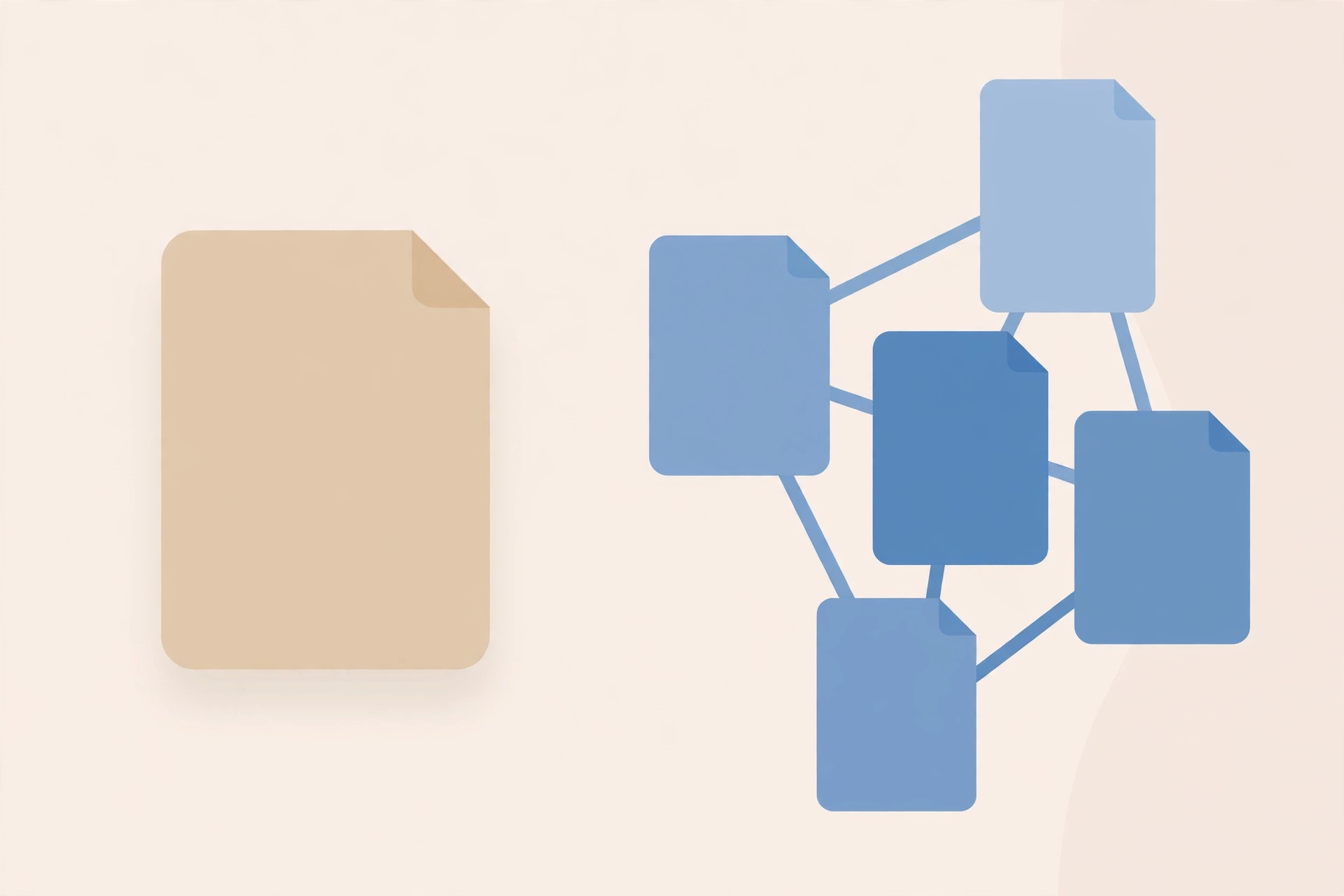
Quarterly is the right cadence for an active blog. That is frequent enough to catch the drift — new pages published without links, old links breaking, anchors going stale — and infrequent enough that each audit finds something worth fixing. Sites that publish daily may want a monthly light pass: check inlink counts on the newest posts and scan for new 404s. Always run an audit (or at least the crawl-vs-sitemap orphan check) after a redesign, a migration, a navigation change, or any bulk content import. Those are the events that orphan pages in bulk. Google’s own guidance in its SEO starter guide frames internal linking as an ongoing usability decision, not a one-time setup — treat audits the same way.
Prioritizing Internal Linking Audit Fixes by Impact
An audit can surface hundreds of findings. Do not fix them in spreadsheet order — fix them in this order:
Broken links first — pure waste, zero judgment calls
Internal 404s and redirect chains are the highest-ROI fixes. They require no strategic thinking, just repair work, and every one you fix recovers value you are currently throwing away.
Orphans and near-orphans next — invisible pages can’t rank
A page with zero inlinks is getting almost no crawl attention and no authority. Two contextual links from relevant pages can take a page from invisible to indexed-and-climbing. Pages that matter to your business and sit at 0–1 inlinks go to the top of the queue.
Depth fixes after — structural, one-time wins
Pulling a buried money page from 5 clicks to 2 clicks deep is a single structural change with sitewide payoff. Do these before fiddling with individual anchors.
Anchor rewrites last — refinement, not rescue
Anchor-text over-optimization and generic anchors are real but second-order. Fix them after the structural issues, because a perfectly anchored link on an orphan page still reaches nobody.
Quality Rules to Enforce While You Fix
Audit findings tell you what to fix; these rules keep you from re-breaking it. Apply them to every link you add or rewrite during the fix pass.
Relevance: every link should help the reader
Every internal link should answer a question the reader plausibly has at that exact point in the page. If you would not click it yourself while reading, do not add it. Five deeply relevant links beat fifty random ones.
Placement: body content > sidebar > footer
A contextual link inside your article body passes the strongest relevance signal; sidebar links are weaker; footer links exist mostly for navigation. When you audit, count body links separately — those are the ones doing the real work.
Anchor variety: descriptive, never “click here”
Make anchors descriptive (“internal linking best practices” instead of “click here”) but vary them across exact-match, partial-match, branded, and natural-phrase forms. Identical exact-match anchors sitewide look manipulative.
Link to deep pages, not just the homepage
Your homepage already has more authority than any other page; what it needs is to distribute that authority downward. Every important guide, tool page, and money page should receive contextual links from multiple relevant pages — not just sit in the navigation.
Orphan pages note: if your audit turns up pages with zero internal links, they are orphans — and orphans almost never rank because crawlers rarely reach them and they receive no distributed authority. Give each one 2–3 contextual links from genuinely related pages, and read our orphan pages SEO guide for the full find-and-fix workflow.
Frequently Asked Questions
How do I audit internal links on my website?
Crawl your site with a tool like Screaming Frog, export inlink counts per page, filter for internal 404s and redirect chains, review anchor text for over-optimization, measure crawl depth from the homepage, and compare the crawl against your sitemap to catch orphans. Work through the findings in impact order: broken links first, then orphans, then depth fixes, then anchor refinements.
What does an internal linking audit check for?
Six things: crawl coverage (can every page be reached?), inlink distribution (which pages get links and which get none?), link health (broken links and redirect chains), anchor text (descriptive or over-optimized?), crawl depth (clicks from the homepage), and orphans (pages with zero inlinks). Each checkpoint maps to a concrete fix.
How many internal links should a page have?
There is no magic number — Google has never published a quota. What matters is relevance, placement, and structure: a page with 5 deeply relevant contextual links outperforms one with 50 random ones. For realistic benchmarks by page type, see our guide on how many internal links a page should have.
How often should you audit internal links?
Run an internal linking audit quarterly for an active blog, monthly light passes for daily publishers (new-post inlink counts plus a 404 scan), and always after a redesign, migration, navigation change, or bulk content import — those events orphan pages in bulk.
What is the best tool for an internal link audit?
Screaming Frog’s SEO Spider is the workhorse — its inlink-count, depth, and broken-link exports are the raw material of every audit. Pair it with Google Search Console’s Links report as ground truth on what Google actually crawls, and use a scheduled auditor like Ahrefs or Semrush on larger sites. Between audits, a quick pass through a free SEO audit tool catches the biggest problems.
Done-for-you podcast backlinks
Get your brand on Apple Podcasts, Spotify, Amazon and 25 more trusted platforms — placed by hand, reported link by link.