
Quick answer: Toxic backlinks are links from spammy, hacked, or manipulative sources that can drag your rankings down. Most of the time Google simply ignores them. You only need to act when you see a manual action in Search Console or clear evidence of a negative SEO attack — and even then, disavowing is a last resort, not a first step.
On this page
- What Are Toxic Backlinks?
- Toxic vs Low-Quality: Know the Difference
- Signs of Toxic Backlinks: When It’s a Real Problem
- How to Audit Your Backlinks (Free Method)
- When to Disavow vs When to Ignore
- How to Remove Toxic Backlinks (Before Disavowing)
- How to Prevent Toxic Backlinks
- The Bottom Line
- Frequently Asked Questions
If you’ve ever run your site through a backlink checker and seen a scary red “toxicity score,” this guide will calm you down and show you what actually matters.
What Are Toxic Backlinks?
A toxic backlink is a link pointing to your site from a source Google considers spammy or manipulative. The classic examples:
- Link farms — networks of low-quality sites that exist only to sell links
- Hacked sites — legitimate websites compromised to inject hidden links
- Spam comments and forum profiles — automated junk posted at scale
- Private blog networks (PBNs) — expired domains rebuilt purely to pass link juice
- Foreign-language spam — hundreds of links from irrelevant sites in languages you don’t target
- Paid links without disclosure — bought links meant to manipulate rankings
The key idea: Google’s algorithms (especially Penguin, now running in real time) are designed to ignore bad links rather than punish you for them. A single spammy link — or even a few hundred — rarely hurts a healthy site.
Why “Toxicity Scores” Are Mostly Marketing
SEO tools love showing red warning badges. It sells subscriptions. But a tool’s “toxicity score” is that tool’s own invention — Google has never published a toxicity metric, and no tool can see how Google actually evaluates your links.
You can check any site’s authority for free with our website authority checker.
Treat these scores as a starting point for investigation, not a diagnosis. A link flagged “toxic” by a tool is often harmless in Google’s eyes.
Toxic vs Low-Quality: Know the Difference
Not every weak link is toxic. The distinction matters because it decides whether you act or ignore.

A low-quality link comes from a small, thin, or irrelevant site — a tiny blog with five posts, an outdated directory nobody visits. These links pass little value, but they aren’t trying to manipulate anything. Every site accumulates them naturally, and Google treats them as background noise.
A toxic link comes from a source actively engaged in manipulation: link farms, hacked pages, automated spam blasts, paid networks. The difference is intent and pattern. One stray link from a weak blog is low-quality. Five hundred links from the same spam network appearing overnight is toxic.
Why does this matter? Because site owners waste hours “cleaning” low-quality links that were never hurting them, while missing the actual toxic patterns. When auditing, don’t ask “is this link weak?” Ask “is this link part of a manipulative pattern?” If the answer is no, move on.
Signs of Toxic Backlinks: When It’s a Real Problem
Most sites have some junk links. That’s normal — the web is messy. Here are the signs the problem is real rather than cosmetic:
A Sudden Spike of Spammy Links
Open Google Search Console → Links → Top linking sites. If you see hundreds of new referring domains appear in a short window, especially from unrelated countries or obvious spam domains, something happened. This pattern is the hallmark of a negative SEO attack.
Spammy Anchor Text
Check your top linking anchor text in Search Console. If anchors are full of casino, pharma, adult, or payday-loan terms you never targeted, those links are spam — whether you built them or someone else did.
A Manual Action in Search Console
This is the big one. Go to Search Console → Security & Manual Actions → Manual actions. If Google has taken action against your site for “unnatural links,” you’ll see it here stated plainly. This is the main situation where disavowing is genuinely necessary.
Rankings Dropped After You Bought Links
If you paid for a “link package” and your rankings fell shortly after, the links are likely the cause. Google’s systems are good at detecting paid link patterns.
Your Site Was Hacked
Check for hidden injected links: view your page source, look in Search Console’s security issues, and scan for unfamiliar outbound links in your theme files. Clean the hack first — disavowing can’t fix a compromised site. After cleanup, request a review in Search Console so Google re-evaluates your site. Until the hack is fully removed, any link cleanup is cosmetic because the attacker can keep injecting new links.
How to Audit Your Backlinks (Free Method)
You don’t need a paid tool for a solid audit. — these free backlink analysis tools cover the essentials. Here’s a practical workflow:

Export Your Links from Search Console
Search Console → Links → Top linking sites → Export. This gives you the domains Google actually knows about — which is what matters. Third-party tools show a different, incomplete picture.
Sort by Suspicion
Open the export in a spreadsheet and flag domains that look wrong:
- Domain names that are gibberish or keyword-stuffed
- Sites in languages unrelated to your audience
- Obvious link directories with thousands of outbound links
- Domains you recognize from “buy backlinks” spam emails
Spot-Check the Worst Offenders
Visit a sample of flagged domains. Ask: does this look like a real website a human would visit? If it’s a wall of spun text with hundreds of outbound links, it’s junk.
Check Your Anchor Text Distribution
In Search Console, review top linking text. A natural profile is dominated by brand names, naked URLs, and generic phrases (“click here,” “this guide”). If exact-match commercial anchors dominate and you didn’t build them, that’s a red flag.
Quantify Before You Panic
Count what fraction of your referring domains are suspicious. If it’s 5% of a healthy profile, ignore it. If spammy domains outnumber legitimate ones 3-to-1, you have a cleanup job.
When to Disavow vs When to Ignore
This is where most site owners go wrong — in both directions.
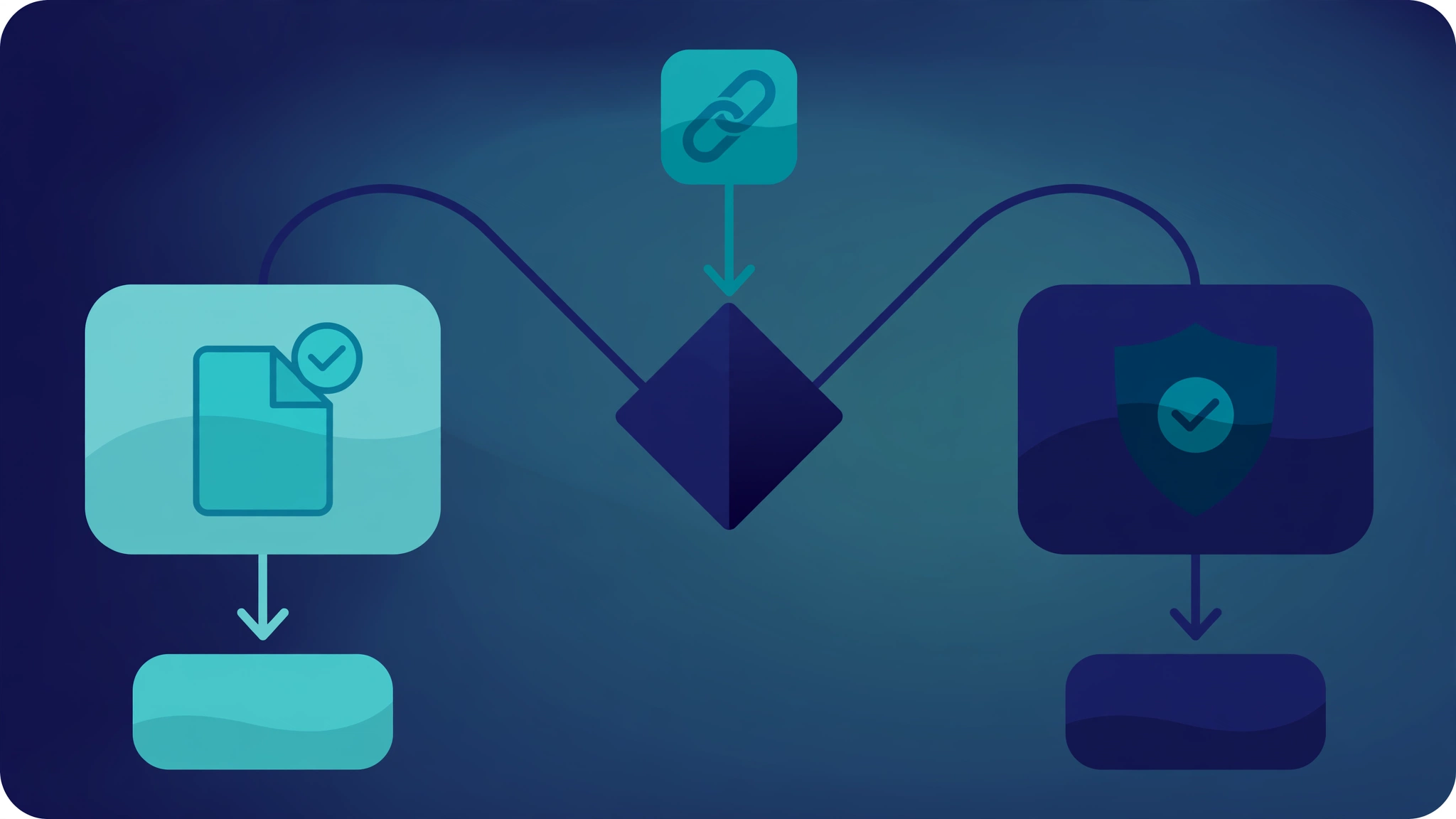
Ignore them when:
- It’s just a handful of spammy links. Google ignores these automatically. Doing nothing is the correct move.
- A tool flagged them but rankings are fine. Tool scores are not Google penalties.
- They’re old and your site is healthy. Digging up ancient links to disavow can do more harm than good.
- You’re tempted to disavow preemptively “just in case.” Disavowing legitimate links by mistake will hurt you. When in doubt, leave it alone.
Google has said repeatedly that most sites never need to use the disavow tool. Its engineers built Penguin to neutralize bad links precisely so webmasters wouldn’t have to play whack-a-mole with spam they didn’t create.
Disavow when:
- You have a manual action for unnatural links. This is the clearest case. Follow Google’s reconsideration process after cleaning up.
- You have clear evidence of a negative SEO attack — a sudden flood of obvious spam links targeting your site, especially if rankings dropped at the same time.
- You bought links in the past and can’t get them removed. Disavow what you can’t remove manually.
If you decide to disavow, our step-by-step disavow guide walks through the entire process: building the disavow file, domain-level vs URL-level entries, uploading it in Search Console, and what to expect afterward.
How to Remove Toxic Backlinks (Before Disavowing)
Disavowing tells Google to ignore links. Actually removing them is better when possible:
- Contact the site owner. Find a contact email or form and politely request removal. This works more often than you’d expect for smaller sites.
- Document your attempts. If you later file a reconsideration request, Google wants to see you tried removal first.
- Remove what you control. Delete spammy links you or your team placed — old directory submissions, forum signatures, blog comments.
- Disavow the rest. For links you can’t remove, add them to your disavow file.
How to Prevent Toxic Backlinks
You can’t stop anyone from linking to you — that’s how the web works. But you can reduce your exposure:
- Never buy “link packages.” Bulk links from Fiverr-style sellers are a common source of toxic profiles.
- Vet sites before guest posting. Check DA and DR scores and, more importantly, look at the site itself. Real traffic and real content beat any metric.
- Monitor new links monthly. A quick monthly glance at Search Console’s newest linking domains catches attacks early.
- Keep your site secure. An unpatched CMS is how sites end up hosting toxic outbound links, which is a different and more serious problem.
- Build real links. A strong profile of legitimate links drowns out spam. Follow a safe backlink plan and junk links become statistical noise.
The Bottom Line
Toxic backlinks sound terrifying, but the reality is calmer than the tool dashboards suggest:
- Google ignores most spammy links automatically.
- Small numbers of junk links are normal and harmless.
- Act only on manual actions, clear attacks, or links you bought.
- Removal first, disavow second, panic never.
Spend your energy building links worth having rather than hunting links worth fearing.
Most sites never need to touch the disavow tool — Google is remarkably good at ignoring junk links on its own. Reserve disavow for clear-cut cases: a manual action in Search Console, or a sudden influx of obviously manipulative links you did not build. For everything else, focus your energy on earning legitimate links rather than pruning questionable ones. Run a backlink audit quarterly, document anything suspicious, and only disavow when the evidence of harm is concrete rather than speculative.
Frequently Asked Questions
How do toxic backlinks hurt your rankings?
Toxic backlinks are links from spammy, hacked, or manipulative sources — link farms, hacked sites, automated comment spam, or paid link networks. Google’s algorithms are designed to ignore most of them rather than penalize you.
Do toxic backlinks hurt SEO?
Usually no. Google’s Penguin algorithm neutralizes spammy links automatically. They become a problem mainly when there’s a manual action in Search Console, a large-scale negative SEO attack, or a history of paid links.
Should I disavow toxic backlinks?
Only if you have a manual action for unnatural links, clear evidence of a negative SEO attack, or paid links you can’t remove. For most sites, disavowing is unnecessary and mistakenly disavowing good links can hurt rankings.
How do I find toxic backlinks for free?
Export your links from Google Search Console (Links → Top linking sites), sort referring domains in a spreadsheet, and flag gibberish domains, irrelevant foreign-language sites, and obvious link directories. Spot-check the worst offenders manually.
Can a competitor hurt me with toxic backlinks (negative SEO)?
It’s possible but rare, and Google is good at detecting it. If you see a sudden flood of spammy links and a rankings drop at the same time, document it, try to get the worst links removed, and disavow the rest.
How long does it take to recover after disavowing?
There’s no fixed timeline. Google needs to recrawl the disavowed URLs, which can take weeks to months. If you had a manual action, you must also file a reconsideration request — recovery only starts after it’s approved.
Done-for-you podcast backlinks
Get your brand on Apple Podcasts, Spotify, Amazon and 25 more trusted platforms — placed by hand, reported link by link.