

Most site owners have never heard of orphan pages. That is exactly why they hurt. While you focus on publishing new content and building backlinks, a handful of your pages sit in a corner of your site with zero internal links pointing to them — invisible to anyone navigating your site, and barely reachable for search engine crawlers. That invisibility is exactly what orphan pages SEO is about: finding those pages and wiring them back into your site.
On this page
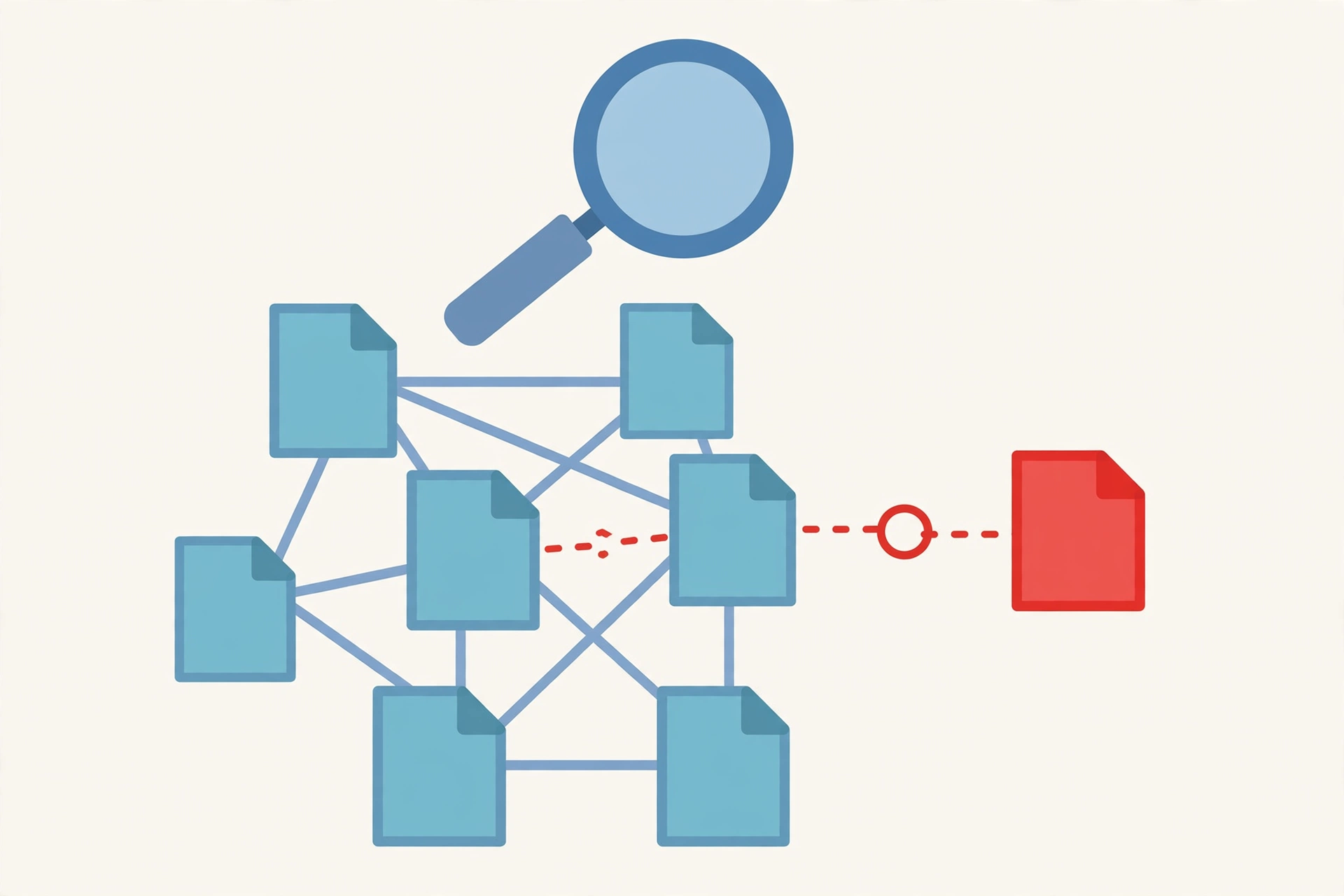
An orphan page is simply a page with no incoming internal links from other pages on your own website. It is not in your navigation, no blog post references it, no category page lists it. It exists on your site the way a single house exists at the end of a road nobody drives down. This guide to orphan pages SEO explains what orphan pages are, why they quietly drain your SEO, and — most importantly — the exact methods to find and fix them.
What Are Orphan Pages in SEO?
In SEO, an orphan page is a page on your website that has no incoming links from other pages within the same site. That single fact is the whole of orphan pages SEO in one sentence: Note the qualifier: the page can still be linked from external websites, and it can sit happily inside your XML sitemap. What makes it an orphan is that your own site’s internal link graph does not connect to it at all.
A common misconception: orphan pages are not the same as dead-end pages. A dead-end page receives internal links but links out to nothing — it is a cul-de-sac. An orphan page is the reverse: other pages can link out, but nothing links in. Orphan pages are the harder problem, because dead-ends at least get crawled and can rank. Orphans may never be discovered in the first place.
Another misconception: pages that are only reachable through your sitemap are not automatically orphans. Google does use sitemaps as a discovery signal, but a sitemap entry is a suggestion, not a vote. A page with no internal links carries no endorsement from the rest of your site, so crawlers treat it with correspondingly low priority.
Why Orphan Pages Hurt Your SEO
Orphan pages SEO problems cause damage through three mechanisms. Each one is silent — nothing breaks, no error appears in your dashboard — which is why sites can carry dozens of orphans for years without noticing.
1. Crawlability. Google discovers the web by following links. Internal links are the crawl paths of your site: when the crawler lands on your homepage, it walks the links it finds there, then the links on those pages, and so on. A page with no incoming internal links is off the walking route entirely. It can still be found through the sitemap or an external link, but it gets crawled far less often — and orphaned important pages may effectively disappear from the index over time.
2. Link equity. Authority flows through your site the same way crawlers walk it — via internal links. Every internal link passes a share of the linking page’s ranking power (link equity) to the page it points at. An orphan page receives none of this flow. Even if it contains your best-written content, it starts every ranking fight with zero support from your own site. Fixing orphans is often the cheapest way to unlock rankings: the content is already written, it just needs connections.
3. Wasted content. You paid for that content — in hours, in writer fees, in effort. A page nobody and no bot can reach is content spend with zero return — the purest waste orphan pages SEO exists to eliminate. This is an internal linking problem first and a content problem second: the page is not necessarily bad, it is just unreachable. The fix is usually cheaper than writing something new.
How to Find Orphan Pages
Finding orphans is a comparison exercise — the core of practical orphan pages SEO. You need two lists: You need two lists: every URL your site publishes (from your CMS or sitemap) and every URL your crawler can reach by following internal links (from a crawl). Pages on list one but not list two are orphans. The methods below differ in thoroughness and tooling — use whichever fits your setup. Together they form the standard orphan pages SEO detection toolkit. Ahrefs’ orphan pages guide is a solid external reference for the same comparison logic.
Screaming Frog Crawl Comparison
This is the most practical method for sites under ~50,000 URLs. In Screaming Frog, crawl your site normally (Configuration → Spider → Crawl, then enter your domain). Export the full list of crawled URLs. Then get your complete published URL list — export it from your CMS, or paste your XML sitemap URLs. Put both lists side by side in a spreadsheet and run a simple diff: URLs that appear in your published list but never appeared in the crawl are orphan candidates. Screaming Frog’s paid version also offers a dedicated orphan-page report that compares against sitemap and analytics data automatically. For the “known URLs” side of the diff, add two sources most guides skip: your GA4 landing pages (every URL that ever received traffic) and your server logs (every URL Googlebot actually requested, including ones no tool knows about). Logs are the most complete source of all — they catch orphans that sitemaps and analytics both miss.
Google Search Console
Open the Pages report under Indexing and look for valid pages with zero impressions over the last 6 months. Pages in your sitemap that Google never shows for anything are orphan suspects: if the content has any merit at all, the likeliest reason for silence is that nothing links to it and Google has stopped spending crawl budget there. Cross-check each suspect manually — open the page and ask whether any other page on your site links to it. This method finds orphans indirectly, through symptoms rather than structure, so confirm before acting.
The Site: Search Operator
Type site:yoursite.com into Google and browse what comes back. This shows you indexed pages roughly in order of the crawler’s preference. Look for pages that matter to you — services, key guides, old pillars — and check whether they appear at all. Then spot-check the important ones: does any internal page link to them? This is the quickest method and the least complete — it only surfaces what Google has indexed, not what it has ignored — but it is a useful five-minute sanity check for small sites.
CMS and Database Export
The methodical, complete approach. Export every published post and page URL from your CMS database or admin panel — WordPress users can do this with a simple database query or an export plugin. Then crawl your internal link graph (Screaming Frog or any crawler that reports all internal links) and extract the full set of linked-to URLs. Diff the two lists programmatically. This catches orphans that sitemap-based methods miss, such as pages accidentally excluded from the sitemap or noindexed pages that still matter. On larger sites this is the only method you should trust.
Common Causes of Orphan Pages
Orphan pages are rarely created deliberately. They accumulate through ordinary site maintenance. Knowing the common causes helps you diagnose your own situation faster — this is the diagnostic half of orphan pages SEO:
- Old campaign landing pages. You built a page for a 2022 campaign, linked it from your homepage for three months, then unlinked it when the campaign ended. The page still exists — with nowhere leading to it.
- Deep paginated archives. Archive pages beyond page one are rarely linked from anywhere. If a key post only lives on archive page 14, it is effectively orphaned for practical crawling purposes.
- Tag and category pages nobody links. Tags created for a single post, or categories you set up and never added to navigation, generate URLs with no incoming links.
- Migrated pages. After a redesign or URL change, internal links often still point at the old URLs. The new pages exist and are linked, but the old URLs — if they 404 or redirect awkwardly — break the graph.
- PDFs and media attachments. Every file you upload gets a URL. If you never link to the attachment page, it is an orphan — and search engines do index some of them.
- Test and staging pages that went live. “Final v3 draft” published by accident, never linked, never removed. Every long-running site has at least one.
How to Fix Orphan Pages (Decision Framework)
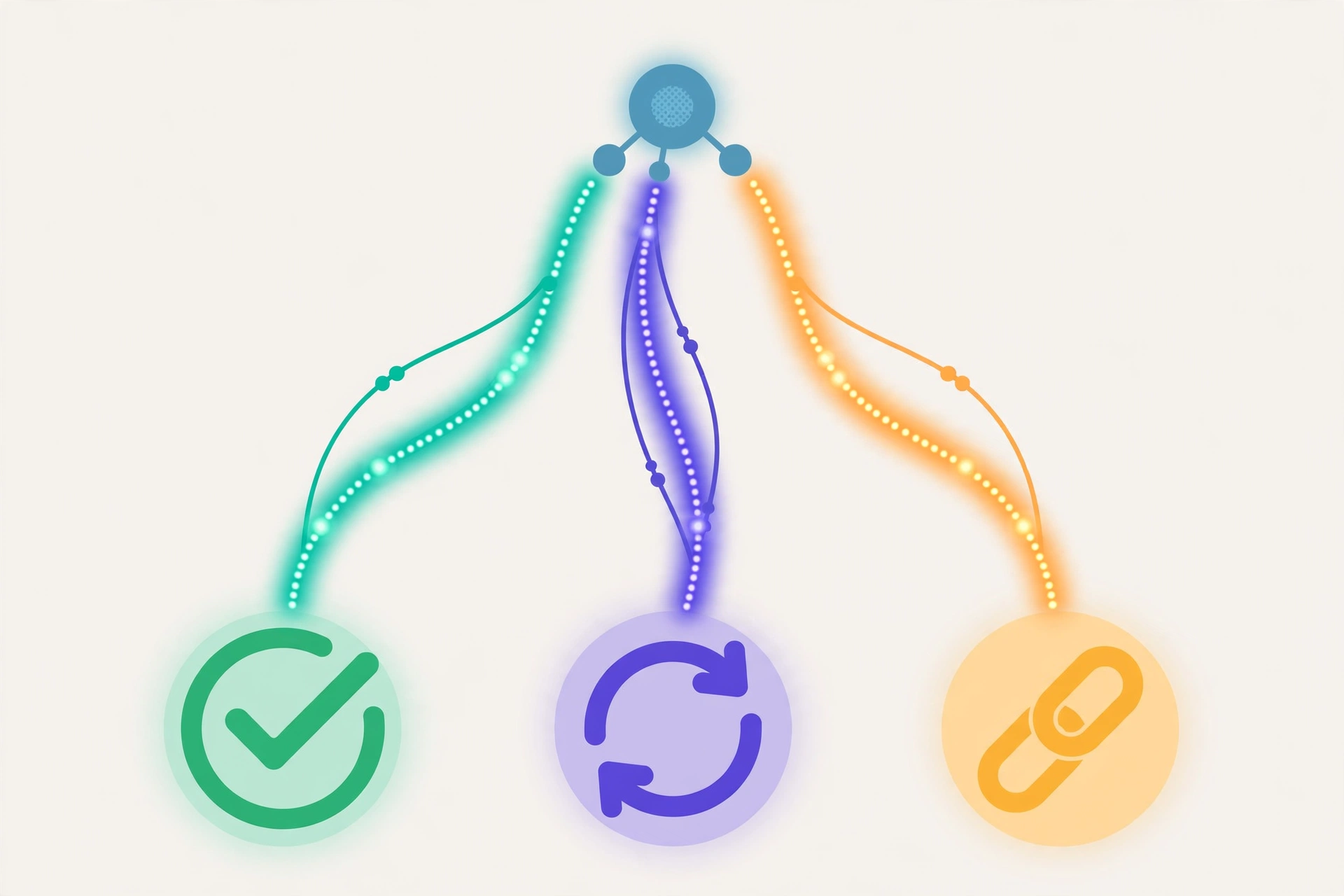
Not every orphan deserves to be “fixed.” The smart move — the decision half of orphan pages SEO — is triage: sort orphans by value and act accordingly. Run each orphan through three questions — does it get traffic, does it have backlinks, is the content good? — and let the answers choose the action.
Valuable page — integrate it
If the page gets traffic, has external backlinks, or holds content your site needs, the page is not the problem — the missing links are. Add 2–3 contextual internal links from relevant posts or pages, using descriptive anchor text that matches the page’s topic — the single highest-ROI move in orphan pages SEO. If it fits, add it to a category archive, a hub page, or your navigation. One good rule: link it from the pages where a reader would genuinely want to discover it. That is both the SEO fix and the user-experience fix at once.
Thin or outdated page — noindex or merge
If the content is weak but the URL has some value (backlinks, brand mentions), do not just delete it. Consolidate: move the useful parts into a stronger related page, then 301 redirect the orphan to that page. The redirect carries the old page’s backlink value forward instead of abandoning it. If the page has no backlinks and no value to salvage, a noindex tag removes it from the index without touching the URL.
Junk page — delete it
Test pages, duplicate drafts, placeholders, dead campaign leftovers with no traffic and no links: delete them. Use 410 Gone if you want to tell Google explicitly the page is gone for good (faster deindexing than a plain 404). But before deleting anything, check the page’s backlinks — an orphan with external links pointing at it should be redirected, not deleted, or you throw that authority away.
Preventing Orphan Pages Going Forward
Fixing orphans once is good. Stopping them from forming is better — that is what mature orphan pages SEO looks like — and it is a process problem, not a tools problem:
- Publish checklist: every new post gets 2–3 incoming internal links at publish time. Link to it from two older relevant posts, and add it to the right category. Make this a required step in your publishing workflow, not an afterthought. Moz’s internal linking guide explains the broader distribution model this feeds into.
- Quarterly orphan audit: put a recurring calendar reminder to re-run the crawl comparison. Sites that publish regularly generate orphans continuously — a quarterly sweep takes an hour and keeps the graph clean. Pair it with our free SEO audit tool to catch the other crawlability issues hiding next to your orphans.
- Sitemap hygiene: your sitemap should reflect the site as it is actually linked, not serve as a hiding place for orphans. Review what is in it whenever you clean up old pages.
- Audit before redirects and migrations: when you restructure URLs, verify internal links point at the new locations. A migration that leaves internal links aimed at old URLs quietly creates a whole generation of orphans.
For a broader view of how orphan detection fits into a full site audit, see our backlink gap analysis walkthrough — the same comparison mindset applies to your link profile.
FAQ
Do orphan pages get indexed?
Short version of the orphan pages SEO answer:
Sometimes. Google can discover an orphan page through your XML sitemap or an external link, and it may index it. But “indexed” is not “ranked well”: with no internal link equity and infrequent crawling, orphan pages rarely rank for anything competitive, and Google may eventually drop them from the index.
Are orphan pages bad for SEO?
Yes — not as a penalty, but as wasted potential. In orphan pages SEO terms, an orphan is a page paying full content cost for zero search return. Orphan pages are unreachable for users and starved of crawl budget and link equity. A single important page orphaned by accident can cost you rankings you already earned the content for. The fix is usually a few internal links, making this one of the cheapest SEO wins available.
What is the difference between orphan and dead-end pages?
An orphan page has no incoming internal links — nothing on your site points to it. A dead-end page receives internal links but links out to nothing — it is a cul-de-sac for crawlers and users. Both are internal-linking problems, but orphans are worse: they may never be crawled at all.
What is the difference between orphan pages and zombie pages?
They overlap but they are different diagnoses. An orphan page is defined by its missing links — zero incoming internal links. A zombie page is defined by its missing results — indexed but earning no traffic or engagement, even though it is linked. Many orphans turn into zombies, because a page nothing links to rarely earns visits. The fix differs: orphans that are worth keeping get linked into your architecture; zombies get improved, merged, or removed. Diagnose the link graph before you touch the content.
How often should I check for orphan pages?
Quarterly is the right cadence for most sites. If you publish heavily — dozens of posts a month — check monthly. If your site is small and stable, twice a year is fine. Tie the check to your existing publishing checklist so orphans stop forming in the first place — that is the quiet endgame of orphan pages SEO: a site where every page is reachable, and every page earns its crawl.
Done-for-you podcast backlinks
Get your brand on Apple Podcasts, Spotify, Amazon and 25 more trusted platforms — placed by hand, reported link by link.