

There is no single magic number, but a practical rule is 3–5 internal links for pages under 1,000 words, 5–10 for 1,000–2,000 words, and 10–20 for longer guides. Google sets no hard limit on how many internal links per page you can have — what matters is that every link genuinely helps the reader and fits naturally in context.
On this page
- What Counts as an Internal Link (and What Does Not)
- How Many Internal Links Per Page: Practical Ranges by Content Length
- Why Too Many Internal Links Hurt Your SEO
- Where to Place Internal Links for Maximum Impact
- How to Audit Internal Links on Your Site
- Common Internal Linking Mistakes That Suppress Rankings
- Frequently Asked Questions
If you have ever stared at a finished article wondering whether you added enough internal links — or too many — you are not alone. This is one of the most common on-page SEO questions, and the honest answer frustrates people: it depends. But “it depends” is not a strategy. In this guide, you will get concrete ranges based on content length, a simple placement framework, the science of why too many internal links dilute value, and a practical audit workflow you can run on your own site today.
What Counts as an Internal Link (and What Does Not)
Before counting, you need to know what to count. Not all internal links are equal, and mixing them up is why so much advice on this topic contradicts itself.
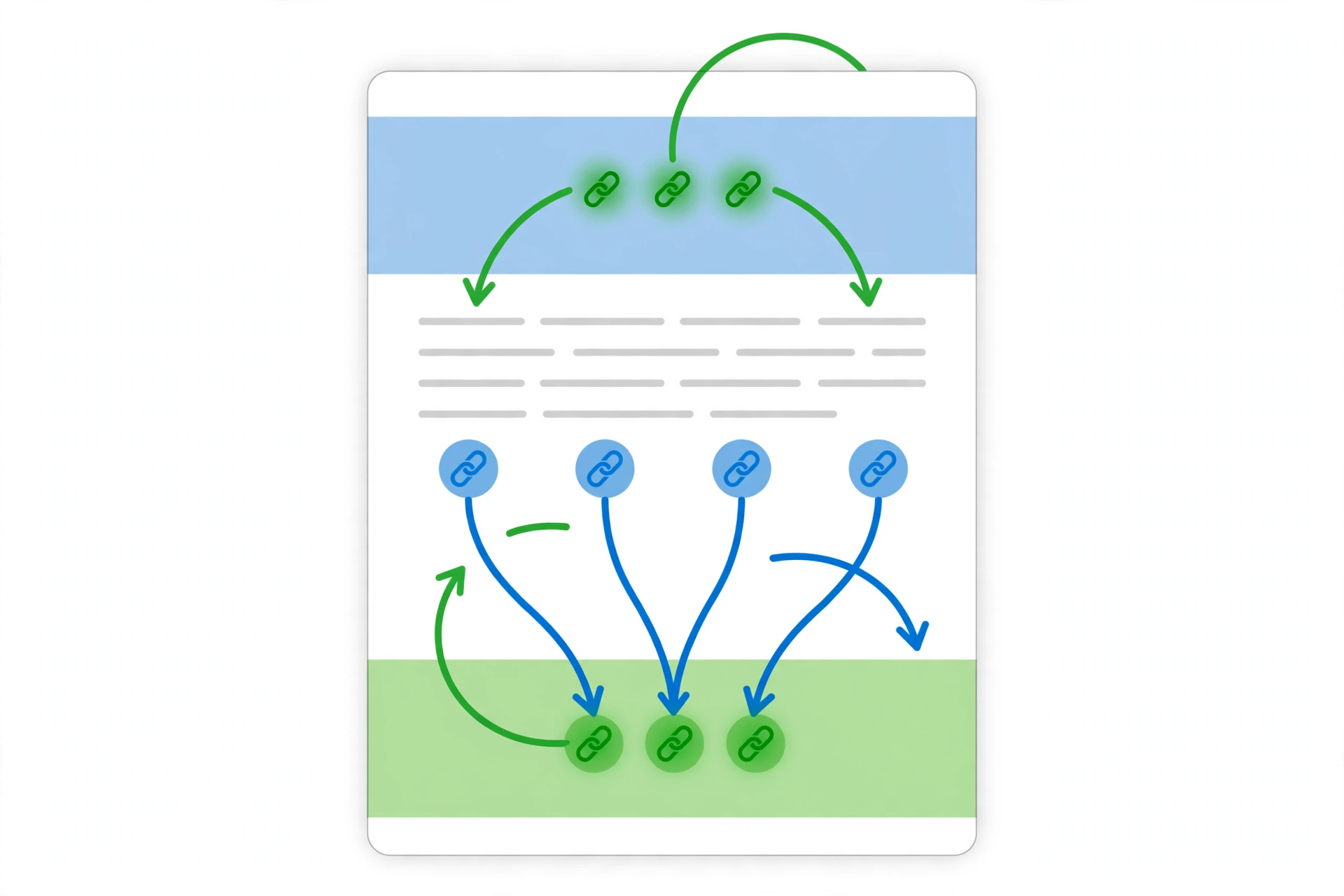
Contextual internal links are the links placed naturally within your article’s body text — the ones a reader encounters while reading. These are the links this entire guide is about. When SEOs debate “how many internal links per page,” they mean these.
Navigational links live in your header menu, footer, sidebar, breadcrumbs, and related-post widgets. They exist on every page by design. Google understands they serve a structural purpose, and they carry less contextual weight than a link you deliberately placed inside a paragraph.
Here is why the distinction matters: if someone tells you “keep it under 100 links per page,” they are talking about total links including navigation. If someone says “aim for 5–10 per article,” they mean contextual links in the body. Both can be true at once. When you audit your pages later in this guide, you will check both numbers separately.
For a deeper look at how internal linking fits into your overall strategy, see our internal linking best practices guide, which covers site architecture and hub pages in detail.
How Many Internal Links Per Page: Practical Ranges by Content Length
Google’s John Mueller has stated publicly that there is no hard limit on internal links per page. The old “100 links per page” guideline from Google’s early webmaster docs is long outdated. What replaced it is a quality-first principle: links should exist for users, not for algorithms.
That said, SEOs who audit hundreds of sites have converged on practical ranges. The table below reflects the consensus across multiple practitioner sources — these are starting points, not laws.
| Content Length | Suggested Contextual Internal Links | Notes |
|---|---|---|
| Under 800 words | 2–4 | Short posts; every link must earn its place |
| 800–1,500 words | 3–7 | Standard blog post range |
| 1,500–2,500 words | 7–12 | In-depth guides; room for topic clusters |
| 2,500+ words (pillar) | 10–20 | Hub content connecting many subtopics |
Verdict: Use roughly one contextual internal link per 200–300 words as your baseline, then adjust up or down based on how naturally links fit. A 2,000-word guide with 8 well-placed links will outperform a 2,000-word guide with 25 forced ones every time.
One data point worth knowing: an analysis of 23 million internal links across 1,800 sites found that pages receiving 40–44 incoming internal links earned nearly 4× more Google Search clicks than pages with only 0–4. That is about links pointing to a page, not links on it — but it shows how much internal link equity matters for performance.
Why Too Many Internal Links Hurt Your SEO
Adding links feels productive. Every link is a pathway for crawlers and readers — so more pathways should mean better results, right? Not quite. Here is the mechanics of why stuffing too many internal links per page backfires.
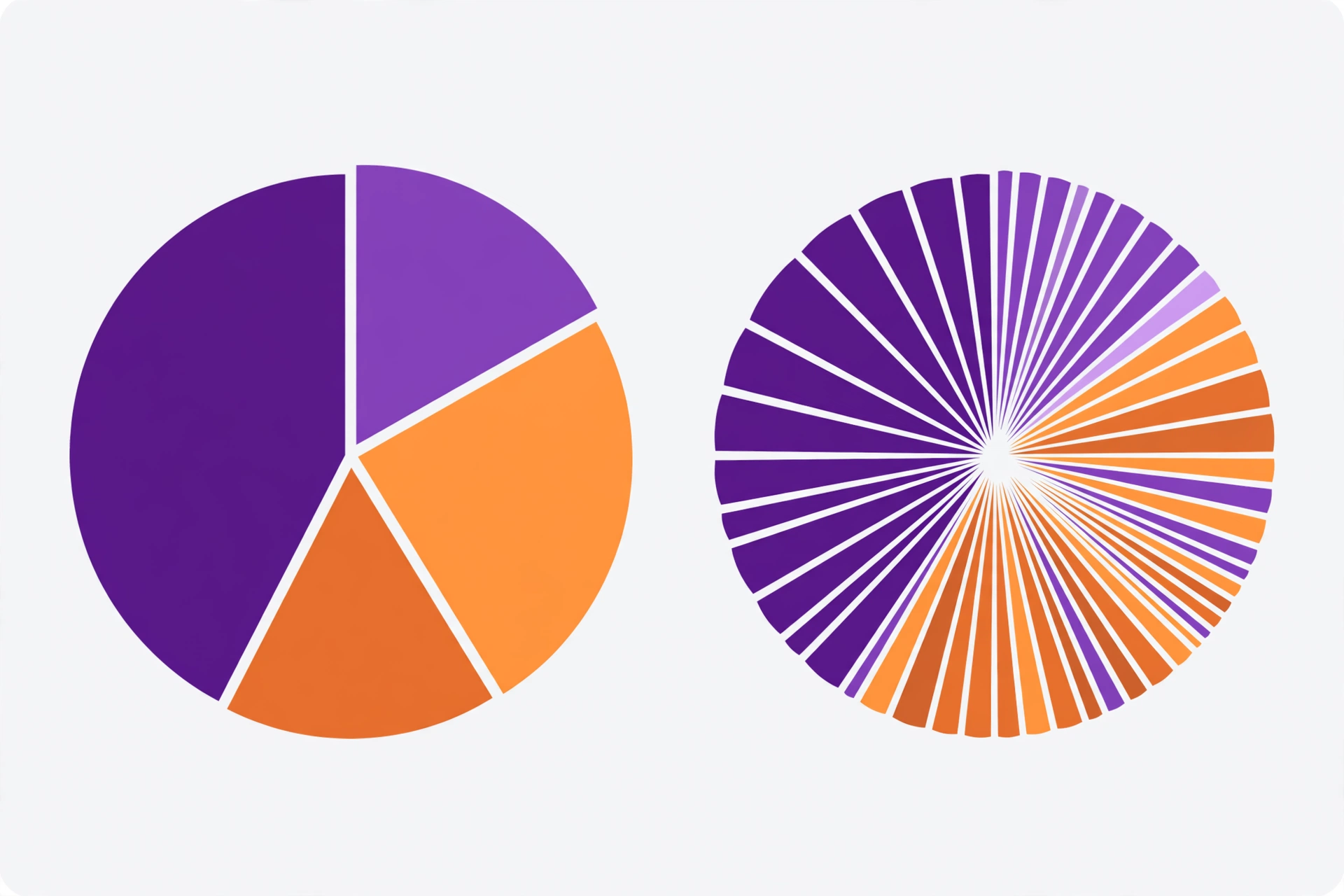
Link equity dilution. Think of each page as holding a fixed amount of authority to distribute. Every outbound link — internal or external — splits that authority into smaller pieces. A page with 5 internal links passes meaningful value through each one. A page with 50 links spreads the same authority so thin that each link carries almost nothing. This is the core idea behind link equity and why selective linking beats indiscriminate linking.
Reader distraction and trust erosion. A paragraph where every other phrase is a blue underlined link is exhausting to read. Users stop clicking when everything looks clickable — a phenomenon sometimes called “link blindness.” Worse, excessive linking can make content feel salesy or manipulative, which erodes the trust you worked to build.
Crawl budget waste. On large sites, Google allocates a limited crawl budget. Pages bloated with low-value internal links can cause crawlers to spend time on marginal pathways instead of discovering your important new content. This matters most for sites with 10,000+ pages, but the principle applies at any scale.
Anchor text over-optimization risk. When you force dozens of internal links into a page, you tend to repeat the same keyword-rich anchor text. Google’s algorithms are sensitive to unnatural anchor patterns — even internally. A natural link profile uses varied, descriptive anchors. Our anchor text guide explains how to vary anchors without losing relevance signals.
The test is simple: read your article and ask of each link, “Would a reader genuinely benefit from clicking this right here?” If the answer is no, cut it. Your rankings will thank you.
Where to Place Internal Links for Maximum Impact
Count matters less than placement. A single well-placed internal link in your introduction can outperform five links buried near the footer. Here is a placement framework based on how both readers and crawlers process pages.
Early links carry more weight. Google’s Reasonable Surfer model — described in their patent — suggests that links are not all valued equally. Links that users are more likely to click (prominent, early, contextually relevant) pass more value than links nobody notices. This is backed by practitioner testing: pages restructured to move key internal links higher consistently see ranking improvements.
Practical placement rules:
- First 30% of content: Include at least one internal link to a priority page. This is your highest-value slot — use it for the article or category page you most want to boost.
- Body sections: Place links where they answer a reader’s natural next question. If you mention a concept you have covered in depth elsewhere, link it right there — not three paragraphs later.
- Avoid link clusters: Do not stack three links in one sentence. Spread them so each gets visual breathing room and individual attention.
- Conclusion: One or two links to logical next steps work well here (“Now that you understand X, learn how to implement Y”). This captures readers at peak engagement.
Concrete example: Imagine you run a 2,200-word guide on keyword research. In the introduction, you link to your search intent guide (priority page). In the section on competitor analysis, you link to your competitor backlink guide exactly where you mention analyzing rivals. In the FAQ, you link to your long-tail keywords article. That is 4–5 links, each placed at the moment of maximum relevance. No forcing, no stuffing — just helpful pathways.
How to Audit Internal Links on Your Site
Knowing the theory is useless without a way to check your actual pages. Here is a lightweight audit workflow that works for sites of any size — no expensive tools required.
Step 1: Find your orphan and under-linked pages. Open Google Search Console, go to the Links report, and look at “Top linked pages” under internal links. Pages with zero or very few internal links are your orphans. These pages are nearly invisible to Google regardless of how good their content is. List every page with fewer than 3 incoming internal links.
Step 2: Check contextual link counts per page. For your 10 most important pages, open each one and count only the contextual links in the body text (ignore nav, footer, sidebar). Compare against the ranges table above. Flag pages that are significantly over or under.
Step 3: Fix the extremes first. Pages with 0–2 contextual links need immediate attention — find 3–5 relevant older articles and add natural links to them. Pages with 25+ contextual links need pruning — remove links that do not serve the reader, starting with redundant ones (two links to the same page in one article is almost always one too many).
Step 4: Strengthen priority pages. Identify your 5 money pages (the ones that drive revenue or conversions). Check how many internal links point to each. If a priority page has fewer incoming links than a random old blog post, you have a structural problem — add contextual links to the priority page from your highest-traffic articles.
Step 5: Schedule it. Internal linking is not a one-time task. Every time you publish a new article, link out to 2–3 relevant older posts and go back to 1–2 older posts to link forward to the new one. This two-way habit keeps your site’s link graph healthy as it grows. Quarterly, re-run steps 1–4.
For authoritative guidance on link best practices directly from the source, see Google Search Central’s documentation on crawlable links and Moz’s internal linking guide.
Common Internal Linking Mistakes That Suppress Rankings
After auditing dozens of sites, the same mistakes appear again and again. Check whether you are making any of these:
Mistake 1: Linking everything to the homepage. Your homepage already gets links from every page via navigation. Wasting contextual links on it is like pouring water into the ocean. Link to deep pages that actually need the equity.
Mistake 2: Using the same anchor text everywhere. If 30 articles all link to your guide with the exact anchor “link building guide,” it looks engineered. Vary naturally: “guide to building links,” “how link building works,” “our link building process.” Descriptive variety is both safer and more helpful.
Mistake 3: Orphaning new content. Publishing an article and never linking to it from existing content is the single most common internal linking failure. Google discovers pages through links — no incoming internal links means slow indexing and weak rankings. Make “link to the new post from 2–3 old posts” part of every publish checklist.
Mistake 4: Burying links in footers and sidebars only. Sitewide template links carry minimal contextual relevance. If your “internal linking strategy” is just a related-posts widget, you are leaving most of the value on the table. Contextual body links are where the real ranking power lives.
Mistake 5: Never pruning. Sites accumulate cruft. Old links to deleted pages (404s), links to thin content you would not recommend today, redundant double-links — these all dilute your link equity. An annual prune is as important as an annual build. Ahrefs’ internal linking research reinforces how much structure matters for crawl efficiency.
Frequently Asked Questions
Is there a maximum number of internal links per page?
Google sets no official maximum. The old “100 links” guideline is outdated. In practice, most SEOs treat 100 total links (including navigation) as a soft review point, and 20 contextual body links as the upper end for very long guides. Beyond that, you are almost certainly diluting value and distracting readers.
Do internal links in navigation menus count toward the total?
Technically yes for crawl purposes, but they carry less SEO weight than contextual body links. When SEOs discuss “how many internal links per page,” they almost always mean contextual links in the article body. Count navigational links separately when auditing — they serve structure, not topical relevance.
Can too many internal links hurt my rankings?
Yes, indirectly. Excessive internal linking dilutes the link equity each link passes, distracts readers (increasing bounce rates), wastes crawl budget on large sites, and can trigger anchor over-optimization patterns. The harm comes from low-quality, forced links — not from a high count of genuinely useful ones.
Should I add internal links to old articles when I publish something new?
Absolutely — this is one of the highest-ROI SEO habits. Every new article should link out to 2–3 relevant older posts, and you should update 1–2 older posts to link to the new one. This keeps new content from becoming orphaned and continuously strengthens your site’s topical clusters.
How do I find pages on my site with too few internal links?
Use Google Search Console’s Links report to see incoming internal link counts per page. Pages with zero or one incoming link are orphans that need attention. For a deeper audit, tools like Screaming Frog or Ahrefs’ Site Audit can crawl your site and report internal link counts, orphan pages, and broken internal links at scale.
Does anchor text matter for internal links?
Yes. Descriptive, varied anchor text helps Google understand what the linked page is about and reinforces topical relevance. Avoid generic anchors like “click here” and avoid repeating the exact same keyword anchor across dozens of pages. Describe the destination naturally in a few words.
Done-for-you podcast backlinks
Get your brand on Apple Podcasts, Spotify, Amazon and 25 more trusted platforms — placed by hand, reported link by link.