

Learning how to reduce spam score starts with auditing your backlink profile for toxic links, disavowing the harmful ones through Google Search Console, removing or nofollowing paid and spammy links, and stopping all low-quality link building. Most sites see their Moz Spam Score drop within 4 to 12 weeks after cleaning up bad links and earning quality replacements.
On this page
Spam score is one of those metrics that site owners ignore until it starts hurting them. A high spam score doesn’t directly lower your rankings — Google has said as much — but it correlates strongly with the kinds of link profiles that do get penalized. Think of it as a smoke alarm: the alarm itself won’t burn your house down, but you’d be foolish to ignore what it’s telling you. In this guide, I’ll walk you through exactly what spam score measures, how to check yours, and the step-by-step process I use to bring it down. If you’re dealing with toxic backlink cleanup, this process will feel familiar — spam score reduction and toxic link cleanup go hand in hand.
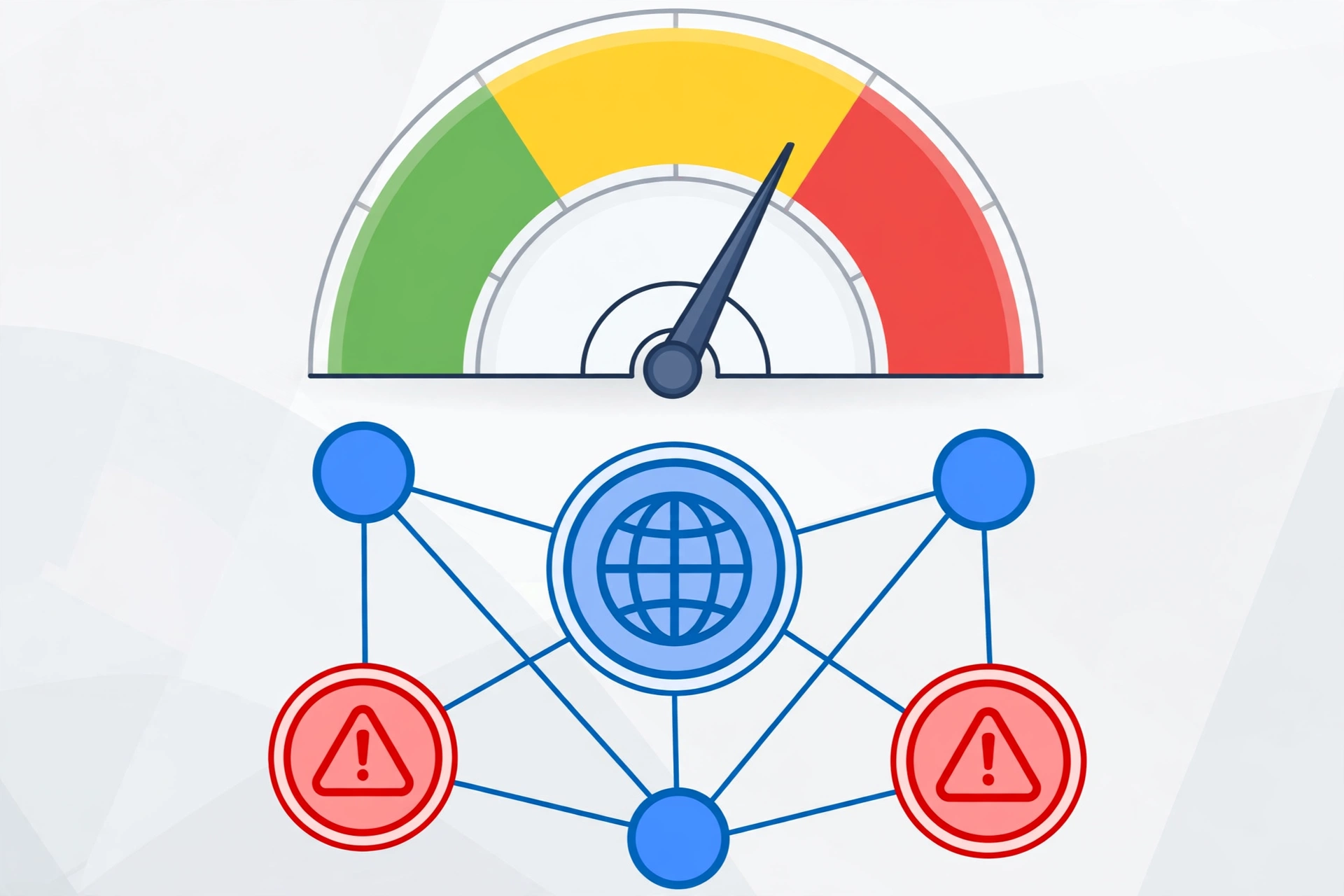
What Is Spam Score?
Spam Score is a metric developed by Moz that predicts how likely a website is to be penalized or banned by Google. It’s expressed as a percentage from 1% to 100%, with higher numbers indicating a greater probability that the site engages in spammy practices.
The score is calculated by comparing your site against 27 different “spam flags” — characteristics that Moz’s research found to be common among sites that Google has penalized. These flags include things like a high ratio of anchor text with exact-match commercial keywords, a large number of external links relative to content, thin content across many pages, and an absence of contact information.
Here’s how to interpret the ranges:
| Spam Score | Risk Level | What It Means |
|---|---|---|
| 1–30% | Low | Normal range. Most legitimate sites fall here. No action needed. |
| 31–60% | Medium | Some spam signals present. Worth investigating and cleaning up. |
| 61–100% | High | Strong spam signals. Likely to have ranking problems or penalties. |
Verdict: If your score is under 30%, you’re fine. Between 31–60%, start the cleanup process below. Above 60%, treat it as urgent.
It’s worth noting that Spam Score is a correlative metric, not a causal one. Google doesn’t use Moz’s Spam Score in its algorithm. But the underlying signals — manipulative link patterns, thin content, deceptive practices — are exactly what Google’s spam policies target. A high spam score means your site looks like the kind of site Google penalizes, which is reason enough to act.
Why Your Spam Score Is High
Before you can reduce spam score, you need to understand what’s driving it up. In my experience auditing sites, high spam scores almost always trace back to a handful of root causes.
Toxic backlinks are the number one driver. Links from link farms, private blog networks (PBNs), spammy directories, and hacked sites are the strongest spam signals. If someone built hundreds of low-quality links to your site — whether you hired them or a competitor did it to sabotage you — your spam score will reflect it. I cover how to identify these in detail in my guide to toxic backlinks.
Over-optimized anchor text is the second most common cause. When 80% of your backlinks use the exact same commercial keyword as anchor text (“best cheap laptops” repeated 200 times), it looks manipulative because it is manipulative. Natural link profiles have diverse anchor text — branded terms, naked URLs, generic phrases like “this article,” and only occasional exact-match keywords.
Thin or duplicate content also triggers spam flags. Moz’s model checks whether your site has substantial unique content or just thin pages designed to rank. Doorway pages, auto-generated content, and heavily duplicated product descriptions all contribute.
Technical spam signals include things like missing contact information, no clear authorship, excessive ads above the fold, and cloaking. These are less common for legitimate businesses but frequent on affiliate spam sites.
A concrete example: I once audited a small e-commerce site with a 67% spam score. The culprit was a $50 “500 backlinks” package the owner had bought two years earlier. Every link came from the same network of spun-content blogs, all with identical anchor text. After disavowing those links, the score dropped to 18% within three months.
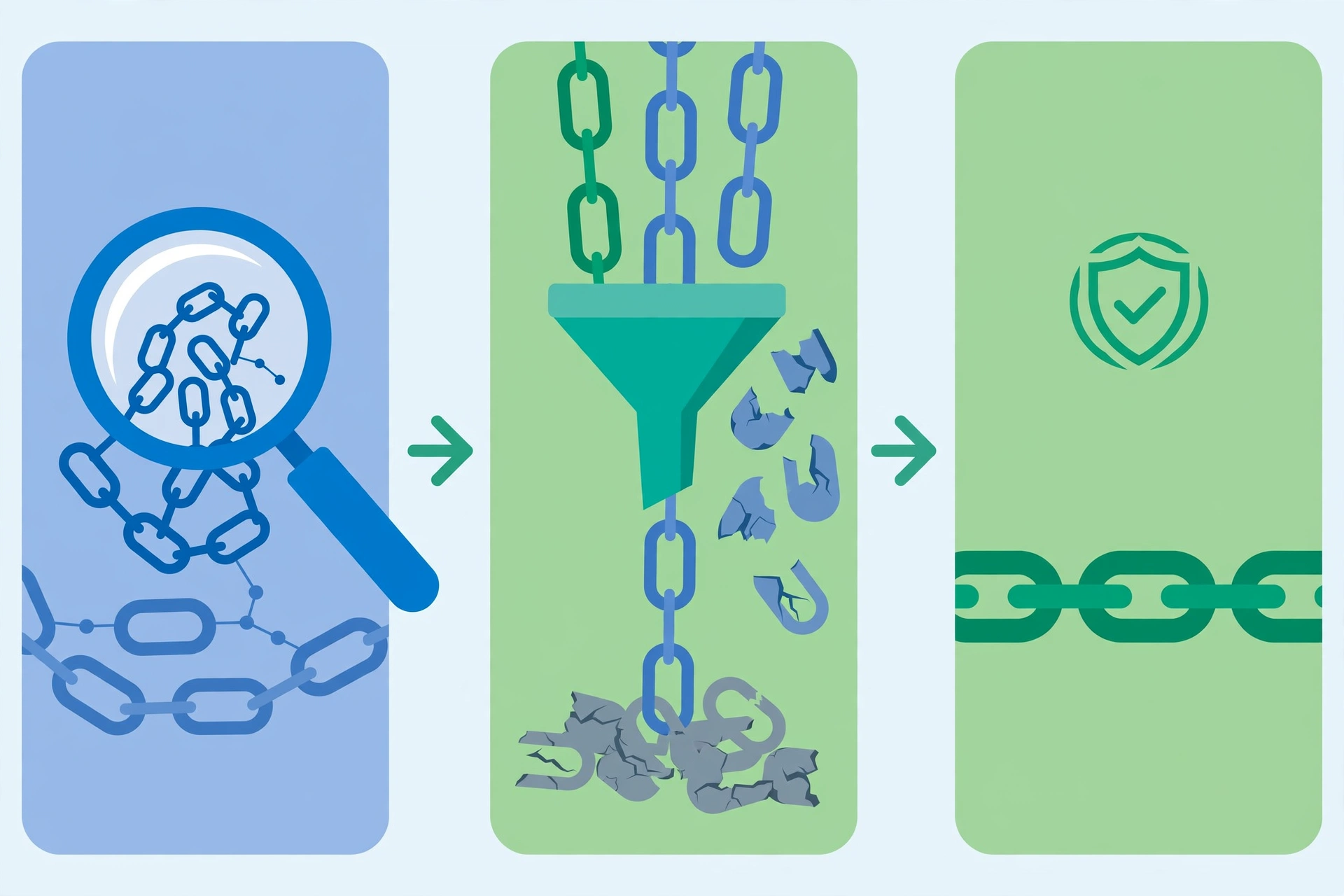
How to Check Your Spam Score
Checking your spam score takes less than two minutes. Here’s the process:
Moz Link Explorer is the primary tool. Enter your domain at moz.com/link-explorer, and your Spam Score appears alongside Domain Authority and other metrics. The free version gives you a limited number of queries per month, which is enough for a one-time check.
What to look at beyond the number: Don’t just note the percentage — click through to see which spam flags are triggered. Moz shows you the specific signals (e.g., “high number of external links,” “low content relevance”). This tells you exactly what to fix, rather than guessing.
Check individual pages too. Your homepage might score 12% while a specific blog post or landing page scores 58%. Spam score is calculated per subdomain and can vary across pages. Focus your cleanup on the highest-scoring sections first.
Track it over time. Spam Score updates as Moz recrawls the web, which happens roughly monthly. Take a screenshot or note your starting score, then recheck monthly after implementing the fixes below. Don’t expect overnight changes — link-based metrics move slowly.
How to Reduce Spam Score: The Complete Checklist
This is the core process. Work through these steps in order — each one builds on the previous.
Run a Full Backlink Audit
Export your complete backlink profile from Google Search Console (Links → External links → Top linking sites → Export). For a deeper analysis, use Ahrefs Site Explorer or Moz Link Explorer to get anchor text distribution, referring domain quality, and spam flags per link.
Sort your links by suspicious signals: domains with high spam scores themselves, sites with no organic traffic, foreign-language sites linking to your English content irrelevantly, and sitewide footer/sidebar links. These are your prime suspects.
Remove What You Can Manually
Before reaching for the disavow tool, try to actually remove bad links. Contact webmasters of spammy sites linking to you and request removal. This works more often than you’d expect for directory listings and blog comments — many site owners will remove a link if you ask politely.
Document every outreach attempt (date, site, contact method). Google wants to see that you made a good-faith effort to clean up manually before disavowing. Keep a simple spreadsheet.
Disavow the Rest Through Google Search Console
For toxic links you can’t get removed, use Google’s Disavow Tool. Create a text file listing the domains or URLs you want Google to ignore, then upload it in Search Console.
Format for entire domains (most common):
# Disavowed October 2026 - spam network links
domain:spammy-directory-xyz.com
domain:cheap-links-network.net
domain:blog-spam-farm.org
Be conservative with disavows. Only disavow links you’re confident are harmful. Disavowing good links by mistake can hurt your rankings. If you’re unsure about a link, leave it alone — Google is generally good at ignoring obviously spammy links on its own. I go deeper into this judgment call in my disavow guide.
Fix Your Anchor Text Distribution
You can’t change existing anchor text directly, but you can dilute it by earning new links with natural anchor text. Going forward, ensure new links use varied anchors:
| Anchor Type | Example | Healthy Share |
|---|---|---|
| Branded | “Mubashir Safeer” | 30–40% |
| Naked URL | “mubashirsafeer.com” | 15–25% |
| Generic | “click here”, “this guide” | 10–20% |
| Partial match | “guide to reducing spam” | 10–15% |
| Exact match | “reduce spam score” | Under 5% |
Verdict: If exact-match anchors exceed 10% of your profile, that’s a red flag. Focus all new link building on branded and natural anchors until the ratio normalizes.
Stop Building Low-Quality Links Immediately
This should go without saying, but: cancel any ongoing link-building services that promise bulk links, directory submissions, or “SEO packages.” Every new spammy link undoes your cleanup work. One month of continued bad link building can erase three months of disavow progress.
Replace volume-based tactics with quality-based ones: digital PR, original research, useful tools, and genuine relationship building. Slower, but each link actually helps instead of hurting.
Improve On-Page Trust Signals
Spam Score isn’t only about links. Strengthen the trust signals Moz’s model looks for:
- Add a real About page with author bios and photos
- Include contact information — physical address, email, phone
- Ensure every article has a visible author byline
- Remove excessive ads, especially above the fold
- Fix thin pages — expand or consolidate anything under 300 words
Earn High-Quality Replacement Links
Removing bad links creates a vacuum. Fill it with good ones. A single link from a reputable industry publication does more for your profile than 100 directory links ever did. Focus on earning links that you’d be proud to show Google — because that’s exactly what you’re doing.
What Is Link Spam and Why Google Penalizes It
Link spam refers to any attempt to manipulate Google’s rankings through deceptive linking practices. Google’s spam policies explicitly prohibit it, and violations can trigger algorithmic demotions or manual actions that remove your site from search results entirely.
Common forms of link spam include buying or selling links that pass ranking credit, participating in link exchange schemes, using automated programs to create links, and embedding links in widgets or footers distributed across many sites. Google’s documentation lists these practices in detail.
The connection to spam score is straightforward: Moz built its Spam Score model by studying sites that Google had already penalized for link spam. The 27 flags in the model are the observable characteristics those penalized sites shared. So while Google doesn’t use Moz’s score, a high score means your site shares traits with sites Google has penalized — which is why reducing it matters.
It’s also worth understanding that Google has gotten dramatically better at ignoring spammy links automatically. Since the Penguin 4.0 update, Google typically devalues bad links rather than penalizing the site. But “typically” isn’t “always” — manual actions still happen, especially for egregious or large-scale manipulation. A clean link profile is insurance.
Common Mistakes That Keep Spam Score High
I’ve seen site owners do everything right in their cleanup, then sabotage their progress with these mistakes:
Disavowing too aggressively. Some people disavow hundreds of domains out of panic, including legitimate links. This can tank rankings worse than the spam score ever would. Only disavow links that are clearly manipulative or irrelevant.
Expecting instant results. Spam Score updates when Moz recrawls, and Google processes disavows on its own timeline. Checking daily and panicking when nothing changes in a week leads to rash decisions. Give it at least 4–6 weeks between major actions.
Ignoring new toxic links. Cleanup isn’t one-and-done. Set up backlink alerts in Ahrefs or a similar tool to notify you when new links appear. Negative SEO attacks — where competitors build spammy links to your site — are real, and catching them early makes cleanup much easier.
Focusing only on the score, not the cause. The number going down feels good, but what matters is why it’s going down. If your score drops because Moz changed its model but your link profile is still full of PBN links, you haven’t actually fixed anything. Always address root causes.
How Long Does It Take to Lower Spam Score?
Realistic timeline: 4 to 12 weeks for meaningful movement, depending on how bad the problem is and how quickly you act.
The disavow file itself is processed by Google within a few weeks, but Moz’s Spam Score only updates when their crawler revisits the linking pages and recalculates — typically on a monthly cycle. Don’t be surprised if your score stays flat for the first month after cleanup.
Sites with scores above 60% caused by a single bad link-building campaign usually see the fastest improvement, since removing one cluster of bad links addresses most flags at once. Sites with scores in the 30–50% range from years of accumulated low-quality links take longer, because the cleanup is more gradual.
The fastest case I’ve seen: a site dropped from 58% to 22% in five weeks after disavowing a single PBN network of 300 domains. The slowest: a site that took eight months because the owner kept building new directory links while trying to clean up old ones. Don’t be that person.
Frequently Asked Questions
Does spam score directly affect Google rankings?
No. Google has confirmed it doesn’t use Moz’s Spam Score. However, the underlying signals that drive a high spam score — manipulative links, thin content, deceptive practices — are exactly what Google’s algorithms penalize. Think of spam score as a warning light, not the engine problem itself.
What is a good spam score?
Anything under 30% is considered normal and healthy. Most legitimate websites score between 1% and 15%. If you’re in the 1–30% range, you don’t need to take any action.
Can a high spam score get my site penalized?
The score itself won’t trigger a penalty, but the practices causing a high score might. If your spam score is above 60%, there’s a strong chance your link profile contains patterns that Google’s algorithms already discount or that could trigger a manual review.
How often does Moz update spam score?
Moz recalculates Spam Score roughly monthly as their web crawler (Mozscape) updates its index. Don’t expect daily changes — check monthly after implementing fixes.
Should I disavow links or just leave them?
Google is good at ignoring obviously spammy links automatically, so not every bad link needs disavowing. Disavow when: the links are clearly manipulative, you have a manual action, or your spam score is stubbornly high despite removing what you can. When in doubt, consult the disavow guide for the full decision framework.
What is link spam in simple terms?
Link spam is any attempt to game Google’s rankings through deceptive links — buying links, joining link farms, using bots to create backlinks, or hiding links in footers and widgets. Google’s spam policies prohibit all of it, and the penalties range from ignored links to complete removal from search results.
The Bottom Line
Reducing spam score comes down to three things: remove the bad (audit and disavow toxic links), stop the bleeding (halt all low-quality link building), and build the good (earn legitimate links that dilute the bad signals). Most sites see meaningful improvement within two to three months of effort.
Don’t obsess over the number itself — focus on building a link profile you’d be comfortable showing to a Google engineer. If every link pointing to your site is one you’d proudly claim, your spam score will take care of itself.
Start today by checking your score in Moz Link Explorer, then work through the checklist above one step at a time. Your future rankings will thank you. And if you want to understand how spam score fits into the bigger picture of site authority, read my guide on what domain authority actually measures.
Done-for-you podcast backlinks
Get your brand on Apple Podcasts, Spotify, Amazon and 25 more trusted platforms — placed by hand, reported link by link.