
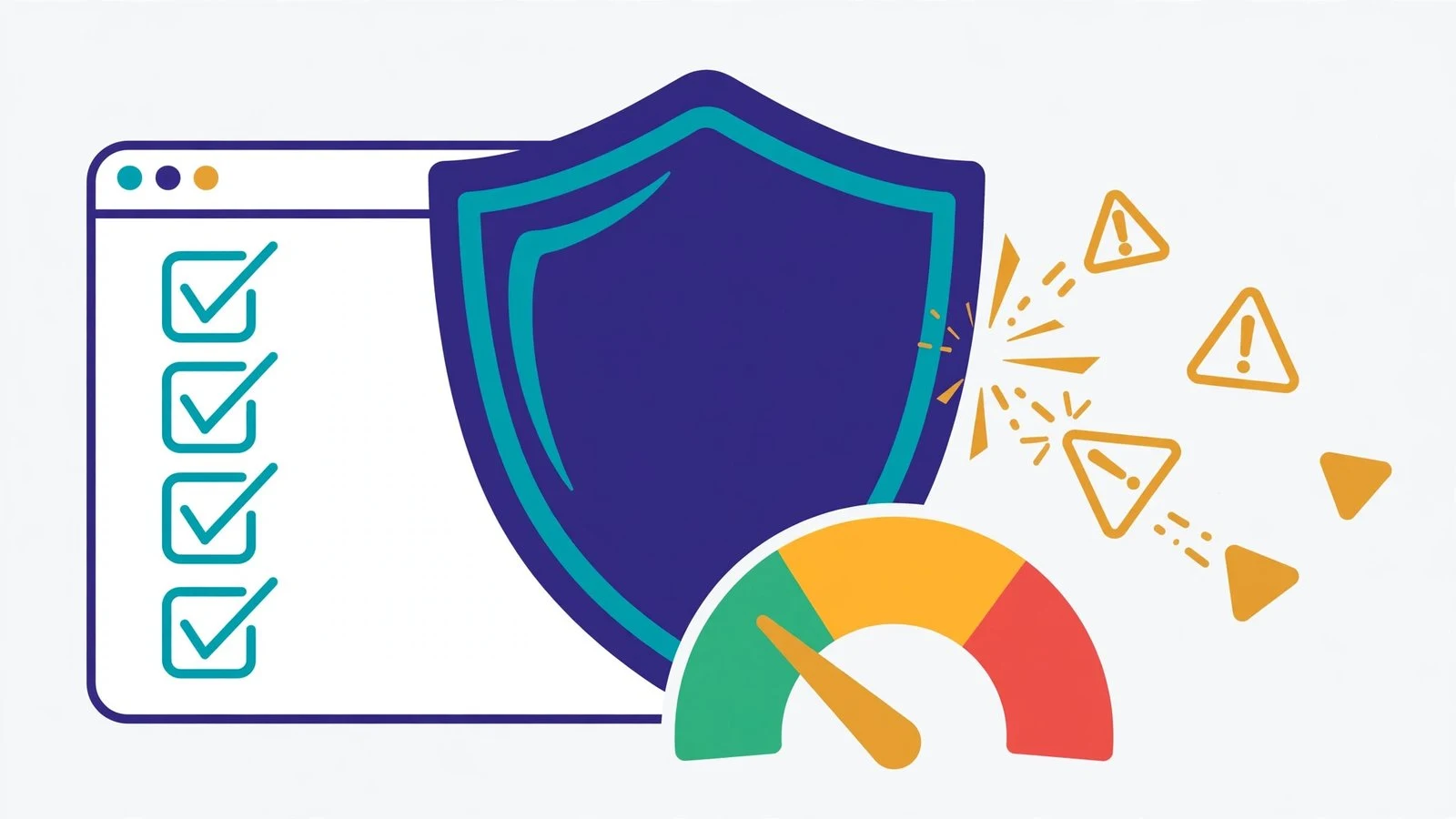
You checked your site’s metrics, saw a “spam score” of 34%, and panicked. Take a breath: spam score is not a Google penalty — Google cannot even see it. This guide answers what is spam score — what the number measures, what a good score looks like, how to check yours free, and how to reduce it by cleaning up spammy, toxic links.
On this page
What Is Spam Score? (Simple Definition)
To answer what is spam score precisely: it is a third-party metric created by Moz that estimates how closely a website resembles sites that search engines have penalized or banned. It answers one question: does your site share traits with known spammy sites?
Moz’s Spam Score: a 0–100% probability metric, not a penalty
Moz’s spam score is expressed as a percentage from 1% to 100%. It is a probability estimate, not a measurement of anything Google does to you. A score of 45% means Moz’s model estimates that 45% of sites with features similar to yours have been penalized — it does not mean you are 45% penalized. You can view the metric alongside Domain Authority and other link metrics in Moz’s Link Explorer.
What it actually measures: similarity to penalized sites across spam flags
This is the technical heart of what is spam score. Moz built the metric by studying millions of sites that search engines penalized or banned, then used machine learning to identify 27 common characteristics those sites shared. When Moz analyzes your domain, it checks how many of those “spam flags” your site carries. More flags, higher score.
The critical facts:
- It is NOT a Google metric. Google never sees your Moz spam score and does not use it in any ranking system. It is a risk signal built for link prospecting and site audits.
- It measures correlation, not causation. A flag means penalized sites often share that trait — not that the trait caused the penalty. One or two flags are normal and harmless; clusters of flags deserve attention.
- It is an audit checklist, not a verdict. The right response to a medium score is to investigate the flags, not to panic-delete pages.
The Spam Flags That Raise Your Score
Understanding the flags turns the number into an action list. Once you know what is spam score, the flags are what actually move it: Here are the most common ones, grouped by type, in plain English.
Content flags: thin content, low word count, missing contact info, few pages
- Thin content / low word count. Pages with very little text resemble auto-generated or scraper sites. Real businesses publish real content.
- Few pages on the domain. A 5-page site looks less established than a real site — though a small legitimate business site is fine; this flag only matters in combination with others.
- Missing contact information. No contact page, address, or phone number is a classic spam-site trait. Legitimate businesses want to be contacted.
- No privacy policy or terms. Missing standard legal pages correlates with fly-by-night sites.
Link flags: followed outbound ratio, penalized neighborhoods, anchor manipulation
- High ratio of followed outbound links. Pages linking out heavily with follow links look like link-selling or directory schemes. Editorial sites link out sparingly and naturally.
- Links from penalized neighborhoods. If many of your inbound links come from sites that themselves look spammy, the model notices. This is why vetting link prospects matters.
- Anchor-text manipulation. An unnatural concentration of exact-match keyword anchors (instead of brand names, URLs, and natural phrases) is a classic paid-link footprint.
- Large number of external links. Excessive outbound linking, especially to unrelated sites, is a directory/spam-blog trait.
Technical flags: missing HTTPS, domain patterns, missing metadata
- No HTTPS. A site without SSL in 2026 looks abandoned or sketchy. This is also a genuine trust and (minor) ranking factor.
- Domain name with hyphens or numbers. Historically associated with spam domains (
best-cheap-viagra-pills-247.com). Your hyphenated brand name is fine — again, flags matter in clusters. - Missing or duplicate meta information. Auto-generated sites often skip title tags and meta descriptions.
- Short domain registration / recent creation. New domains skew higher until they build history. This is why most new sites start with a slightly elevated score that drops over time.
What Is a Good vs Bad Spam Score?
The bands are straightforward — and this is the part of what is spam score that most people misread:
- 1–30% = low risk. Normal. Most legitimate small sites sit at 1–8%.
- 31–60% = medium risk. Notable overlap with penalized sites — investigate the flags.
- 61–100% = high risk. Strong resemblance to penalized sites — act on it.
Context matters: new sites and foreign-language sites skew higher
Two honest caveats. First, new sites skew higher — few pages, short history, and thin early content naturally trip several flags. A 3-month-old legitimate site at 25% is not in trouble; re-check in six months. Second, non-English sites can skew higher because the model’s training data is English-heavy; some content flags misfire on other languages.
The practical rule we use for link building: never build links from sites with a spam score above 10. When prospecting, a low score is a green light to keep evaluating; anything above 10 goes in the reject pile. This single gate filters out most toxic link sources before you spend a minute on outreach. For the full prospecting workflow, see our guide on safe link velocity and backlink gap analysis to vet competitor link sources by spam score before you chase them.
How to Check Your Spam Score (Free)
You need about sixty seconds and zero budget.
Check with the MSF Website Authority Checker
The fastest path: run your domain through our free Website Authority Checker. Enter your domain, and you get the spam score instantly alongside authority metrics — no signup, no install. Use it to check your own site, then check every prospect before outreach. Re-check after cleanup to confirm the flags are clearing.
Moz Link Explorer (free tier limits)
Moz’s own Link Explorer shows spam score on its free tier, with monthly query limits. It also shows which specific flags triggered, which is useful when you want the detailed breakdown. Moz documents the metric in its Help Hub if you want the official methodology notes.
How to read the result (score + which flags triggered)
Read the number, then read the flags — the flags are the actual to-do list. A 42% score driven by “no contact page, no privacy policy, thin content” is a weekend of work. The same 42% driven by “thousands of spammy inbound links” is a link-cleanup project. Same number, completely different response. Always fix flags, not the number.

How to Reduce Your Spam Score
Work the flags in priority order: on-page first (fastest), then outbound links, then inbound link profile, then technical. Knowing what is spam score is only useful if you can move it — this is the order that moves it fastest.
Fix on-page flags: add contact page, privacy policy, real content depth
These are the quickest wins and they make your site genuinely better anyway. Add a real contact page with an address, phone, and contact form. Publish a privacy policy and terms of service. Expand thin pages to real, useful content — or noindex the ones that exist only for users (tag archives, thin category pages). A legitimate site with a contact page, legal pages, and substantive content clears half the content flags in one pass.
Clean your link profile: remove, redirect, disavow as last resort
If the flags point at your inbound links: first try to get genuinely spammy links removed (contact webmasters of obvious link farms). For links you control (old directory submissions, forum profiles), remove or nofollow them. The disavow tool is a last resort — Google’s own guidance reserves it for manual actions or clear spam attacks, not for tidying a Moz score. Do not disavow real links just to chase a lower number; you would be deleting equity. Understanding how link equity flows helps you judge which links are actually worth keeping.
Remove outbound link spam: audit paid and affiliate links, add nofollow/sponsored
Audit every outbound link on your site. Paid links, affiliate links, and sponsored placements must carry rel="nofollow" or rel="sponsored" — this is Google’s documented requirement (see Google’s spam policies), and it also clears the followed-outbound-ratio flag. Remove link-exchange widgets, blogroll spam, and sitewide footer links you sold years ago. If a page exists mainly to link out, delete the page.
Technical: force HTTPS, fix thin and doorway pages
Force HTTPS sitewide with a proper redirect from HTTP. Remove or consolidate doorway pages and auto-generated thin pages. Make sure every indexable page has a unique title tag and meta description. Then wait: Moz updates flags on its own index schedule, so re-crawls take weeks. Do not delete real, useful pages just to chase a lower score — a 6% score with all your content intact beats a 2% score with half your site gone.
How Often Should You Recheck Your Score?
Spam score is not a live metric — it updates when Moz re-crawls the web and refreshes its link index, which happens roughly every few weeks. Checking it daily just creates noise and anxiety over normal index fluctuations. A monthly check is plenty for most sites; check again two to four weeks after you finish disavowing or removing toxic links, since that is how long it takes for the cleaned-up link profile to show up in the data. More importantly, watch the trend, not the number: a score drifting down after cleanup tells you the work is landing, while a small bounce between crawls means nothing. If the score stays flat after two full crawl cycles despite real removals, the remaining flags are probably on links you cannot control — and that is normal.
Spam Score Myths
Three myths that cause more damage than any spam flag — and each one starts from misunderstanding what is spam score:
Myth: “Google penalizes high spam scores” — false
Google cannot see your Moz spam score. It is a third-party metric computed from Moz’s index. Google penalizes the underlying behaviors (link schemes, thin content) through its own systems — the score is just a mirror reflecting whether your site resembles penalized sites. Fix the behaviors and both the score and the real risk improve.
Myth: “0% is the goal” — false
A score of 1–5% is normal and fine. Chasing 0% wastes effort on flags that do not matter and can tempt you to delete legitimate pages or links. The score is a probability estimate with noise in it; treat single digits as “healthy” and move on to work that actually grows traffic.
Does Ahrefs have a spam score?
No — and this confuses people who check what is spam score across tools. Ahrefs does not publish a spam score; it shows Domain Rating and URL Rating plus a referring-domains profile you judge yourself. Semrush scores individual links inside its Backlink Audit tool, and Majestic publishes its own Trust Flow / Citation Flow numbers. Only Moz’s number is called “spam score,” so scores are not comparable across tools — a 20% on Moz means nothing next to a Semrush toxicity flag.
Myth: “Disavow fixes everything” — false
Disavow is for manual actions and documented spam attacks. For a normal site with a medium score, disavowing aggressively can nuke legitimate links and hurt rankings while barely moving the score — because the score weighs many flags, not just inbound links. Disavow only with evidence of an attack or after a manual action notice in Search Console.
Now that you know what is spam score, check your site now with our free Website Authority Checker — it takes a minute, and the flags it surfaces are your cleanup roadmap. Fix the flags, re-check in a few weeks, and keep the <10 gate as your standing rule for every link prospect from here on.
Done-for-you podcast backlinks
Get your brand on Apple Podcasts, Spotify, Amazon and 25 more trusted platforms — placed by hand, reported link by link.