
You don’t need to pay for a content calendar — you need a free one you actually use. Most blogs fail at consistency not from lacking expensive software, but from lacking a simple system: ideas captured, dates assigned, someone responsible. New here? Start with our content calendar build guide, then grab a template below.
On this page
- What Is a Content Calendar (and Why Free Is Enough)
- Free Content Calendar Templates
- Best Free Content Calendar Tools
- How to Set Up Your Free Content Calendar in 30 Minutes
- What Columns an SEO Content Calendar Needs
- Free vs Paid Content Calendar Tools
- Content Calendar Mistakes That Kill Consistency
- Continue Learning
This guide gives you three free content calendar templates (Google Sheets, Notion, Trello), honest reviews of the best content calendar tools with free plans, a 30-minute setup walkthrough, and the SEO-specific columns that turn a generic editorial calendar into a publishing system that ranks. If you want the full strategy theory behind content calendars, our comprehensive content calendar guide (publishing soon) goes deeper — this page is the free-resource hub.
What Is a Content Calendar (and Why Free Is Enough)
A content calendar is a schedule of what you will publish, when, and who is responsible for it. At its simplest, it is a list: next Tuesday, this topic, this person. That is the whole system — everything else is decoration.
Here’s the honest truth most software vendors won’t tell you: for most blogs and small teams, a free spreadsheet beats paid software. The workflow matters, not the tool. A $100/month platform that nobody opens is worthless; a Google Sheet reviewed every Monday keeps you publishing. Paid tools earn their money when you have problems free tools genuinely can’t solve — multi-brand agencies, approval chains, asset libraries. Until then, free is not the budget option. It is the right option.
Consider the cost of not having any calendar: ideas scattered across notes apps, two posts on the same topic a month apart (hello, cannibalization), long silent gaps that train your audience — and Google — to forget you exist. The calendar’s job is simply to make publishing a default instead of a decision. Every template below does that for $0.
Free Content Calendar Templates
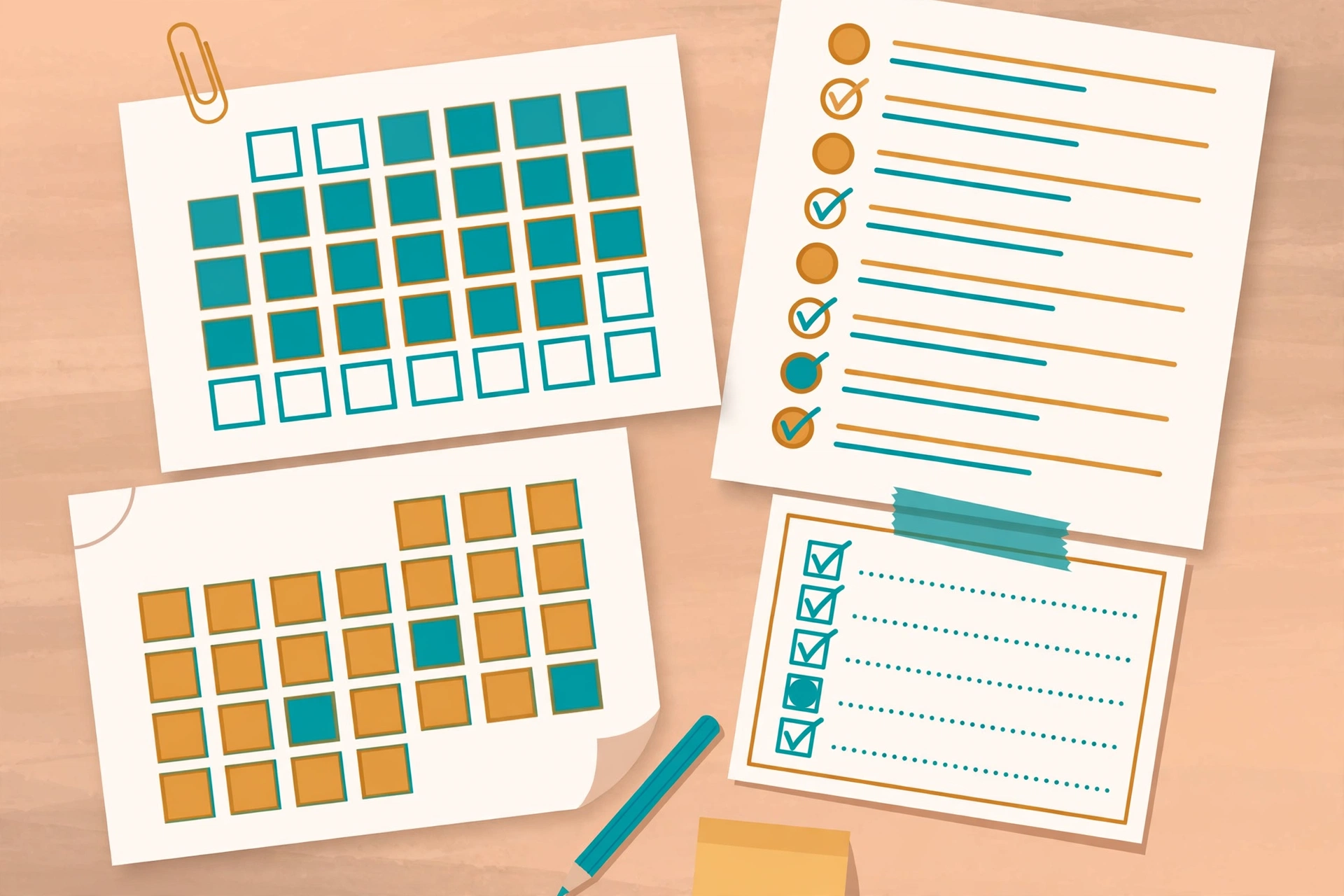
Below are three templates, each with a different strength. Pick the one that matches how your team already works — the best template is the one that survives contact with your actual habits. Keep each one minimal: bloated templates get abandoned within a month.
Google Sheets template.
The universal default. Create a sheet with these columns:
- Date — the publish date
- Working title — the draft headline
- Target keyword — the primary keyword this piece targets
- Intent — informational, commercial, or transactional
- Content type — guide, listicle, tool page, review, news
- Owner — one person responsible (not a team — a name)
- Status — idea / writing / review / scheduled / published
- Target URL — the planned slug
- Internal links — pages to link to from this piece
- Refresh date — when to revisit this post for an update
How to copy it: duplicate the sheet structure above into a new Google Sheet, add your next 12 ideas as rows, and share it with your team. That’s the whole setup. A filled example row looks like this: 2026-11-03 | Content Audit: The Step-by-Step Guide | content audit | informational | guide | Ahmed | writing | /content-audit/ | internal-linking, toxic-backlinks | 2027-05-01 — one glance tells anyone on the team exactly what this piece is and where it stands. If you want the official tour of what Sheets can do, Google’s Sheets overview covers the basics. Pro tip: use data validation on the Status column (a dropdown of the five stages) so typos don’t create phantom statuses like “writting” that break your filters.
Notion template.
Notion’s strength is keeping everything in one place: the calendar, the briefs, and the drafts can live in the same database. Build a database with a calendar view for scheduling and a kanban view for tracking status (Ideas → Writing → Review → Scheduled → Published). Each card holds the brief — target keyword, outline, internal links to add — so the writer never hunts for context.
Set up useful property types: a Select property for intent, a URL property for the target slug, a Date property for publish and refresh dates, and a Person property for the owner. Then create two saved views: “This month” (calendar view filtered to the current month) and “Stuck in review” (kanban filtered to Review status older than 7 days). Those two views are 90% of what a small team needs.
Best when one doc holds briefs too. If your calendar and your briefs live in different tools, ideas die in the gap between them; Notion closes it.
Trello board template.
Create a board with lists as workflow stages: Ideas → Writing → Review → Scheduled → Published. Each card is one article — title, due date, owner, checklist for the publishing steps (draft, images, internal links, meta). Power-Ups like the calendar view turn the board into a timeline for free.
Make the checklists do real work: a “Publishing checklist” on every card with items for featured image, meta description, internal links (2+), and category assignment means nothing ships half-done. Use colored labels for content type (green = guide, yellow = listicle, blue = tool page) so the board shows your content mix at a glance — if everything is yellow, you have a variety problem.
Best for visual teams who think in cards and drag-and-drop. The physical satisfaction of moving a card to “Published” is a real motivator, and motivation is half of consistency.
Best Free Content Calendar Tools
Templates are starting points; tools are where the system lives day to day. Here are the best content calendar tools you can use without paying, with a one-line verdict each.
Google Sheets — best for solo bloggers.
Zero learning curve, works everywhere, shares in one click. The catch: no real workflow automation — status changes are manual, and at scale the sheet becomes a scrolling graveyard. Verdict: start here; leave when the sheet starts annoying you daily.
Notion — best free all-in-one for small teams.
Calendar, docs, briefs, and a lightweight CMS in one free workspace. The catch: it can become a second job to maintain if you over-engineer it — keep the database simple. Verdict: best when your calendar needs to hold briefs, not just dates.
Trello — best free visual workflow.
Kanban boards make status obvious at a glance, and the free plan is genuinely generous for small teams. The catch: cards are bad at holding structured data like keyword columns — pair it with a sheet for the SEO metadata. Verdict: best for teams that plan visually and track in cards.
ClickUp (free plan) — best free option when you outgrow Trello.
Multiple views (list, board, calendar, Gantt), custom fields for keyword and intent columns, generous free tier. The catch: feature sprawl — it takes longer to learn and longer to set up. Verdict: the free upgrade path when Trello feels too simple but you’re not ready to pay.
The pattern across all four: start free; upgrade only when a specific pain appears. “We might need approvals someday” is not a pain. “We missed three publish dates because nobody saw the sheet” is.
How to Set Up Your Free Content Calendar in 30 Minutes
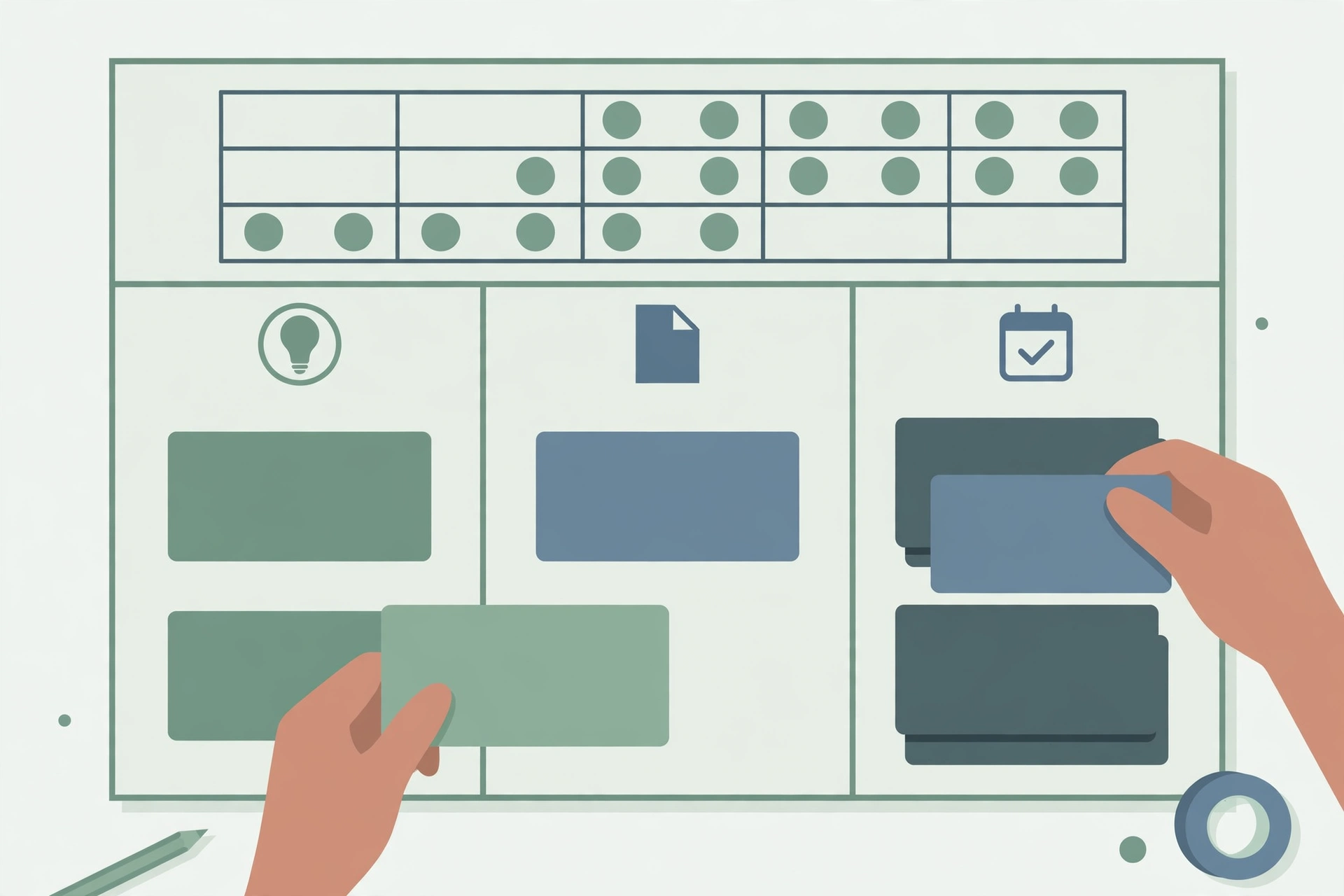
Set a timer. A calendar you build today beats a perfect system you build “someday.”
Step 1 — Copy the template and define your columns.
Duplicate one of the templates above. Keep the columns listed in the Sheets template — date, title, keyword, intent, type, owner, status, URL, internal links, refresh date. Delete any column you can’t explain the purpose of in one sentence.
Step 2 — Add your next 12 ideas, each with a target keyword.
Twelve ideas is roughly a quarter of weekly publishing, or a year of monthly publishing. Every idea needs a target keyword with verified search volume — an idea without keyword data is a guess. Run each candidate through a keyword search volume checker before it earns a row. Planning topics without keyword data is the number-one calendar killer.
Step 3 — Assign publish dates and one owner per slot.
Give every row a date and a single name. “The team” owns nothing; a person owns a deadline. Be realistic about capacity — one post a week you actually ship beats four a week you abandon by March.
Step 4 — Build the review habit (15 minutes weekly).
Pick a day and time — Monday morning works for most — and spend 15 minutes reviewing the calendar: what’s due, what’s stuck, what’s next. A calendar nobody reviews is decoration. The weekly review is the actual system; everything else is just a spreadsheet.
What Columns an SEO Content Calendar Needs
A generic editorial calendar tracks dates and titles. An SEO content calendar tracks the things that make content rank. Beyond the basics, every row needs:
- Target keyword — with verified volume, not a guess.
- Search intent — what the searcher wants (answer, comparison, purchase), so the brief matches it.
- Content type — intent dictates format; mismatches don’t rank.
- Internal links to add — plan these before writing, not after. Which existing pages should this piece link to, and which should link to it? Our internal linking guide shows how to structure this so new posts strengthen your whole site from day one.
- Refresh date — schedule the update now, while the post is new. Content decays; plan the refresh before the decay starts.
The keyword + intent + internal-link columns are what make it an SEO calendar instead of a generic editorial calendar. Skip them and you have a publishing schedule; include them and you have a ranking system.
Free vs Paid Content Calendar Tools
Honest framing: most readers never need to upgrade. But free does have a ceiling. Upgrade when you hit one of these:
- Multi-brand or multi-client work — separate workspaces, permissions, and client views stop being manageable in a free sheet.
- Approval chains — when legal, clients, or executives must sign off before publishing, you need real workflow states and notifications.
- Asset management — when every post ships with designed images, video, and social variants, you need a DAM, not a spreadsheet.
What the money buys, in one line each: CoSchedule — marketing-calendar polish with social scheduling baked in; Asana — project management that happens to schedule content well; Airtable — a spreadsheet with a database engine for teams that outgrew Sheets’ limits. If none of the three ceiling problems above describe you, stay free and spend the money on better content instead. Do the math before you pay: a mid-tier content calendar tool at $30–$50 per seat per month costs a three-person team $1,080–$1,800 a year. That buys a lot of freelance writing — the thing that actually moves the traffic needle. Unless one of the three ceiling problems above is actively hurting you, the rational move is to stay free and invest that budget in content production. Store your finished briefs and assets alongside the calendar — Google Drive’s free tier pairs naturally with a Sheets-based calendar.
Content Calendar Mistakes That Kill Consistency
- Planning topics without keyword data. A calendar full of zero-volume ideas is a treadmill. Verify every target keyword’s volume before it gets a date.
- No single owner per slot. Shared ownership is no ownership. One name, one deadline.
- Never reviewing. The calendar rots within weeks without the weekly 15-minute review. Schedule the review before you schedule the posts.
- Scheduling more than you can write. Ambitious calendars die in month two. Start at a pace you’ve already proven you can sustain, then scale.
- Treating the calendar as the goal. The calendar is a means. Published posts that rank are the goal. If maintaining the calendar costs more time than writing, simplify the calendar.
- No buffer for real life. A calendar packed with zero slack breaks the first time someone gets sick or a client project lands. Keep one empty slot per month as a buffer — an unfilled slot is invisible, a missed deadline is a broken habit.
Every one of these mistakes shares a root cause: optimizing the system instead of the output. When in doubt, ask the only question that matters — “did we publish what we planned?” — and fix whatever answers “no.”
Continue Learning
Once your free calendar is running, the next leverage comes from what you schedule into it: every slot should carry a keyword with verified volume, a clear intent, and planned internal links so new posts strengthen the site from day one. Nail those three inputs and the free system above will outperform most paid setups. Our full content calendar strategy guide — the comprehensive playbook this free hub complements — is live now.
Done-for-you podcast backlinks
Get your brand on Apple Podcasts, Spotify, Amazon and 25 more trusted platforms — placed by hand, reported link by link.