

A backlink audit checklist walks you through six stages: export your complete link data, identify toxic and low-quality links, score each link’s quality, decide whether to keep, remove, or disavow it, document your decisions, and schedule your next audit. Most sites should run a full audit every six months, or immediately after a sudden traffic drop.
On this page
A backlink audit sounds technical, but it is really just a health checkup for your site’s link profile. Links are still one of Google’s strongest ranking signals, which means bad links can quietly drag you down while you blame everything else — your content, your keywords, the algorithm. This backlink audit guide gives you a repeatable process you can run yourself, with free and paid options at every step, so no toxic link hides in your profile unnoticed. Whether you have fifty referring domains or fifty thousand, the same six phases apply.
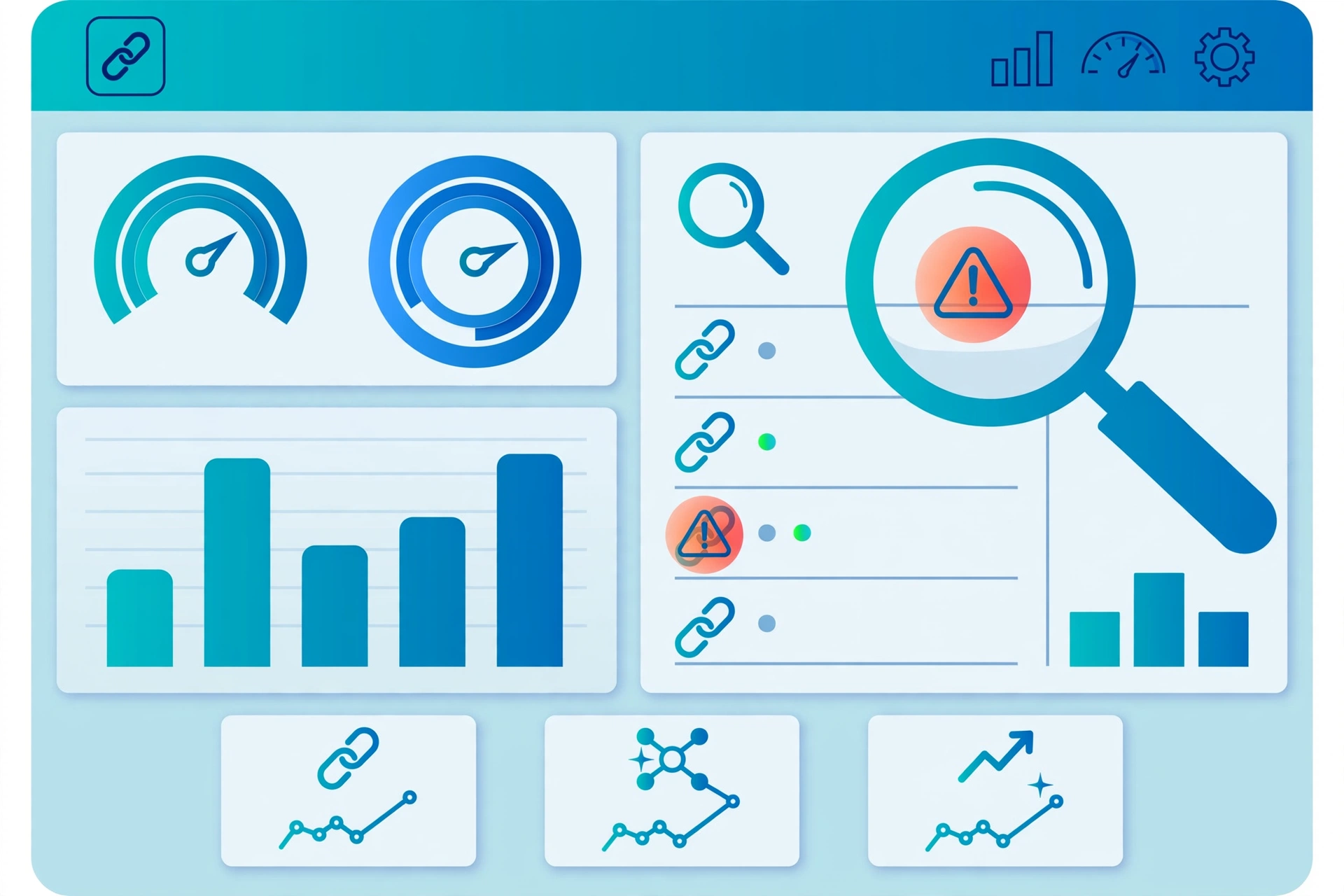
Your Backlink Audit Checklist at a Glance
Before diving into each step, here is the full checklist in one view. Work through it top to bottom; every item builds on the previous one. If you are short on time, the three steps that matter most are data export, toxic-link identification, and the keep-or-disavow decision.
| Phase | What you do | Output |
|---|---|---|
| Data gathering | Export every backlink from at least two sources | One deduplicated master list |
| Toxic-link screening | Flag links matching known spam patterns | Shortlist of suspicious links |
| Quality scoring | Score each flagged link on five quality signals | Ranked review queue |
| Decision | Keep, request removal, or disavow each link | Action list with owners and dates |
| Documentation | Record what you did and why | Audit log you can revisit |
| Scheduling | Set your next audit date and monitoring alerts | Calendar reminder + alerts |
Verdict: Print this table or copy it into a spreadsheet — it becomes the skeleton of your audit log for every future audit.
Pull Your Complete Backlink Data
An audit is only as good as its data. No single tool sees every link pointing to your site, so the first rule is simple: never rely on one source. At minimum, combine Google Search Console’s link report (free, straight from Google) with one third-party crawler such as Ahrefs, Semrush, or Moz. Each sees a slightly different slice of the web, and the links that only one tool finds are often the ones that matter most.
Start with checking your backlinks in Search Console under Links → Top linking sites, then export the full list. In your third-party tool, export all referring domains with their authority metrics attached — Domain Rating or Domain Authority, spam score, and anchor text. Merge both exports into one spreadsheet and remove exact duplicates by combining the linking page URL and your target URL. What remains is your master list: every known link, in one place, ready for review.
Two details people skip: first, export lost links too, not just live ones — a sudden wave of lost links from legitimate sites can signal a technical problem on your end, like a broken redirect. Second, note the date of your export prominently. Six months from now, you will want to compare snapshots, and “backlinks_final_v2_REAL.csv” will not tell you which month it came from.
Flag Toxic and Low-Quality Links
With your master list ready, the next job is triage: separate links worth keeping from links that need a closer look. Toxic backlinks hurt rankings because they associate your site with spam networks, and Google’s spam policies are explicit that manipulative link schemes can trigger manual actions. You are looking for patterns, not judging individual links in isolation — one odd link means nothing, but fifty from the same network means a lot.
Run through these red flags for every link on your list. A link hitting two or more deserves a full manual review in the next phase:
| Red flag | What it looks like | Why it matters |
|---|---|---|
| Irrelevant foreign language | Casino, pharma, or adult sites in languages you never targeted | Classic hacked-site or paid-network footprint |
| Exact-match anchor overload | Dozens of links with identical commercial anchor text | Signals manufactured links, not editorial ones |
| Zero-traffic linking domains | Sites with no real visitors, thin auto-generated content | Built purely to sell or manipulate links |
| Sitewide footer/sidebar links | Your link appears on every page of another site | Unnatural placement; often paid |
| High spam score | Moz Spam Score above 60%, or equivalent flag | Correlates with penalized neighborhoods — see Moz’s spam score guide |
| Link farm neighborhoods | Hundreds of outbound links to unrelated sites | Your link is one of many sold placements |
Verdict: Be strict at this stage — flag generously. It is far cheaper to review a false positive than to miss a genuinely harmful link.

Score Every Link Before You Act
Flagging tells you what to look at; scoring tells you how worried to be. Most guides stop at “check the spam score,” but a single metric is a blunt instrument. A link from a small but genuine industry blog can have modest authority numbers and still be perfectly fine, while a high-authority link from an irrelevant hacked page can be dangerous. Score each flagged link on five signals, 0–2 points each, and let the total guide your decision.
Relevance (0–2): Is the linking site topically related to yours, or at least a general site where your link makes editorial sense? A marketing blog linking to an SEO tool is a 2. A plumbing directory linking to that same tool is a 0.
Authority (0–2): Does the domain have real standing — genuine traffic, a real audience, links of its own? Use Domain Rating or Domain Authority as a rough proxy, but sanity-check with a quick visit: does this look like a site a human runs?
Placement (0–2): Editorial links inside article content score highest. Author bios and resource lists are fine. Footers, sidebars, and comment sections score lowest — placement reveals intent.
Anchor naturalness (0–2): Branded anchors, naked URLs, and descriptive phrases are natural. Fifty identical exact-match commercial anchors are not.
Traffic reality (0–2): Does the linking page get any real visitors? A link nobody can click passes little value and often indicates a site built for links rather than readers.
Add it up: 8–10 means keep without worry. 5–7 means monitor — revisit next audit. 0–4 means act: request removal or disavow. This framework is deliberately simple so you can apply it consistently across hundreds of links without burning out halfway through the list.
Keep, Remove, or Disavow: The Decision Framework
Every flagged link ends in one of three buckets, and choosing wrong in either direction costs you. Disavowing a good link throws away ranking power; keeping a toxic one invites penalties. Work through the decision tree below for each link that scored 0–4, and document your reasoning as you go — future you will thank present you.
| Decision | When to choose it | How to execute |
|---|---|---|
| Keep | Scored 5+, or low score but clearly a real editorial link | No action; note “reviewed, kept” with the date |
| Request removal | Scored 0–4 and you can identify a site owner | Polite email asking for link removal; follow up once after two weeks |
| Disavow | Scored 0–4, removal failed or impossible, clear spam pattern | Add to disavow file and submit via Google’s disavow tool |
Verdict: Disavow is a last resort, not a first instinct — Google has said most sites never need it. But when you face a clear spam pattern, use it decisively.
A word on removal outreach: keep emails short, polite, and specific — include the exact page URL where your link appears. Many webmasters ignore vague requests but act on precise ones. Track every outreach attempt with dates; if a site ignores two attempts, move that link to the disavow bucket rather than chasing it forever. For the full disavow process, including file formatting and common mistakes, see this backlink audit walkthrough from Ahrefs.
Document Your Audit and Schedule the Next One
An undocumented audit is an audit you will repeat from scratch. Your audit log should record four things: the export date and sources, every link you acted on with its score and decision, copies of removal outreach emails, and your disavow file version. Store it where you will actually find it — a dedicated spreadsheet tab per audit date works better than scattered notes.
Then set up ongoing protection so the next audit is smaller. Most backlink tools offer new-and-lost-link alerts; turn them on for weekly digests. A sudden spike in new referring domains — especially from irrelevant or foreign-language sites — is often the first sign of a negative SEO attack, and catching it in week one beats discovering it in month six. Calendar a full re-audit every six months, and a lighter quarterly check of just new links. Link profiles drift constantly; the sites that get hurt are the ones that only look when traffic already dropped.
Backlink Audit FAQ
How often should I run a backlink audit?
Every six months for most sites, quarterly if you are in a competitive niche or actively building links. Run one immediately after any sudden, unexplained traffic drop — a toxic link spike or a wave of lost good links is a common culprit that analytics alone will not reveal.
What is the difference between a backlink audit and link detox?
A backlink audit is the full diagnostic: you review your entire link profile, score links, and decide what to do. Link detox is just one possible outcome — the cleanup phase where you remove or disavow the bad links the audit found. Audit first, detox only what the audit justifies.
Can a backlink audit hurt my rankings?
The audit itself cannot — you are only analyzing. Harm comes from overzealous disavowing afterward. Disavowing legitimate links throws away ranking power, which is why the scoring framework in this guide exists: act only on links that clearly fail it, and when in doubt, monitor rather than disavow.
Do I need paid tools to do a backlink audit?
No. Google Search Console’s link report is free and shows exactly which links Google knows about — arguably the most important view. Paid tools add authority metrics, spam scores, and historical data that speed things up, but a careful manual review of Search Console data catches the big problems.
How long does a backlink audit take?
A small site with a few hundred links can finish in an afternoon. A site with tens of thousands of referring domains needs days, which is why the triage approach matters: screen everything quickly with red flags, then spend your deep-review time only on the flagged shortlist.
A backlink audit is not a one-time project — it is maintenance, like changing your car’s oil. Run this checklist on schedule, act on what it finds, and your link profile stays an asset instead of quietly becoming a liability.
Done-for-you podcast backlinks
Get your brand on Apple Podcasts, Spotify, Amazon and 25 more trusted platforms — placed by hand, reported link by link.