

You earned the backlink — congratulations. But there’s a catch most link building guides skip: Google doesn’t automatically know about every link pointing at your site. If Google never crawls the page that links to you, that link sits invisible, passing no value at all. Learning how to index backlinks really means learning how to get Google to find and process the pages that link to you.
On this page
The honest headline first: you cannot force Google to index a page, and you cannot submit someone else’s page for indexing at all. Google’s own documentation says plainly that it doesn’t guarantee crawling or indexing of any page, even pages that follow all its guidelines. What you can do is remove every obstacle between Google’s crawlers and the pages linking to you — and this guide shows exactly how, using only free, legitimate methods.
Why Backlinks Sometimes Don’t Get Indexed
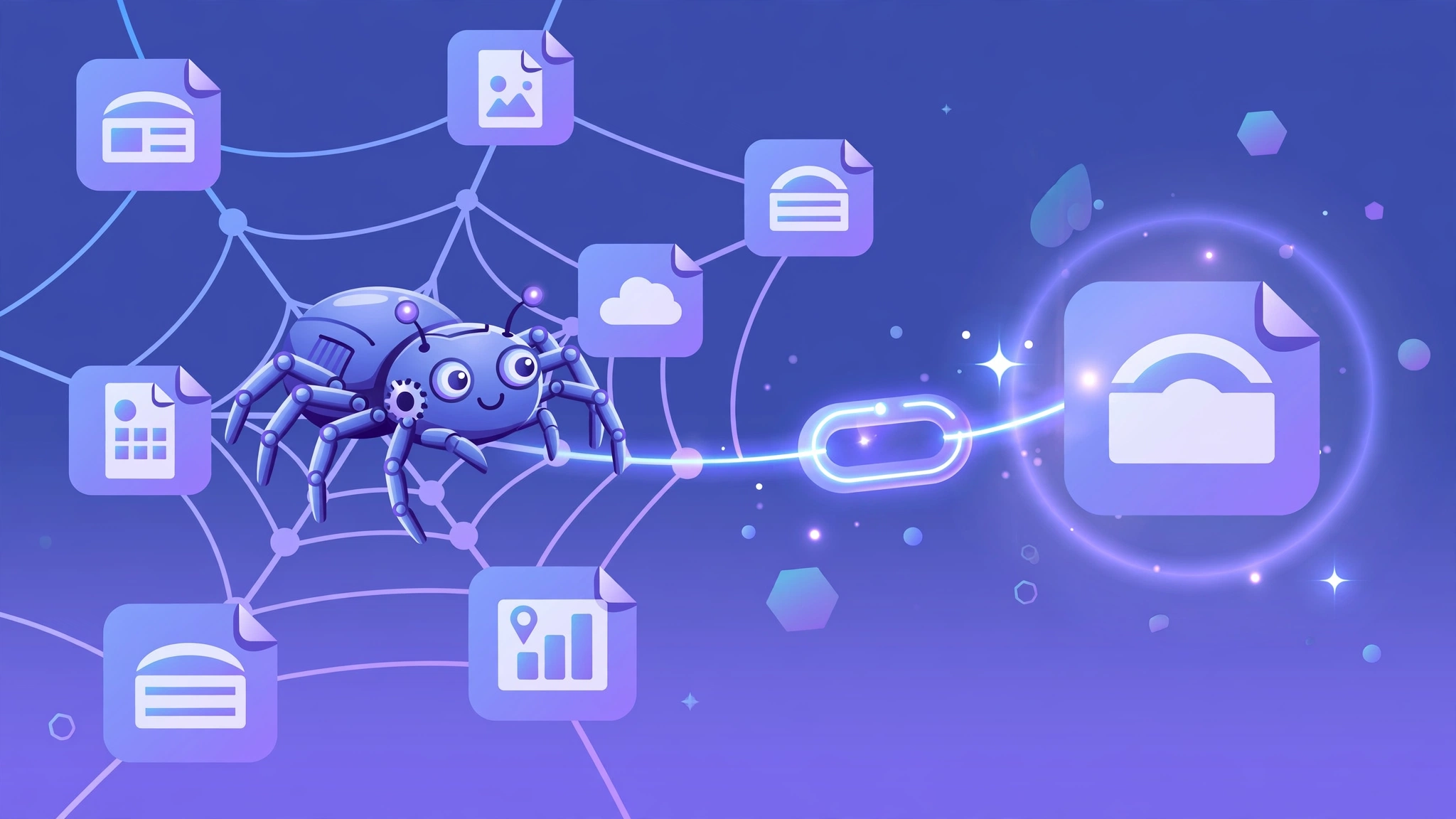
To understand why a backlink goes unnoticed, you need to know how Google finds links in the first place. Google discovers new pages and links by crawling — its bots follow links from pages they already know to pages they don’t. As Google’s “How Search works” documentation explains, some pages are discovered because Google extracted a link from a known page pointing to a new one. If the page carrying your link is itself unknown to Google, the crawler has no path to reach it, and your link stays undiscovered.
The most common reasons a linking page stays unindexed:
- The linking site is new or rarely crawled. Fresh blogs, new directories, and low-authority sites may go weeks between Googlebot visits. A link on a page Google hasn’t visited yet is a link Google hasn’t seen.
- The linking page is an orphan. If nothing else links to the page carrying your backlink — no internal links from the site’s own navigation, no external links from elsewhere — crawlers have no route to find it.
- The page blocks crawling. A robots.txt rule, a noindex meta tag, or a login wall on the linking page keeps Googlebot out entirely. Your link is behind a locked door.
- Crawl budget ran out. On large sites, Google allocates a limited crawl budget. Deep, unimportant pages on huge sites can sit uncrawled for long stretches simply because the crawler never gets that far.
- The content looks thin or duplicate. Google’s indexing documentation notes that not every crawled page gets indexed — low-quality or duplicate content may be crawled and then deliberately left out of the index.
None of this is a penalty or a bug. It’s just how a crawler-based search engine works: no crawl, no discovery; no discovery, no link credit. Your job is to build as many paths as possible from Google’s known nk pointing to a website” style=”max-width:100%;height:auto;border-radius:12px;box-shadow:0 4px 24px rgba(0,0,0,0.08)” loading=”lazy”>
How to Check If Your Backlinks Are Indexed
Before trying to fix anything, check what actually needs fixing. Many of your backlinks are probably already discovered — focus your effort on the ones that aren’t.
You can check backlinks and site authority for free with our website authority checker.
Method 1: The site: operator. Search Google for site:example.com/page-with-your-link, using the linking page’s URL (not your own). If the page shows up, Google has indexed it — and by extension, has seen your link. If nothing shows up, the page isn’t in the index. This is a rough check, not a guarantee, but it’s free and instant.
Method 2: Check the linking page in a backlink tool. If you use a tool to check backlinks, look at the linking page’s own metrics — its traffic, its crawl date, whether the tool’s crawler can reach it. A page that no SEO tool has ever crawled is a page Google probably hasn’t prioritized either.
Method 3: Search Console — but only for your own pages. Google’s URL Inspection tool tells you definitively whether a URL is indexed, and lets you request a recrawl. But there’s a hard limit: the URL must be in a Search Console property you own. You can verify that your own pages are indexed, but you cannot inspect or submit the third-party pages that link to you. This is the single most misunderstood point in backlink indexing — and it’s straight from Google’s documentation: “You can’t request indexing for URLs that you don’t manage.”
URL Inspection Walkthrough (Step by Step)
- Open Google Search Console and select your property.
- Paste the URL into the URL Inspection bar at the top and press Enter.
- Google will show whether the URL is indexed (“URL is on Google”) or not (“URL is not on Google”).
- If not indexed, click “Request Indexing” — Google will queue the page for crawling, usually within a few days.
- Use the “Test Live URL” button first if you suspect rendering issues (JavaScript-heavy pages sometimes fail).
Critical limitation: you can only inspect and submit URLs on properties you own. You cannot force Google to index someone else’s page that links to you — for third-party linking pages, use the free methods above (social shares, internal links from your own indexed pages) to help Google discover them.
Method 4: Check the page loads and links correctly. Visit the linking page yourself. Confirm your link is actually there, that it isn’t wrapped in JavaScript Google can’t render, and that it doesn’t carry a rel="nofollow" you didn’t expect. A surprising number of “unindexed backlink” problems turn out to be links that were never actually published the way the site owner promised.
If the page is stuck in “Discovered – currently not indexed” limbo, Ahrefs’ guide to fixing that status walks through the common causes — thin content, poor internal linking, and low authority — which apply to third-party linking pages just as much as your own.
Work through your most valuable new links first — the ones from real, relevant sites that should be passing authority. A missing directory link on a spammy aggregator isn’t worth your time; a missing editorial link from a genuine publication is.
Indexing Speed by Platform: Where to Get Links That Get Found Fast
Not all linking pages get crawled equally. Here is how fast Google typically discovers new pages on major platforms:
| Platform | Typical Discovery Time | Why |
|---|---|---|
| X (Twitter) | 2–6 hours | Heavily crawled; real-time index |
| 4–12 hours | High crawl priority on popular subreddits | |
| Medium | 12–48 hours | Strong domain authority, frequent crawling |
| LinkedIn articles | 1–3 days | Good authority, moderate crawl rate |
| YouTube descriptions | 1–3 days | Google-owned; video pages crawled fast |
| New blog (low authority) | 1–4 weeks | Infrequent crawling until authority builds |
| Forum profiles | 2–8 weeks | Often deprioritized; many are nofollow anyway |
Strategic takeaway: a backlink from a Reddit post or Medium article gets discovered (and starts passing value) weeks before the same link on an obscure new blog. When you have a choice of where to earn links, prefer platforms Google crawls aggressively.
Free Methods to Get Backlinks Indexed
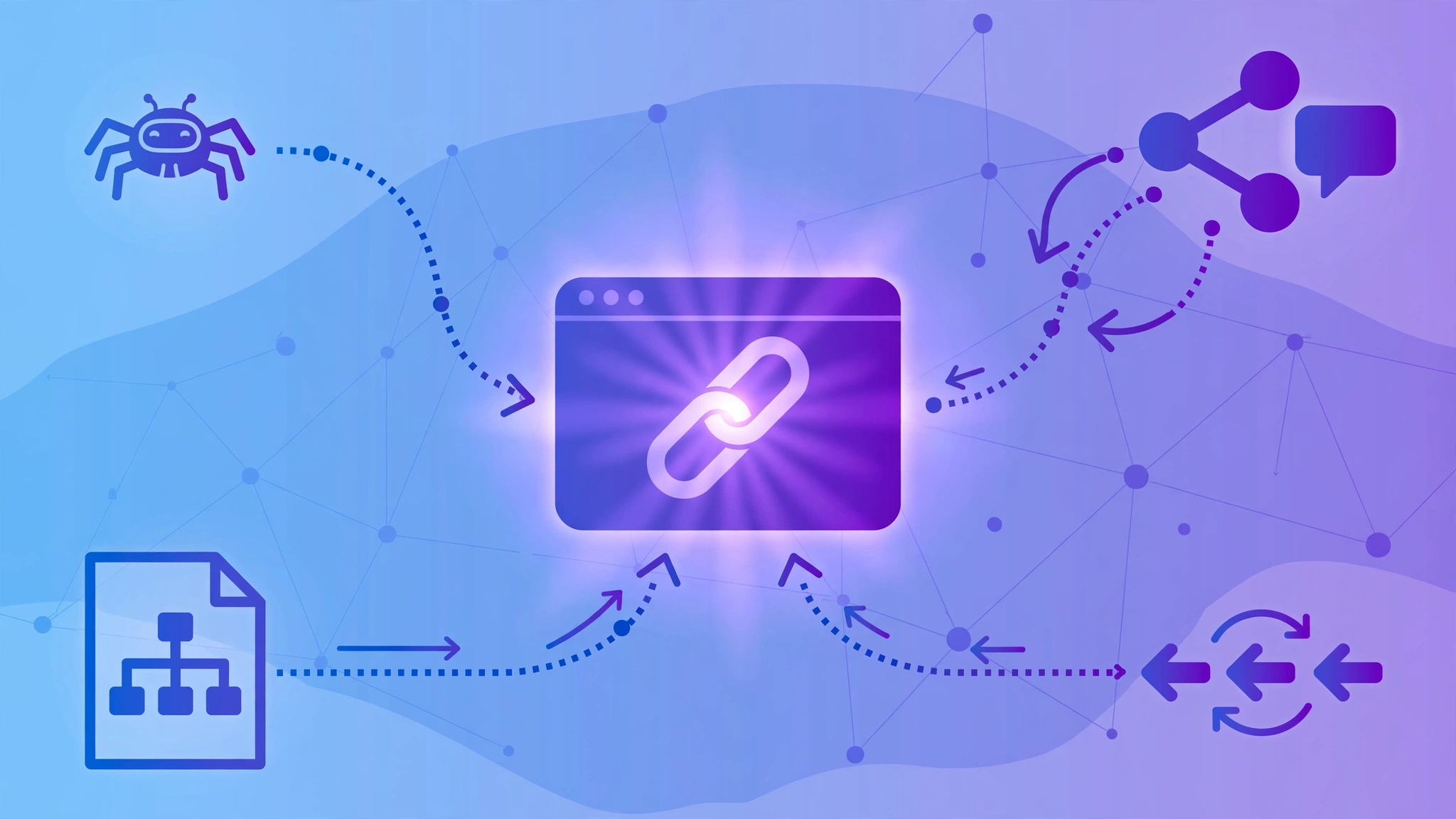
Every legitimate method works on the same principle: give Google more paths to discover the linking page. None of them submit the third-party URL directly, because no such mechanism exists. What they do is make the linking page easier for crawlers to find.
1. Link to the linking page from your own site. This sounds backwards, but it works. If you have an indexed page — a blog post, a resources page, a “press” or “as featured in” page — add a link to the article that links to you. Google crawls your site regularly; when it follows that outbound link, it discovers (or re-discovers) the linking page. You’re building a crawl path from your known territory to the page you want found.
2. Share the linking page on social media. Post the linking article — not your own site, the page that links to you — on X, LinkedIn, Facebook, or wherever your audience is. Social platforms are crawled constantly, and links from high-crawl-frequency pages get discovered fast. Tag the author or publication; they’ll often reshare, multiplying the crawl paths.
3. Get the linking page mentioned elsewhere. Any new link to the linking page helps crawlers find it. If you have relationships with other site owners, a mention of the article helps. If the linking page is genuinely useful, submit it to relevant communities or resource lists. Every additional inbound link is another road for Googlebot.
4. Make sure YOUR pages are indexed and crawlable. This one’s indirect but important. When your own site is well-crawled — clean sitemap submitted in Search Console, no crawl blocks, sensible internal linking — Google visits more often, follows your outbound links more often, and discovers the pages you point at more often. The method in step 1 only works if your own house is in order.
5. Use the URL Inspection tool for your own pages. After publishing new content or earning new links, request indexing for your own key pages in Search Console. Google’s “Ask Google to recrawl” documentation confirms this is the legitimate route for URLs you manage — and it notes there’s a daily quota, so prioritize your most important pages. A freshly crawled page of yours that links out to the linking page (step 1) creates the discovery chain.
6. Build tier-two mentions honestly. “Tier two” just means links pointing at the page that links to you. Done honestly — a genuine social share, a real mention in your newsletter, a legitimate directory listing of the article — these are normal web activity that aids discovery. Done dishonestly — automated spam blasts to thousands of junk pages — they’re the link schemes Google penalizes. The line is intent and quality, not the tactic itself.
Notice what isn’t on this list: submitting the linking page’s URL to Google. That option doesn’t exist for pages you don’t own, and anyone selling you a tool that claims to do it is selling something Google’s documentation explicitly contradicts.
What Doesn’t Work
The backlink indexing niche attracts more than its share of snake oil. Here’s what to avoid, and why.
“Instant indexing” services with guarantees. No service can guarantee Google will index a page — Google itself won’t make that guarantee for pages that follow all its rules. Any tool promising “100% index rate in 24 hours” is making a promise it cannot keep. At best, these services do the free things listed above (social shares, RSS pings) and charge you for them. At worst, they blast your linking pages’ URLs across spammy networks, which can associate your link profile with junk neighborhoods.
Ping farms and mass submission tools. Pinging — notifying services that a page exists — is a relic of the early blog era. Modern Google discovers content through crawling, not pings. Mass-submitting a URL to hundreds of ping services accomplishes nothing and looks exactly like the automated behavior spam filters watch for.
Repeatedly requesting the same URL. Google’s documentation is explicit: “requesting a recrawl multiple times for the same URL won’t get it crawled any faster.” If you’ve already requested indexing for your own page once, clicking the button twenty more times does nothing except burn your daily quota.
Spammy tier-two link blasts. Paying for thousands of automated forum profiles or blog comments pointing at the page that links to you doesn’t help discovery — it builds a spam footprint around your backlink. If Google’s systems flag those tier-two links as manipulative, the scrutiny lands on your link too. My guide on harmful backlinks covers how these patterns get recognized.
The Google Indexing API — for this purpose. You’ll see this API recommended in indexing guides, so let’s be precise: Google’s Indexing API only accepts pages with specific structured data types (job postings and livestream events), and only for sites you own. It is not a general “submit any URL” endpoint. Using it for ordinary article pages or third-party URLs is documented misuse that doesn’t get anything crawled.
The honest answer to how to index backlinks is that it’s a crawling problem, and crawling responds to genuine signals — real links, real shares, real site structure — not to tricks.
How Long Indexing Takes
Set honest expectations. Google’s own documentation says crawling “can take anywhere from a few days to a few weeks,” and that’s for pages on sites Google already knows. For a backlink on a third-party page, the timeline has two stages: first Google must crawl the linking page, then it must process the link during indexing.
In practice, links from active, well-crawled sites are typically discovered within days — Googlebot visits popular sites constantly, and a new outbound link gets picked up on the next crawl. Links from quiet, rarely-updated sites can take weeks or longer, because the crawler simply doesn’t visit often. Indexing is only the first step, though — ranking movement comes later. See how long backlinks take to work so you judge campaigns on a realistic timeline.
A reasonable workflow: after earning a backlink, give it two to four weeks, then check with the site: operator. If the linking page is indexed, you’re done — the link is in Google’s system. If it isn’t, work through the free methods above, then check again in another few weeks. What you should not do is panic after three days and buy an “instant indexing” package.
One more honest note: some links will never get indexed because the linking page will never get crawled — abandoned blogs, dead directories, pages buried where no crawler goes. That’s normal link attrition, and it’s one reason experienced SEOs focus on earning links from active, maintained sites rather than chasing raw link counts. Ten links on living sites beat a hundred on digital ghost towns. For the full picture on what separates links that matter from links that don’t, see my breakdown of backlinks compared to referring domains.
Frequently Asked Questions
Quick answers to the most common questions about how to index backlinks:
How do I know if my backlinks are indexed by Google?
Search Google for site: followed by the linking page’s URL (not your own URL). If the linking page appears in results, Google has indexed it and seen your link. For your own pages, Google Search Console’s URL Inspection tool gives a definitive indexed/not-indexed verdict — but it only works for URLs in properties you own, not third-party pages linking to you.
Can I submit someone else’s page to Google for indexing?
No. Google’s documentation states plainly: “You can’t request indexing for URLs that you don’t manage.” The URL Inspection tool’s request-indexing feature only works for your own verified properties. To help a third-party linking page get discovered, build crawl paths to it instead — link to it from your own indexed pages, share it on social media, and get it mentioned elsewhere.
Do backlinks work if they’re not indexed?
A link Google has never crawled can’t pass ranking value through normal crawling, because Google discovers links by crawling pages. That said, “not indexed yet” and “never will be” are different — most links on active sites get discovered within days to weeks. Focus your indexing effort on valuable editorial links from real sites; don’t chase indexing for every low-quality directory link.
Are backlink indexing services worth paying for?
Generally, no. No service can guarantee indexing — Google itself won’t guarantee it — so any “guaranteed indexing” promise is dishonest by definition. Legitimate services can only do what you can do free: create crawl paths via shares and mentions. Illegitimate ones use spam tactics that can taint your link profile. Do the free methods in this guide instead.
How long does it take Google to index a backlink?
Typically days to weeks, depending on how often Google crawls the linking site. Links from active, popular sites are usually discovered within days; links from quiet or new sites can take several weeks. Google’s own documentation says crawling alone “can take anywhere from a few days to a few weeks.” If a linking page still isn’t indexed after a month, work through the discovery methods above rather than waiting passively.
Done-for-you podcast backlinks
Get your brand on Apple Podcasts, Spotify, Amazon and 25 more trusted platforms — placed by hand, reported link by link.