

Running your store on Shopify gives you an SEO head start — and a few built-in handicaps. Shopify handles the technical basics (SSL, mobile responsiveness, sitemaps) out of the box, but locks you into unchangeable URL structures, limits robots.txt control, and makes it dangerously easy to bloat your store with speed-killing apps.
On this page
This Shopify SEO guide is written for store owners who want the full picture: a practical Shopify SEO checklist you can work through today, product-page optimization that actually moves rankings, the technical fixes that matter on this specific platform, and beginner-friendly Shopify SEO tips that deliver quick wins. No generic ecommerce advice with “Shopify” find-and-replaced in — everything here is specific to how Shopify actually works.
What Is Shopify SEO?
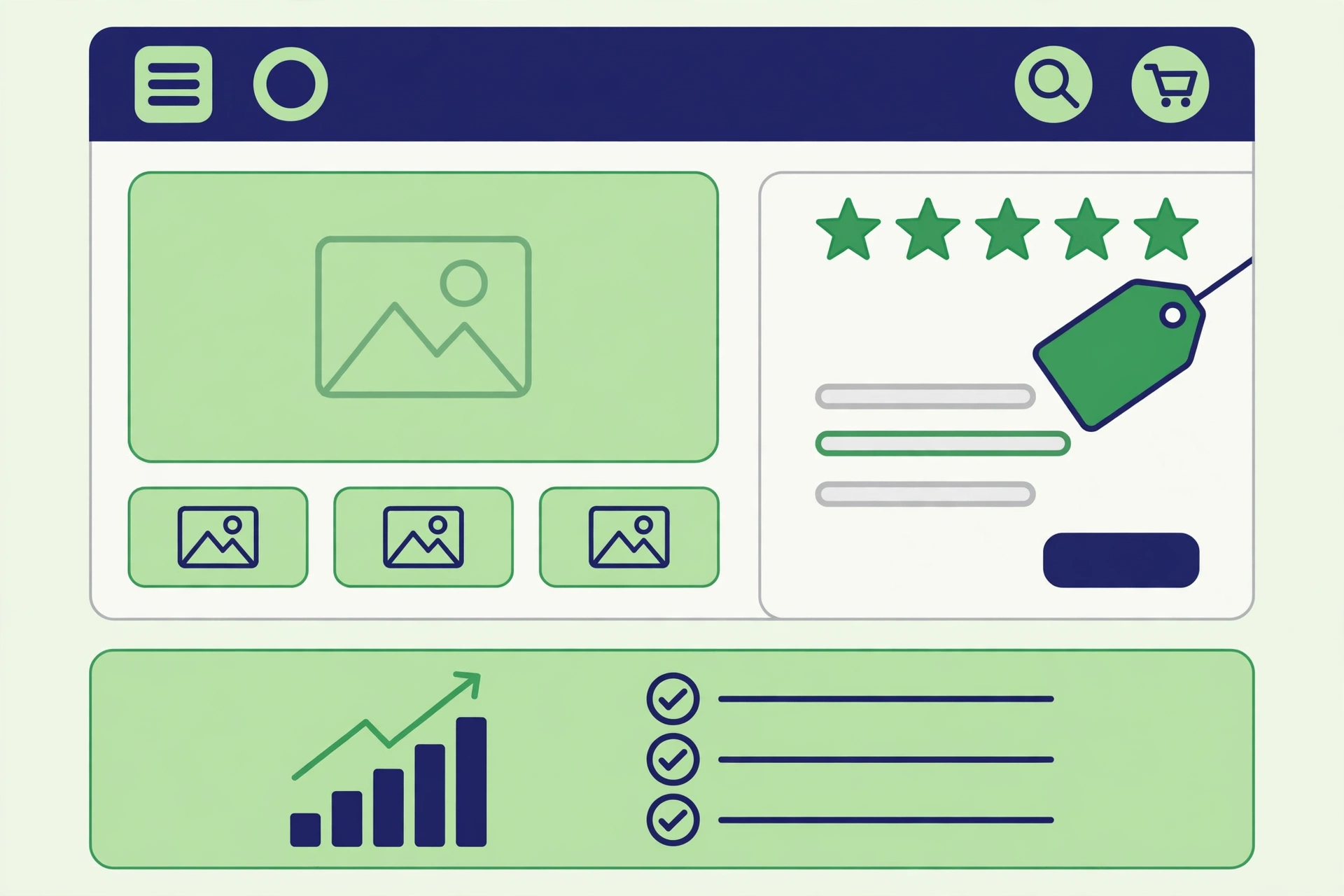
Shopify SEO is the practice of optimizing a Shopify-powered online store so its pages rank higher in search engines and earn more organic traffic. It covers the same fundamentals as all SEO — keywords, content, links, technical health — but applied within Shopify’s closed platform, which shapes what you can and cannot control.
Shopify’s built-in strengths are real: automatic SSL, mobile-responsive themes, auto-generated XML sitemaps, and clean canonical handling for most duplicate-content scenarios — a technically solid baseline with zero code.
The limitations matter just as much, because most generic guides ignore them:
- Forced URL structure. Product pages must live under
/products/and collections under/collections/. You cannot flatten these URLs no matter how much cleaner/blue-widget/would look. - Limited robots.txt control. Shopify generates robots.txt automatically; you can add rules via robots.txt.liquid but cannot rewrite it freely like on WooCommerce.
- App bloat. Every app can inject JavaScript and CSS into your storefront. Ten “harmless” apps can easily add two seconds to load time — and most owners never audit this.
- Duplicate content traps. Product variants, collection filters, and tag pages can generate near-duplicate URLs. Shopify’s canonicals handle most of it, but tag-based navigation still needs attention.
The key takeaway: Shopify handles the basics well, but rankings are won on product and content optimization plus technical hygiene — the things the platform leaves up to you. That is what the rest of this guide covers, step by step. If you are just starting out, you may also want to read our beginner-friendly explainer on the backlink fundamentals, since links remain one of the strongest ranking signals for competitive product keywords.
Shopify SEO Checklist
Work through this Shopify SEO checklist top to bottom before you touch anything advanced. Most stores ranking poorly are missing at least two or three of these fundamentals.
- Connect a custom domain. Launching on
yourstore.myshopify.comsplits your brand signals. Buy and connect your own domain in Settings → Domains before you build any links or publish content. - Connect Google Search Console. Verify your domain property and submit your sitemap (
yourstore.com/sitemap.xml— auto-generated). This is how Google discovers your pages. - Connect Google Analytics. Use Shopify’s Google & YouTube channel or install GA4 via Google Tag Manager to track whether your SEO work pays off.
- Set your preferred domain. In Shopify admin, make sure only one version of your domain (with or without
www) is primary. Shopify redirects the other automatically — just confirm it is set. - Enable your blog. Shopify includes a built-in blogging engine under Online Store → Blog posts. An active blog is your main vehicle for informational content that attracts links and feeds authority to product pages.
- Write unique title tags and meta descriptions for every important page. Shopify auto-generates these from product titles, but the defaults are rarely compelling — edit per page under “Search engine listing”.
- Add alt text to all product images. Shopify lets you edit image alt text in the product media panel. Do this at upload time — retrofitting hundreds of images is painful.
- Install only the apps you actively use. Audit your installed apps quarterly. Each one is a potential speed tax.
- Enable customer reviews. Reviews add fresh user-generated content to product pages and power review rich snippets in search results.
- Check your store on mobile. Most Shopify traffic is mobile. Open your top 5 pages on a real phone — not just the theme preview — and fix anything awkward.
Once these are done, run a free SEO audit of your store to catch anything this checklist missed — broken links, missing meta tags, and speed issues show up immediately in an audit report.
Keyword Research for Shopify Stores
Shopify keyword research splits into two jobs — confusing them is the most common store-owner mistake.
Job 1: product keywords (transactional intent). These are buy-ready terms — “organic cotton t-shirts,” “stainless steel water bottle 1L.” Your product and collection pages target these: lower volume than informational terms, far better conversion.
Job 2: informational keywords (research intent). These are the pre-purchase questions and guides — “how to choose a water bottle for hiking,” “cotton vs polyester t-shirts.” Your blog targets these: they build topical authority and earn the backlinks that lift your whole store.
The workflow:
- List every product and collection, and assign one primary keyword per page. Two pages targeting the same keyword cannibalize each other.
- Brainstorm the questions your customers ask before buying (support emails, reviews, and Reddit threads are goldmines).
- Validate volume with a free keyword tool first — steady, modest volume on a buying-intent term beats huge volume that never converts.
- Map informational keywords to blog posts, and internally link each post to the relevant product or collection page. This passes authority exactly where it converts.
For finding terms competitors rank for, see our guide to competitor keyword analysis — the same process spots product-keyword gaps.
Optimizing Shopify Product Pages
Product pages are where Shopify SEO is won or lost. They are also where most stores fail, because thin, duplicated manufacturer descriptions are the default. Here is how to fix yours.
Titles. Keep them under ~60 characters, lead with the primary keyword, and add a differentiator. Shopify pulls the product title into the title tag, so this fixes two things at once.
Meta descriptions. Write them manually for products that matter: the keyword naturally, a benefit or offer (free shipping, 30-day returns), under ~155 characters. This is your ad copy in search results.
Product descriptions. This is the big one. Never use the manufacturer’s description verbatim — hundreds of other stores use the same text, and Google has no reason to rank your copy of it. Write unique descriptions that answer real buyer questions: materials, sizing/fit, use cases, care instructions, what is in the box. Aim for 150–300+ words of genuinely useful text on products you want to rank.
Images. Rename files descriptively (organic-cotton-tshirt-navy.jpg, not IMG_4829.jpg), add descriptive alt text, and compress before upload.
Reviews. Enable Shopify’s free Product Reviews app or equivalent. Reviews add fresh content, build trust, and enable review stars via structured data — a page with 40 detailed reviews outranks an identical one with none.
For product rich results (price, availability, and review stars directly in search results), add Product schema markup — Google’s Product structured data documentation covers the required properties, and several Shopify apps can generate it without code.
Collection and Category Page SEO
Collection pages are among the most undervalued assets in ecommerce SEO. They naturally target broader, higher-volume keywords (“men’s running shoes,” “organic skincare”) that individual product pages cannot, and they aggregate the authority of every product they contain.
Most Shopify stores leave collection pages as bare product grids — a missed opportunity. Optimize these:
- Collection titles and descriptions. Write a unique, keyword-targeted description (100–200 words: what it covers, who it is for, how to choose) for every collection you want to rank. Shopify displays it at the top by default.
- Collection page intro copy. If your theme buries the description, add a short intro block above the product grid for users and search engines.
- Internal linking. Link key collections from blog posts, the homepage, and relevant product pages with descriptive anchor text. Linked collections rank; orphaned ones do not.
- Collection image alt text. Use a keyword-relevant alt attribute on the collection featured image.
Treat collections as category hubs: the best page on your site for its keyword, supported by inward-linking blog content. This hub-and-spoke structure is how smaller stores outrank bigger competitors on category terms.
Shopify Technical SEO
Shopify’s managed platform removes most technical headaches — but the ones that remain are Shopify-specific, and generic technical SEO guides will not flag them.
Site Speed
Speed is the technical factor most Shopify stores get wrong, and the culprit is almost always app bloat. Every installed app can inject JavaScript, CSS, and third-party requests into your storefront — even apps you installed once and forgot about.
The fix is an app audit, not a new theme:
- List every installed app and remove anything that does not earn its place every week.
- Compress images before uploading (TinyPNG, Squoosh) — Shopify serves responsive images but cannot fix a 4MB original.
- Choose a lightweight theme — Shopify’s Dawn-based themes are fast out of the box; heavily customized premium themes often are not.
- Defer apps that load on every page but are needed on one (a size-chart app loading on the homepage, for example).
Test with Google PageSpeed Insights on your top product and collection pages — not just the homepage, which is usually the fastest page on the site.
URL Structure
Shopify forces /products/product-name and /collections/collection-name URL paths. You cannot change this, so stop worrying about it and focus on what you can control: keep handles (the URL slugs) short, keyword-relevant, and stable. Never change a product URL after it has earned links or rankings — if you must, set up a redirect in Online Store → Navigation → URL Redirects.
Duplicate Content
Shopify handles the most common duplicate-content scenarios with automatic canonical tags. The cases that still need your attention:
- Product variants. Different color/size variants of the same product can create near-duplicate pages. Shopify canonicalizes these to the main product URL — verify this is working in your theme.
- Tag and filter pages. Collection filtering by tag can generate thin, duplicative URLs. Keep tag-based navigation useful for users but consider noindexing low-value filter combinations if they get indexed.
- Manufacturer descriptions. As covered above, duplicate supplier copy across the web is the most common “duplicate content” problem on Shopify — and the fix is unique writing, not canonical tags.
Mobile Experience
Most Shopify traffic is mobile, and Google indexes the mobile version. Open your product, collection, and checkout pages on a real phone — tappable buttons, readable text, fast images, no overlaps. Admin theme previews do not always reflect real-device behavior.
Google’s SEO starter guide remains the best free reference for the fundamentals that apply on every platform, including Shopify.
Shopify SEO Tips for Beginners
New to SEO? Start here — the highest-leverage basics, in the order you should do them, no prior knowledge assumed:
- One keyword per page. Assign a single primary keyword to each product, collection, and blog post. This prevents pages from competing with each other.
- Write unique product descriptions. Even 150 original words beats the manufacturer’s copy that 200 other stores use.
- Publish one buying guide. One genuinely helpful guide (“How to Choose [Your Product]”) linking to your products teaches the whole content-to-commerce loop.
- Internally link products from your guides. Every blog post should link to at least one relevant product or collection with descriptive anchor text.
- Do not buy backlinks. For a new store, a handful of genuine links (supplier pages, local directories, a guest post) beats hundreds of spammy ones — and spammy links can get you penalized. Learn the basics of ecommerce link building tactics before spending a dollar on outreach.
This is also a good moment to check the authority of any site before you pursue a link from it — a free authority check takes seconds and keeps bad neighborhoods off your backlink profile.
Shopify SEO vs. WooCommerce SEO
The Shopify vs. WooCommerce SEO debate comes up constantly, so here is the honest answer: for most stores, the platform is not the ranking bottleneck — execution is.
The verdict: a well-executed Shopify store will outrank a neglected WooCommerce store every time. Do not migrate platforms for SEO alone — fix your product descriptions, site speed, and internal linking first, because those weaknesses follow you anywhere. Migrate only for a specific technical requirement Shopify cannot meet.
Ahrefs’ Shopify SEO guide is a solid second opinion if you want to cross-check the tactics in this article against another practitioner’s playbook.
Measuring Your Shopify SEO Results
Track these monthly — SEO without measurement is guessing:
- Rankings per money page. In Search Console, filter by top product/collection URLs and track average position for primary keywords — your earliest signal.
- Organic traffic to product/collection pages specifically. Blog traffic is nice, but revenue comes from commercial pages — segment it.
- Organic revenue attribution. In Shopify analytics, compare organic sessions against revenue — SEO that never moves revenue is a hobby.
- Click-through rate on key pages. A page ranking #6 with 8% CTR is one good title rewrite away from meaningful traffic.
- Index coverage errors. Check GSC’s Pages report monthly — fix “crawled but not indexed” on important pages and investigate sudden drops.
Review monthly: what moved, what stalled, and the one highest-leverage fix for next month. Shopify SEO compounds — winners keep a steady rhythm of product-page improvements, content, and technical hygiene for 6–12 months.
Bookmark Shopify’s own SEO documentation — the authoritative reference for what the platform supports natively.
Frequently Asked Questions
Is Shopify good for SEO?
Yes. Shopify handles technical fundamentals automatically, giving beginners a strong baseline. Rankings depend on execution — unique product content, speed discipline, backlinks — not the platform.
How long does Shopify SEO take?
Expect 3–6 months for competitive product keywords, 6–12 for strong category terms. New stores should target long-tail product keywords first, where wins come faster.
Do I need an SEO app for Shopify?
Not necessarily. Shopify covers the basics natively. A structured-data app can help if you avoid theme code; otherwise invest in content and outreach.
Can I change Shopify’s /products/ URL structure?
No — /products/ and /collections/ are mandatory. URL shape is a minor factor; clean slugs and strong content matter far more.
Should I choose Shopify or WooCommerce for SEO?
Choose on technical resources and business needs, not SEO alone. Either platform ranks with proper execution — migrate only for a concrete technical requirement.
Done-for-you podcast backlinks
Get your brand on Apple Podcasts, Spotify, Amazon and 25 more trusted platforms — placed by hand, reported link by link.