
A domain authority checker tool tells you how strong a website’s link profile appears to be, scored from 1 to 100. It’s one of the fastest ways to evaluate a site — whether you’re checking your own progress, vetting a link prospect, or comparing yourself to competitors.
On this page
Want to check a site right now? Use the free Domain Authority checker — it shows Moz DA with DR, spam score, traffic and domain age in one place.
In this guide, I’ll compare the best DA checker tools available right now, explain what the scores actually mean, and show you how to use these tools without misinterpreting the results. I’ll also be upfront about where our own free tool fits in.

What a DA Checker Tool Tells You (and What It Doesn’t)
Before comparing tools, let’s set expectations. A DA checker estimates a website’s ranking potential based on its backlink profile. Moz, which created the Domain Authority metric, calculates it using machine learning trained against actual search results.
What the score tells you:
- Relative link strength — how a site’s backlink profile compares to others
- Competitive benchmarking — whether you’re gaining or losing ground vs competitors
- Link prospect quality — a quick filter for outreach targets
- Progress tracking — whether your link building is moving the needle over time
What it does not tell you:
- Google rankings — Google doesn’t use DA. It’s a third-party estimate, not a ranking factor.
- Traffic potential — a high-DA site in an obscure niche may get less traffic than a lower-DA site in a popular one.
- Content quality — DA measures links, not whether the content is good.
- Penalty status — a site can have decent DA while carrying a Google penalty.
Use DA checkers as one input among many, not as a final verdict. The best SEOs check DA alongside traffic estimates, content quality, and relevance before making decisions.
You can check any site’s Domain Authority for free with our website authority checker.
If you’re new to the metric itself, start with our guide on what Domain Authority actually is before diving into tools.
Best Free DA Checker Tools Compared
I evaluated each tool on accuracy (how close to Moz’s official score), daily limits, extra features, and whether they require signup. Here’s how they stack up:
Moz Link Explorer (Official Source)
Best for: The most accurate DA score, since Moz invented the metric.
Moz’s own Link Explorer is the reference standard. The free version gives you 10 queries per month — enough for occasional checks but not for bulk analysis. You also get linking domain counts, top pages, and discovered/lost link tracking.
Limitations: 10 queries/month on the free plan is restrictive. The interface can feel slow. For serious work, you’ll need a paid Moz Pro subscription.
Mubashir Safeer Free DA Checker
Best for: Quick, no-signup DA checks with additional SEO metrics.
Our own free domain authority checker gives you DA, PA, spam score, and traffic estimates without requiring an account. It’s designed for SEOs who need fast answers without jumping through hoops.
Limitations: Like all third-party tools, our DA calculation is an estimate based on available link data. For the absolute official number, cross-reference with Moz directly.
SmallSEOTools DA Checker
Best for: Bulk checking multiple domains at once.
SmallSEOTools lets you check up to 50 domains simultaneously — useful when evaluating a list of link prospects. No signup required. The interface is basic but functional.
Limitations: Accuracy can vary from Moz’s official score. The site is ad-heavy, which slows things down. No historical tracking or additional metrics beyond the basics.
Ahrefs Website Authority Checker (Free Tier)
Best for: Cross-referencing DA with Ahrefs’ Domain Rating.
Ahrefs offers a free website authority checker that shows Domain Rating (their equivalent metric) alongside useful data. While it doesn’t show Moz DA specifically, comparing DR and DA together gives you a more complete picture. Not sure which score to trust? Read our DA vs DR breakdown: which metric matters more.
Limitations: Doesn’t display Moz DA. The free tier is limited. Ahrefs’ paid plans are expensive for casual users.
SEMrush Free Tools
Best for: DA check combined with traffic and keyword data.
SEMrush’s free tools include authority score checking alongside their extensive keyword and traffic databases. If you’re already using SEMrush for other SEO tasks, this is convenient.
Limitations: SEMrush uses their own “Authority Score,” not Moz DA. Free queries are very limited (around 10/day). The full platform requires a paid subscription.
WebsiteSEOChecker
Best for: Simple, fast single-domain checks.
A straightforward tool with no signup and no fuss. Enter a domain, get DA/PA scores. Good for quick checks when you don’t need extra features.
Limitations: Minimal additional data. No bulk checking. Accuracy is approximate.
Quick Comparison
If you need the official score, use Moz Link Explorer. If you need bulk checking, use SmallSEOTools. If you want no-signup convenience with extra metrics, try our free checker. If you’re already paying for Ahrefs or SEMrush, use their built-in tools.
For most day-to-day use, the differences between these tools are smaller than the marketing suggests. Pick one, learn its quirks, and use it consistently — consistency matters more than which tool you choose, because you’re tracking trends over time.
One practical tip: don’t switch tools mid-campaign. If you’ve been tracking DA with Tool A for six months, switching to Tool B will show a different number — not because your site changed, but because the tools calculate differently. Pick your primary tool and stick with it for trend tracking. Use other tools for spot-checks and cross-referencing, not for your main historical record.
Another consideration is data freshness. Some free tools update their indexes less frequently than Moz or Ahrefs. If you’re checking a site that recently earned significant links, a tool with a stale index might show an outdated score. When accuracy matters most — like before a major outreach campaign or a site acquisition — verify with Moz directly.
How to Use DA Checker Results
Getting a number is easy. Knowing what to do with it is the hard part. Here’s a practical workflow:
Step 1: Benchmark against competitors. Check the DA of the top 5 sites ranking for your target keyword. This tells you the competitive bar. If they average DA 45 and you’re at DA 20, you know the gap you need to close.
Step 2: Vet link prospects. Before pitching a guest post or requesting a link, check the prospect’s DA. A site with DA 15 and no traffic probably isn’t worth your time. But don’t use DA as your only filter — check relevance and traffic too.
Step 3: Track monthly, not daily. DA updates roughly monthly. Checking every day creates noise and anxiety. Set a monthly reminder, record the number, and focus on the trend line.
Step 4: Investigate sudden changes. If your DA drops 10 points overnight, something happened — you lost significant links, Moz updated their index, or you acquired toxic links. A DA checker is an early warning system, not just a vanity metric.
Step 5: Combine with other metrics. DA alone doesn’t tell the full story. Cross-reference with organic traffic estimates, referring domain counts, and content quality. A site with DA 30 and growing traffic is healthier than a site with DA 50 and declining traffic.
To turn DA insights into actual improvements, follow our actionable plan for boosting Domain Authority.
Free vs Paid: When to Upgrade
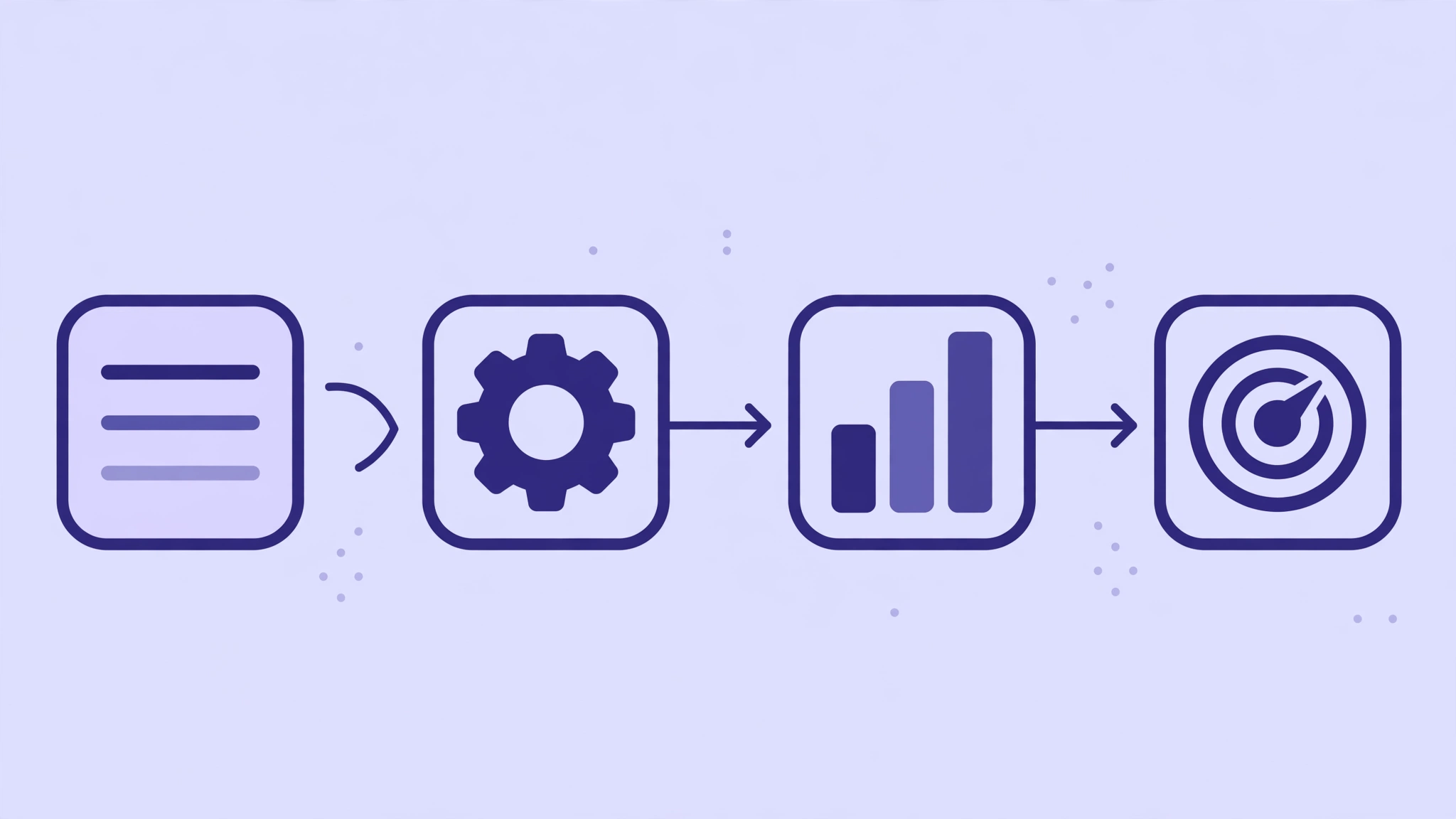
Free DA checkers handle the vast majority of what most people need. Here’s when paying makes sense:
Stay free if: You check DA a few times per week. You need basic competitive benchmarking. You’re a freelancer or small business owner managing one or two sites. You supplement with Google Search Console (free) for your own site’s data.
Consider paid if: You’re an agency managing dozens of clients and need bulk checking with API access. You need historical DA tracking over months/years. You want integrated workflows (DA + keywords + traffic + backlinks in one dashboard). You’re doing large-scale link prospecting where time savings justify the cost.
The honest truth: most people who pay for DA checking tools are paying for convenience and integration, not for a fundamentally better DA number. The free tools are surprisingly capable.
Moz Pro starts around $99/month. Ahrefs starts around $129/month. SEMrush starts around $139/month. That’s significant money — make sure you’re actually using the advanced features before committing; if you’re torn between the two biggest names, our head-to-head Ahrefs vs Semrush comparison breaks down where each one wins.
Common DA Checker Mistakes
These misinterpretations cause more bad decisions than any tool inaccuracy:
Treating DA as a Google metric. Google has never used Domain Authority. It’s Moz’s proprietary estimate. Optimizing specifically to raise your DA score (rather than earning quality links) is backwards.
Comparing DA across unrelated niches. A DA 35 site can dominate a local plumbing market while a DA 35 site gets crushed in personal finance. DA only matters relative to your specific competitors.
Obsessing over small fluctuations. DA 42 vs DA 44 is meaningless noise. Focus on directional trends over 3-6 months, not point-in-time snapshots.
Ignoring the logarithmic scale. Going from DA 20 to DA 30 is dramatically easier than going from DA 70 to DA 80. Each point requires exponentially more authority. Set expectations accordingly.
Using DA as the only link prospect filter. A DA 60 site in an unrelated niche with no traffic is a worse link target than a DA 30 site in your exact niche with engaged readers. Relevance and traffic matter as much as the number.
Checking DA before checking indexation. A site might show DA 40 but have half its pages deindexed by Google. Always verify that a prospect’s key pages are actually indexed and receiving traffic before pursuing a link. A DA checker tells you about link profile strength — it says nothing about whether Google currently trusts the site.
Frequently Asked Questions
What is the most accurate free DA checker?
Moz Link Explorer is the most accurate because Moz created the Domain Authority metric — it’s the reference standard. However, the free version is limited to 10 queries per month. For unlimited quick checks, third-party tools like ours or SmallSEOTools are practical alternatives, though their scores are estimates.
Can I check DA without signing up?
Yes. Several tools including our free DA checker, SmallSEOTools, and WebsiteSEOChecker don’t require accounts. Moz Link Explorer and Ahrefs require free accounts for their tools. If you just need a quick number, no-signup tools are the fastest option. To check a whole list at once, use our bulk DA DR checker — it scores multiple domains in one go, no account needed.
Why do different DA checkers show different scores?
Each tool uses its own link index and calculation method. Moz’s official score comes from their index; third-party tools estimate based on their own data. Small variations (2-5 points) are normal. Large discrepancies (15+ points) usually mean one tool has incomplete data for that domain. When in doubt, trust Moz’s official number.
How often is Domain Authority updated?
Moz updates their link index approximately monthly, though the exact schedule varies. This means DA scores can shift even if you haven’t changed anything — the index itself changed. Don’t panic over small monthly fluctuations; focus on the long-term trend.
Is a high DA score a guarantee of rankings?
No. DA correlates with ranking ability but doesn’t guarantee it — we measured this across 70 real Google results. A high-DA site with thin, irrelevant content won’t outrank a lower-DA site with excellent, targeted content. DA measures link profile strength — just one factor among hundreds that Google considers. Use it for benchmarking, not as a target in itself.
Done-for-you podcast backlinks
Get your brand on Apple Podcasts, Spotify, Amazon and 25 more trusted platforms — placed by hand, reported link by link.