
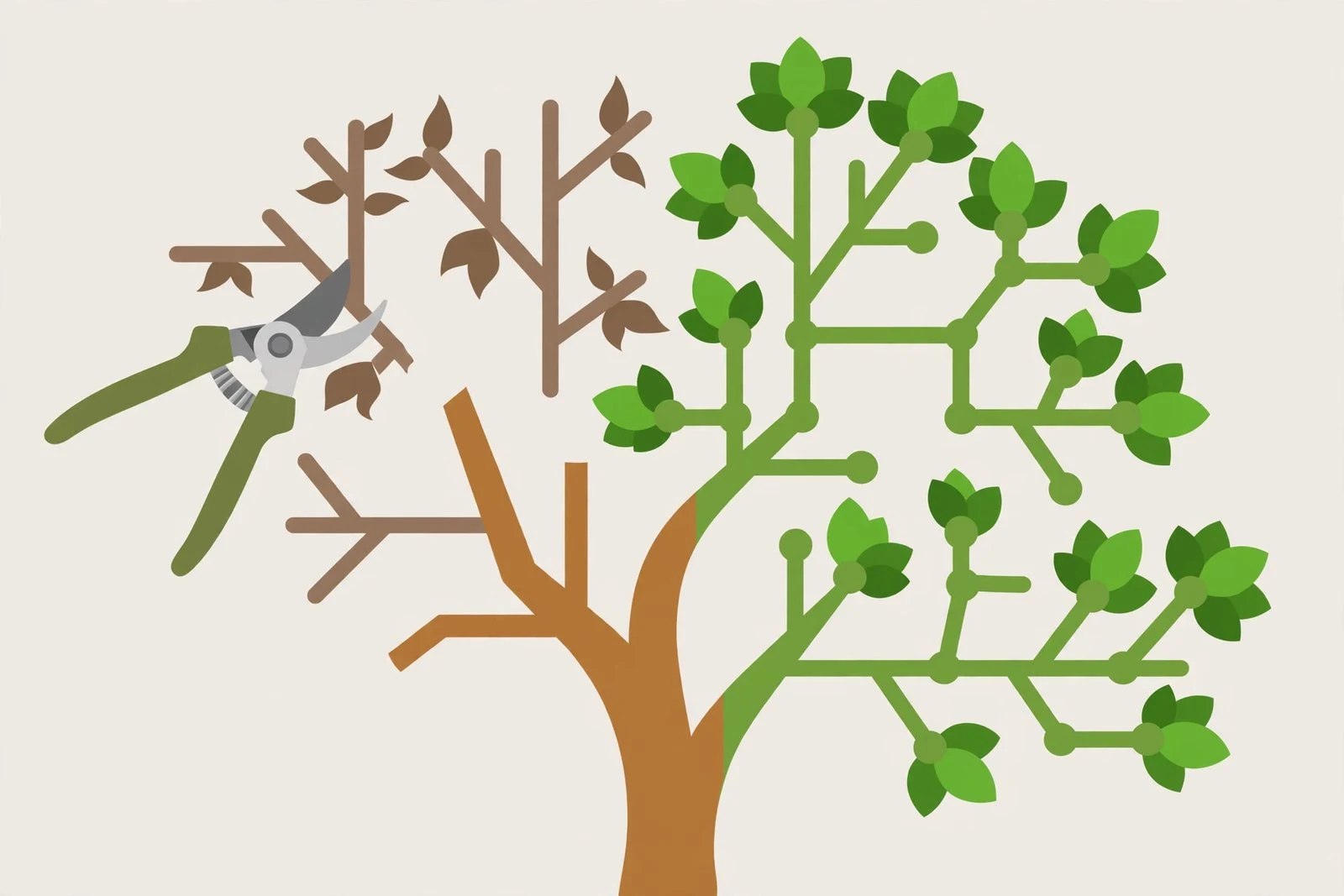
Every website accumulates dead weight: old posts nobody reads, thin archive pages, outdated announcements, near-duplicate tag pages Google will never rank. Each one consumes crawl budget, dilutes your topical authority, and signals to visitors that parts of your site are abandoned.
On this page
Content pruning is the systematic process of auditing your pages and removing, merging, redirecting, or de-indexing the low-value ones — so Google spends its crawl attention, and your link equity concentrates, on the content that actually deserves to rank. This guide covers the full process: what pruning is, why it helps SEO, the signals that mark a page for removal, a step-by-step audit, safe execution rules, and how to measure results.
What Is Content Pruning?
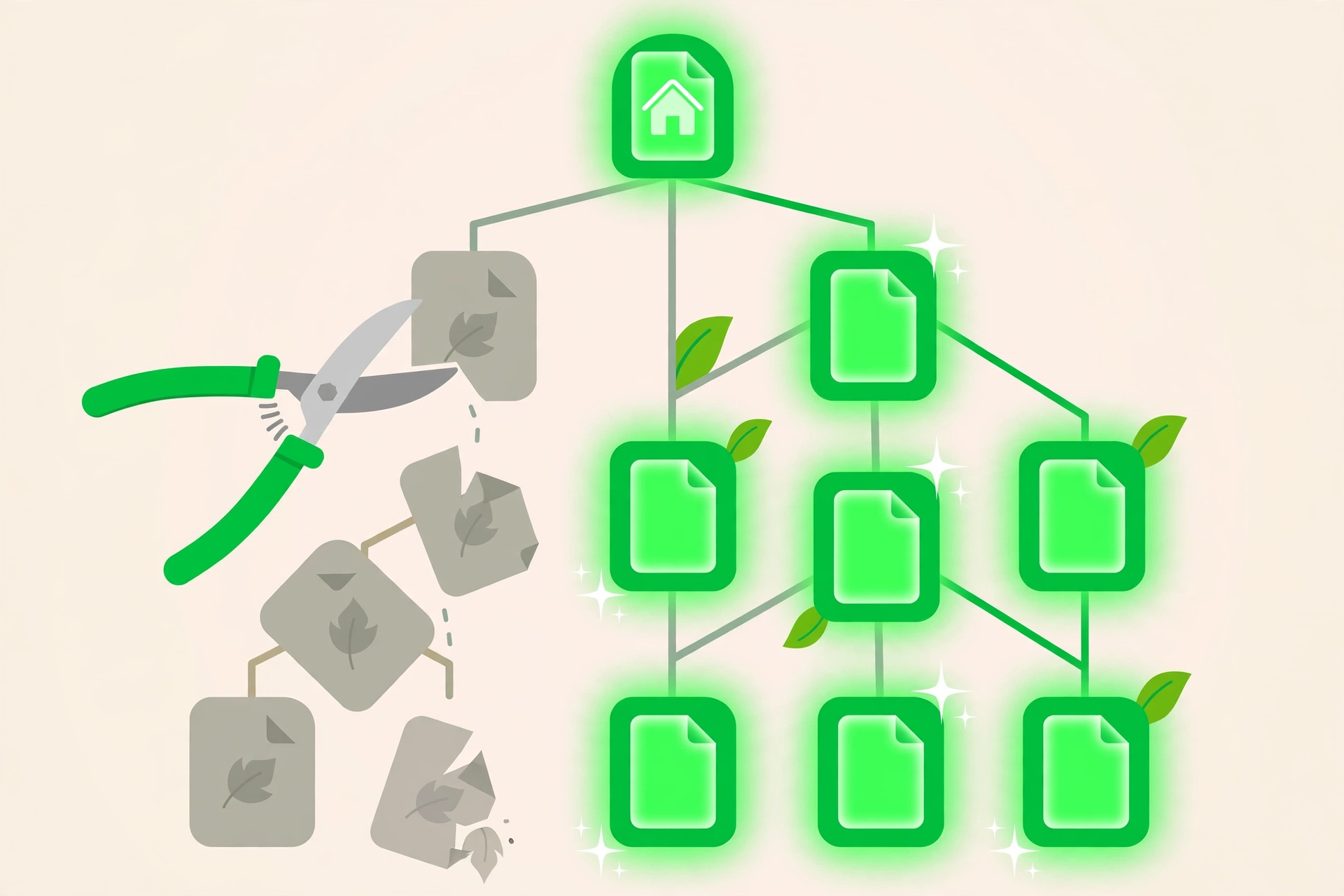
Content pruning is the deliberate, data-driven practice of identifying pages that add no measurable value — no organic traffic, no backlinks, no conversions, no unique purpose — and acting on them: deleting, merging, redirecting, or noindexing. Think of it as gardening: cut the dead branches so the healthy ones get more light.
The concept grew out of two hard realities of how search works. First, Google’s crawl resources are finite: every crawl of a dead page is one that did not go to a page that could rank and convert. Second, authority is diluted by sprawl: forty strong guides look more authoritative than the same forty guides buried under three hundred thin posts. Pruning is about concentration of quality, not reduction of page count.
The definition, precisely
In practice, pruning means exporting your full URL inventory, attaching performance data (traffic, backlinks, engagement) to every page, scoring each page against clear thresholds, and executing one action per page: keep, improve, merge, redirect, delete, or noindex. Healthy sites audit at least once a year; large publishers do it quarterly.
Pruning vs updating: when to fix vs when to cut
Many weak pages are worth fixing, not cutting:
- Update when the topic still has search demand and the page has some asset — existing backlinks, page 2–3 rankings, or steady impressions with poor CTR.
- Prune when the page has zero traffic for 6–12 months, zero backlinks, and the topic is outdated or has no demand. Polishing a page nobody wants is the classic content-marketing waste.
Why Content Pruning Helps SEO
Crawl budget: stop wasting Google’s crawl on dead pages
Google allocates a finite crawl budget to every site. On large sites that budget is a real constraint: when crawlers spend visits on dead tag pages and obsolete announcements, important pages get crawled less often, and updates get discovered more slowly. Pruning dead URLs redirects crawl activity toward pages that can rank. Google’s own crawl budget documentation confirms the principle: reducing low-value URLs helps Googlebot focus on the URLs that matter.
Topical authority: fewer thin pages, stronger signal
Search engines build a picture of what your site is “about” from the aggregate of your pages. Hundreds of thin or outdated pages muddy that picture. Pruning sharpens the topical signal, which is especially valuable for sites trying to own a specific niche.
Link equity consolidation: redirects funnel authority to keepers
Every backlink pointing to a dead page is authority stranded where it cannot help you. A 301 redirect to the nearest relevant keeper moves much of that equity to a page that can convert it into rankings. See our explainer on what link equity is and how it flows.
Better UX signals: no more dead-end thin content
Visitors who land on thin, outdated pages bounce — with a worse impression of your brand. Removing those dead ends means a higher share of traffic lands on pages designed to engage and convert.
One honest caveat: pruning alone rarely causes overnight ranking jumps. Authority re-concentration and crawl reallocation take time — expect 4–12 weeks before judging the impact, and measure against a baseline recorded before you start.
Signs a Page Should Be Pruned
Never prune on a single metric — look for two or more of these signals:
Zero organic traffic for 6–12 months
Check Search Console’s performance report filtered by page over the last 12 months — twelve months smooths out seasonality. Zero clicks and near-zero impressions across the full year means Google has no interest in ranking the page. One exception: pages younger than six months have not had a fair trial; do not judge new content by the same standard.
No backlinks and no internal links pointing to it
A page nobody links to — externally or internally — is a page the web has decided is not worth referencing. Orphan pages (zero internal inlinks) are the worst offenders: no crawl priority, no link equity. But check the backlink profile before deleting — a page with even a few real backlinks should be redirected, not deleted. Our guide to backlink gap analysis covers the checking process.
Outdated, thin, or duplicate in intent
Under 300 words with no unique value, factually obsolete information, or a topic a stronger page already covers better. When two pages target the same intent, the weaker one is not “extra coverage” — it is a cannibalization risk splitting your ranking potential.
High bounce and zero engagement, with no conversions
A page with high bounce, near-zero time on page, and no conversions is not serving visitors. Combined with zero organic traffic, prune it; combined with decent traffic, improve it instead.
The #1 pruning mistake: deleting a page that has backlinks. Those links break and their authority evaporates. Always check a page’s backlink profile before choosing delete over redirect — if it has links, 301 it to the nearest relevant keeper, never to the homepage.
The Content Audit Process
Pruning without an audit is guesswork with a delete button. Content pruning done right starts with data, not instincts. This traffic-plus-links triage is the standard content pruning process used across the industry — follow it and every decision traces back to data.
Export All URLs
Build a complete inventory from your XML sitemap, a Screaming Frog crawl (free up to 500 URLs), and Search Console’s Pages report. Cross-referencing catches pages the sitemap missed.
Pull Traffic Data
For every URL, pull 12 months of Search Console clicks and impressions, plus sessions and goal completions from analytics. Flag anything with zero clicks across the full year. Traffic data is the first of the two pillars every content pruning decision rests on.
Pull Link Data
For every URL, record backlinks and referring domains. This is the data that prevents the #1 content pruning mistake: a zero-traffic page with ten referring domains is an asset to redirect, not trash to delete. The MSF Website Authority Checker gives you a quick domain-level read while you work through the list.
Score Every Page: Keep, Improve, Merge, Redirect, Delete
Build a spreadsheet with columns for URL, clicks (12 months), impressions, backlinks, referring domains, word count, last updated, internal inlinks, and decision. Then apply explicit rules. A content pruning scorecard removes the emotion from deletion decisions:
- Keep: real traffic, conversions, backlinks, or a strategic purpose (legal, core service pages).
- Improve: topic has demand but the page underperforms, or it is under six months old. Rewrite and relaunch.
- Merge: overlaps a stronger page. Fold its unique content in, then redirect.
- Redirect (301): has backlinks or traffic but wrong intent. Point it at the nearest relevant keeper.
- Delete (410): zero traffic for 12+ months, zero backlinks, outdated or valueless topic. Gone.
- Noindex: useful for visitors but not for search — tag pages, thin archives.
Two rules keep the scoring honest: age matters — zero traffic and zero backlinks on a page under six months old means “improve or wait,” not “delete”; and backlinks veto deletion — any page with real referring domains gets redirected or merged, never hard-deleted.

How to Execute: Delete, Redirect, Merge, or Noindex
Delete: only the truly worthless
Reserve deletion for pages with no traffic, no backlinks, no conversions, and no plausible future. Return HTTP 410 Gone rather than 404 — a 410 tells Google the removal is permanent, which gets the URL out of the index faster.
Preserve link authority with a 301 redirect
When a page has backlinks or residual traffic but obsolete intent, 301 it to the nearest relevant keeper. Never mass-redirect pruned pages to the homepage — Google treats irrelevant redirects as soft 404s. After setting up redirects, update internal links still pointing at the old URLs; our internal linking best practices guide covers the cleanup pass.
Merge: build one definitive page
When pages overlap on intent, pick the strongest URL, fold the best unique content from the weaker pages into it, and 301 the weaker URLs to the winner. Merging is often the highest-ROI pruning action: consolidated authority and a better page in one move.
Noindex: keep it for users, hide it from search
Tag archives and thin utility pages serve visitors but should not compete in search. Noindex them and drop them from your XML sitemap — usable, but no longer draining crawl budget.
The safe execution sequence: build your redirect map first, then apply deletions and redirects, then update internal links pointing at changed URLs, then resubmit your updated sitemap in Search Console, then monitor.
Measuring Results After Pruning
Record your baseline before pruning — without it, you cannot distinguish pruning impact from normal fluctuation.
What to track
- Overall organic traffic — expect a small initial dip (you removed indexed pages), then recovery and growth as keepers absorb the reallocated crawl and authority.
- Average position of keeper pages — the earliest positive signal; consolidating authority often lifts the survivors first.
- Crawl stats in Search Console — crawl frequency should shift toward important URLs.
- Index coverage — valid indexed pages fall (you removed pages) while the share of valuable indexed pages rises.
Timeline: 1–3 months for full effect
Google needs to recrawl removed URLs, process redirects, and re-evaluate keepers. Most sites see the first keeper-position improvements within 3–6 weeks, with the full effect in 1–3 months. Judge nothing before week four.
Content Pruning for AI Search Visibility
AI search adds a new reason to prune. AI Overviews, ChatGPT, and Perplexity build answers from pages that are crawled, indexed, and topically authoritative — and they favor sites whose content library is coherent. Thin, outdated, or contradictory pages do not just waste crawl budget; they dilute the topical clarity AI systems use to decide which sites to cite. Content pruning for AI search means one extra filter on your scorecard: does this page make your site’s expertise clearer or noisier? Merge the noisy ones, update the keepers with current facts and clear definitions, and keep the pages AI systems are most likely to quote — the definitive, well-structured ones — crawlable and fresh.
When pruning backfires — and how to reverse it
The warning sign: keeper pages lose traffic and positions after a prune — you cut too deep, likely deleting pages that were quietly passing internal link equity. Reverse it with your decision log: restore the most suspicious deletions from backup, reinstate the internal links, resubmit the sitemap. A logged prune is reversible; an undocumented one is a mystery. That decision log is also what makes content pruning defensible to clients and stakeholders — every deletion traces to a rule.
Before you start, run a free SEO audit of your site to surface thin pages, redirect chains, and indexation issues — it gives you the first half of your audit spreadsheet in minutes.
Frequently Asked Questions
Does content pruning hurt SEO?
No — when it is data-driven. Removing pages with zero traffic and zero links cannot hurt rankings, because those pages contributed nothing. Damage only comes from pruning blindly: deleting pages with backlinks or cutting so deep you break internal link equity flow.
How often should I prune content?
Once a year for most sites; quarterly for large publishers and active blogs. Tie it to a calendar event — an annual audit in the same month each year keeps dead weight from re-accumulating.
Will deleting pages destroy their backlinks’ value?
The links remain on the linking sites but point at a dead URL and pass no value. If a page has backlinks worth keeping, 301-redirect it to the nearest relevant page instead of deleting it.
What is the difference between a 410 and a 404?
A 404 says “not found” — possibly temporary. A 410 says “gone permanently,” and Google removes the URL from its index faster. Use 410 for deliberate deletions.
Should I noindex or delete thin tag and archive pages?
Noindex is usually better. These pages serve real navigation purposes, so deleting them can break site UX. Noindexing keeps them usable while removing them from crawl-budget calculations.
Content pruning is not about having fewer pages — it is about having no pointless pages. Done on a schedule, content pruning is the highest-ROI maintenance in SEO: Audit with data, decide with explicit rules, execute in the safe sequence, and measure against a baseline. Your site’s authority will concentrate where it converts instead of evaporating across forgotten URLs.
Done-for-you podcast backlinks
Get your brand on Apple Podcasts, Spotify, Amazon and 25 more trusted platforms — placed by hand, reported link by link.