
Broken links silently kill your SEO. Every 404 a crawler hits wastes crawl budget, every dead link frustrates a visitor, and every broken backlink leaks authority you already earned.
On this page
- Why Broken Links Matter More Than You Think
- What to Look for in a Broken Link Checker
- Best Free Broken Link Checker Tools
- Best Paid Options (When Free Isn’t Enough)
- Broken Link Checkers Compared
- How to Fix Broken Links: The Complete Workflow
- Troubleshooting: When Checkers Get It Wrong
- Using Broken Link Checkers for Link Building
- How Often Should You Check for Broken Links
- Frequently Asked Questions
Want to test a page right now? Use the free broken link checker — it tests every link on a page and shows 404s, redirect chains and nofollow links with the anchor text.
A broken link checker tool finds these problems automatically. Here’s every worth-using option — free and paid — and how to pick the right one for your situation.
Why Broken Links Matter More Than You Think
Most site owners think of broken links as a minor housekeeping issue. They’re wrong. Here’s what broken links actually cost you:
Wasted crawl budget. Google allocates limited crawl resources to each site. Every 404 it hits is a page it didn’t crawl instead. On large sites, thousands of broken links can mean important new pages go undiscovered for weeks.
You can check any site’s authority for free with our website authority checker.
Lost link equity. If other sites link to a page on your site that now 404s, that link equity evaporates. You’ve earned the link but get zero value from it. A broken link checker finds these so you can redirect them.
Damaged user trust. Visitors who hit dead ends assume your site is abandoned. One study after another shows that perceived site quality drops sharply after even a single 404 encounter. First impressions matter.
Missed link-building opportunities. This is the flip side most guides miss: other sites’ broken links are your opportunities. Find a dead link on a relevant site, create replacement content, and pitch it. That’s broken link building — one of the highest-converting outreach tactics.
What to Look for in a Broken Link Checker

Not all checkers are equal. Here’s what separates useful tools from toys:
- Scope: Does it check just one page, or crawl your entire site? Single-page checkers are fine for quick audits; site-wide crawlers are essential for ongoing maintenance.
- Link types: Internal links, external links, images, and video embeds all break differently. A YouTube video set to private still returns HTTP 200 — only a smart checker catches that.
- Speed: Checking 10,000 links sequentially takes hours. Good tools check concurrently.
- Reporting: You need to know where each broken link was found, not just that it exists. “404 on /about/” is actionable; “404 somewhere” is not.
- Scheduling: Links break over time. A tool that checks once is less useful than one that monitors continuously.
Best Free Broken Link Checker Tools
Broken Link Checker by AIOSEO (WordPress Plugin)
The most popular WordPress solution. It scans your entire site for broken internal links, external links, images, and even video embeds across YouTube, Vimeo, and other platforms.
Free tier: Scans up to 250 internal links per month, with credits renewing monthly. Enough for small to medium sites.
Strength: Runs inside WordPress, so it catches links in drafts, private content, and areas external crawlers can’t reach. The video link detection is genuinely unique — most checkers miss dead embeds.
Limitation: The free tier caps at 250 links/month. Large sites will need the paid plan for full coverage.
Check for Broken Links (WordPress Plugin)
A lightweight alternative with no artificial limits on the free version. Scans posts, pages, custom post types, comments, and slider content.
Free tier: Full manual scanning with no limits. Free forever, no credit card required.
Strength: Simplicity. No bloat, no upsell pressure during scans. The results table clearly shows which page contains each broken link. Export to CSV for tracking.
Limitation: Manual scans only on free tier. If you want automatic scheduled checks with email alerts, that’s $39.99/year for Pro.
Dead Link Checker (Online Tool)
A web-based checker that crawls your entire site without installing anything. Enter a URL, choose full-site or single-page scan, and get a report.
Free tier: Full site-wide crawling at no cost. Multi-URL checking available.
Strength: No installation, works on any platform (not just WordPress). The scheduled checking feature sends reports to your inbox automatically.
Limitation: As an external crawler, it can’t see content behind logins or in drafts. Large sites may hit rate limits.
Link Scanner (WordPress Plugin)
A newer, minimalist option focused on speed. Scans unlimited posts and links without the feature bloat of larger plugins.
Free tier: Unlimited scanning. Categorized results (working, redirected, broken with error codes).
Strength: Performance. Built to handle sites with 100,000+ links without slowing down. Clean interface with no learning curve.
Limitation: Fewer advanced features than AIOSEO’s checker. No video embed detection.
Best Paid Options (When Free Isn’t Enough)

Free tools handle most needs, but these situations call for paid:
Screaming Frog SEO Spider (free up to 500 URLs, ~$259/year after) is the professional standard. It doesn’t just find broken links — it audits your entire technical SEO: redirect chains, duplicate content, missing meta tags, and more. If you’re serious about SEO, this is the tool. For a quick free first pass on the essentials, run our free SEO audit tool.
Ahrefs Site Audit (from $129/month) includes broken link detection as part of a comprehensive site crawl. The advantage: it cross-references broken links with backlink data, showing you which dead pages have external links pointing to them — prime redirect targets.
Semrush Site Audit (from $139/month) offers similar functionality with a more guided interface. Good for teams that want actionable recommendations, not just raw data.
When to upgrade: If you’re managing 5+ sites, need historical tracking, or want broken link data integrated with backlink analysis, paid tools save enough time to justify the cost. For a single small site, free tools are plenty.
Broken Link Checkers Compared
| Tool | Type | Free Limit | Site-Wide | Video Links | Scheduled |
|---|---|---|---|---|---|
| AIOSEO Broken Link Checker | WP Plugin | 250 links/mo | Yes | Yes | Paid |
| Check for Broken Links | WP Plugin | Unlimited | Yes | No | Paid ($40/yr) |
| Dead Link Checker | Online | Free | Yes | No | Yes |
| Link Scanner | WP Plugin | Unlimited | Yes | No | No |
| Screaming Frog | Desktop | 500 URLs | Yes | No | No |
My recommendation: WordPress users should start with “Check for Broken Links” (unlimited free scanning). Non-WordPress sites should use Dead Link Checker. Upgrade to Screaming Frog when you need full technical SEO auditing beyond just broken links.
How to Fix Broken Links: The Complete Workflow
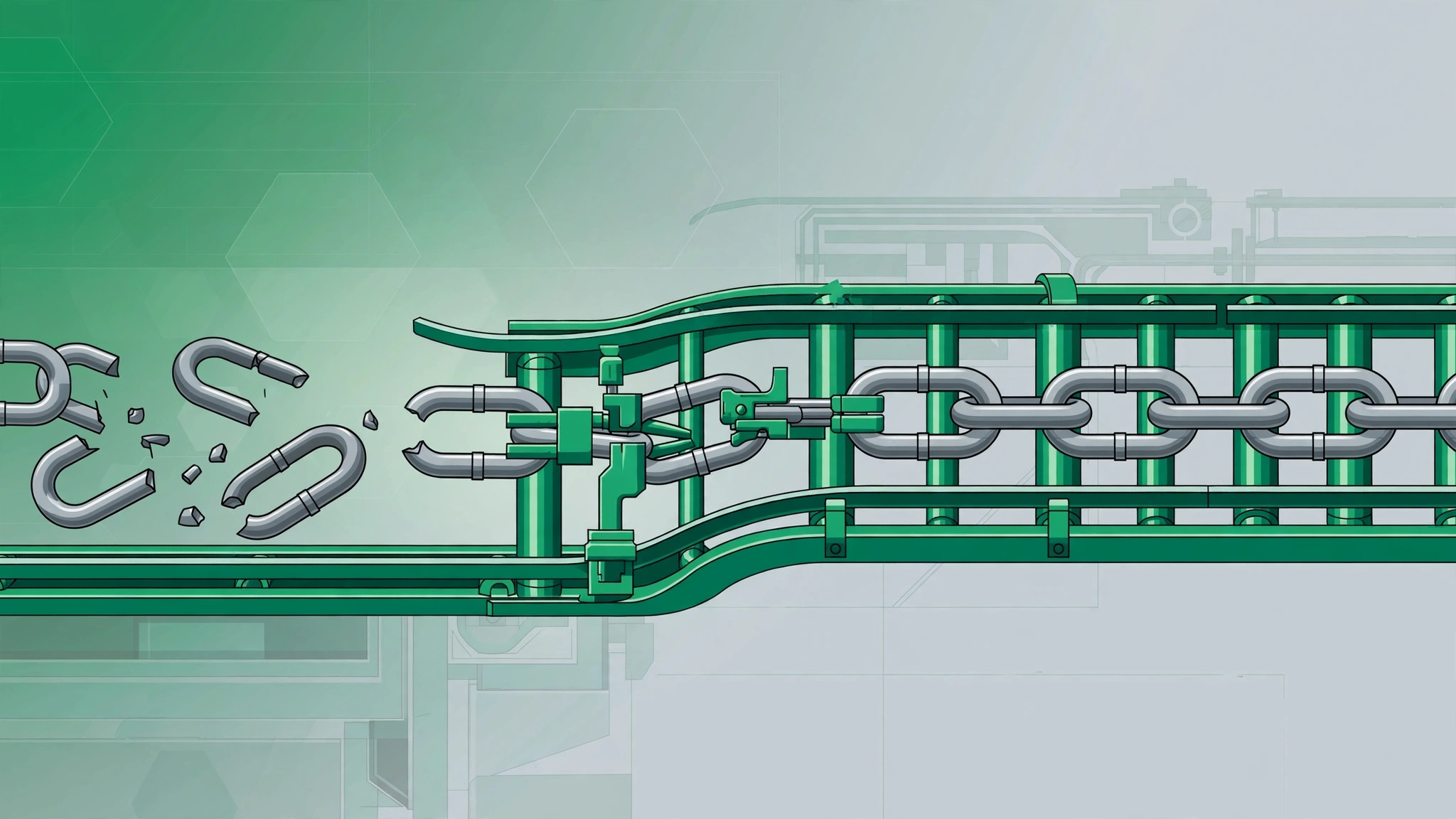
Finding broken links is step one. Here’s what to do with them:
For broken internal links: Update the link to point to the correct page. If the target page was deleted intentionally, either restore it or set up a 301 redirect to the most relevant existing page. Never leave internal links pointing to 404s — you’re telling Google your own site is poorly maintained.
For broken external links: Find a replacement resource and update the link. If no good replacement exists, remove the link but keep the surrounding content. Don’t link to the Wayback Machine as a permanent fix — it’s a band-aid, not a solution.
For broken backlinks (others linking to your dead pages): This is the highest-value fix. Set up 301 redirects from every dead URL that has external backlinks pointing to it. You’re reclaiming link equity you already earned. Use Google Search Console or Ahrefs to find which dead pages have the most referring domains, and prioritize those.
For broken images: Re-upload the image or replace it. Broken images hurt more than broken text links because they’re immediately visible to every visitor.
Troubleshooting: When Checkers Get It Wrong
Broken link checkers aren’t perfect. Here’s how to handle false positives and edge cases:
False 404s from bot protection. Some sites (especially those behind Cloudflare) block automated crawlers and return 403 or 404 to bots while working fine for humans. If a checker flags a link that works in your browser, it’s likely bot protection — not a real broken link. Verify manually before “fixing” it.
Temporary server errors. A 500 or 503 during a scan might just mean the target site was briefly down. Re-check flagged links individually before making changes. Good checkers let you re-verify single URLs.
Redirect chains. A link that redirects 3+ times before reaching its destination isn’t “broken,” but it’s slow and leaks equity. Most checkers flag these separately from true 404s. Fix redirect chains by updating the link to point directly to the final URL.
Soft 404s. Some sites return HTTP 200 for pages that don’t actually exist (showing a “not found” message with a 200 status). Basic checkers miss these. Screaming Frog and Ahrefs detect soft 404s by analyzing page content, not just status codes.
Using Broken Link Checkers for Link Building
Here’s the advanced tactic most people miss: use broken link checkers on other people’s sites to find link opportunities.
The process:
Step 1: Find resource pages in your niche. Search Google for keyword + intitle:resources or keyword + “useful links”.
Step 2: Run the resource page URL through a broken link checker (Dead Link Checker works well for single pages). Note every dead outbound link.
Step 3: Create content that replaces what the dead link pointed to. Use the Wayback Machine to see what the dead page contained, then make something better.
Step 4: Email the site owner: “I noticed [specific link] on your resources page is broken. I just published [your content] which covers the same topic — it might be a good replacement.” Be specific, be helpful, don’t be pushy.
Conversion rates are typically 5–10%, but the links are editorial, relevant, and permanent. Five hours of work for two high-quality links beats fifty hours of low-quality outreach. Our guide to broken link building covers this strategy in full detail.
How Often Should You Check for Broken Links
Small sites (under 100 pages): Quarterly manual check is enough. Links don’t break that fast on small sites.
Medium sites (100–1,000 pages): Monthly checks. Set up automated scanning if your tool supports it.
Large sites (1,000+ pages): Weekly automated scans with email alerts. At this scale, links break constantly — external sites go down, pages get deleted, URLs change. Manual checking isn’t feasible.
After major changes: Always run a full check after site migrations, redesigns, or bulk content deletions. These are the highest-risk moments for creating broken links at scale.
To understand how broken links fit into your overall link health, read our guide on how backlinks work and learn to audit your backlink profile regularly.
Frequently Asked Questions
What is the best free broken link checker?
For WordPress sites, the “Check for Broken Links” plugin offers unlimited free scanning with no account needed. For any website (not just WordPress), Dead Link Checker provides free full-site crawling through your browser. Both are genuinely free — not time-limited trials.
Do broken links hurt SEO?
Yes, in three ways: they waste Google’s crawl budget (fewer of your pages get crawled), they leak link equity from backlinks pointing to dead pages, and they signal poor site maintenance. Google has confirmed that excessive broken links can negatively impact how it evaluates site quality.
How do I find broken backlinks pointing to my site?
Use Google Search Console (Coverage report filtered by 404s) or Ahrefs (Best by Links report filtered by HTTP code). Any dead page on your site with external backlinks should get a 301 redirect to the most relevant live page. This reclaims link equity you’re currently wasting.
Can broken links on other sites help my SEO?
Yes — through broken link building. Find dead links on relevant resource pages, create replacement content, and pitch it to the site owner. It’s one of the highest-converting white-hat link building tactics because you’re solving the site owner’s problem (a broken link) while earning a link for yourself.
How often do links break?
Faster than you’d expect. Studies of link rot suggest that a significant percentage of links go dead within a few years of being created. External links break more often than internal ones because you don’t control the target site. This is why ongoing monitoring matters more than one-time audits.
Done-for-you podcast backlinks
Get your brand on Apple Podcasts, Spotify, Amazon and 25 more trusted platforms — placed by hand, reported link by link.